
A JavaScript redirect uses a small piece of browser-side JavaScript to send visitors to the destination instead of an HTTP redirect. Like a Meta Refresh Redirect, the visitor briefly loads a real HTML page — but the redirect itself is triggered by JS, not by the browser’s redirect mechanism.
Why It Matters: Bot and Prefetch Resilience
Modern web infrastructure is full of automated systems that “click” links without a human being involved:
- Search engine crawlers that follow links to index them;
- Link checkers that verify URLs aren’t broken;
- Email security scanners that follow every link in inbound mail to check for phishing;
- Browser prefetch features that fetch likely-next pages before the user clicks;
- Social media unfurlers that follow links to generate previews.
Most of these systems don’t run JavaScript. So when they hit a JavaScript-redirect link, they:
- Get the wrapper page back;
- Don’t execute the JS;
- Don’t follow through to the destination;
- Don’t get counted as a click in your reports.
The result: your reports show real human clicks, not crawler noise.
When to Use JavaScript Redirect
- Email campaigns — Modern email security tools “click” every link in your message before delivery to scan for malware. JavaScript redirect prevents these scans from inflating your click counts;
- High-traffic affiliate links — Bots and prefetch can otherwise drown the real clicks in noise;
- Anywhere bot pollution is a concern — Particularly when Bot and IP Filtering isn’t catching everything.
When Not to Use JavaScript Redirect
- When SEO equity matters — JS redirects don’t pass SEO authority cleanly. Use a 301;
- When some visitors might have JS disabled — Rare today, but possible. Visitors without JS will see a blank page (or a fallback link, depending on your setup) instead of being redirected;
- For form actions — JS redirects can’t preserve POST data.
Setting It Up
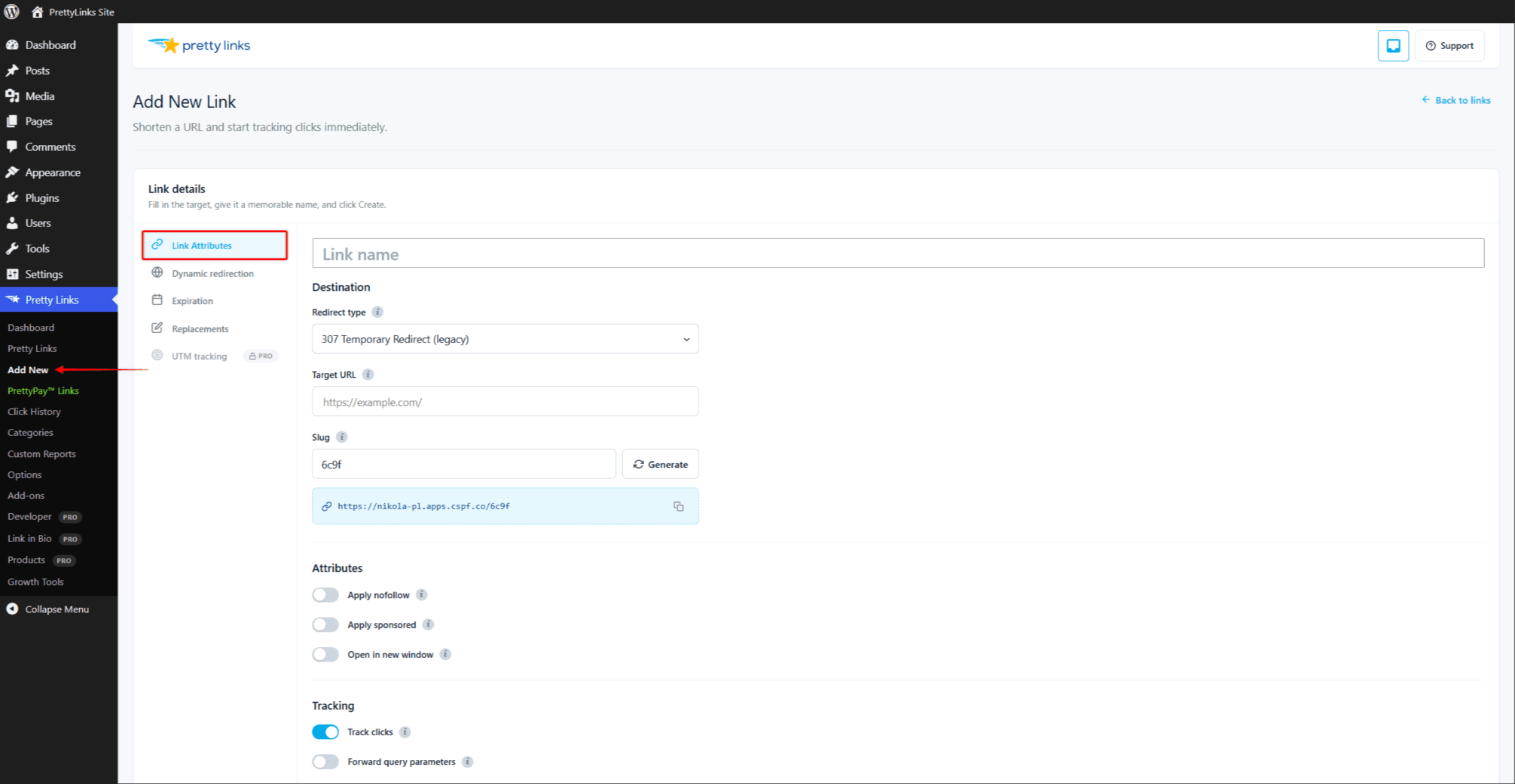
- Edit the link.
- In the Redirect type dropdown, select JavaScript redirect.
- Click Update.
Test the link from a normal browser session — it should redirect like any other link. The behavior change is invisible to humans; only the bots see a different result.
What Visitors See
Visitors briefly load the wrapper page and are redirected by JavaScript. On a fast connection, this is barely perceptible. On a slow connection, they may see a blank page for a fraction of a second longer than they would with a 302.
The wrapper page also gives any client-side analytics (Google Analytics, Facebook Pixel) a chance to fire — the same advantage as a Meta Refresh Redirect.
Combining With Tracking Pixels
A common pattern: use JavaScript redirect for paid traffic where bot pollution would skew conversion attribution, and combine it with conversion pixels on your destination page. The visitor lands cleanly, your tracking fires, and the bots don’t interfere.
Combining With Other Features
JavaScript redirect works with:
It doesn’t combine with Tracking Pixel or Pretty Bar — those are alternative behaviors. Pick one redirect type per link.