
Rotation lets a single pretty link distribute clicks across multiple destination URLs. Each visitor sees one of the variants you’ve configured, chosen either at random (with weighting) or in order (round-robin).
It’s the foundation for load balancing, multi-destination campaigns, and the Split Tests feature.
What Rotation Can Do
- Distribute traffic evenly across multiple landing pages;
- Send clicks to different affiliates based on weights you set (e.g., 70% Affiliate A, 30% Affiliate B);
- Round-robin through partners so each one gets the next click in sequence;
- A/B test creative by sending half your traffic to one page and half to another.
Two Rotation Modes
Weighted Random
Weighted random is the default rotation mode. Each variant has a weight (a number you choose). When a visitor clicks the link, Pretty Links picks a variant at random, with each variant’s chance of being picked proportional to its weight.
Examples:
- Variant A: weight 1, Variant B: weight 1 → 50/50 split;
- Variant A: weight 3, Variant B: weight 1 → 75% / 25% split;
- Variant A: weight 7, Variant B: weight 2, Variant C: weight 1 → 70% / 20% / 10%.
Weighted random is the right choice when you want statistical distribution (each visitor independent of the next) and the ability to dial percentages with precision.
Sequential (Round-Robin)
Variants are served in order: 1st visitor gets variant A, 2nd gets B, 3rd gets C, 4th gets A again, and so on.
Sequential is the right choice when you want exact distribution — for example, sending each new lead to a different sales rep in turn. With round-robin you know variant counts will stay perfectly balanced over time.
Setting Up Rotation
- Edit the link you want to rotate.
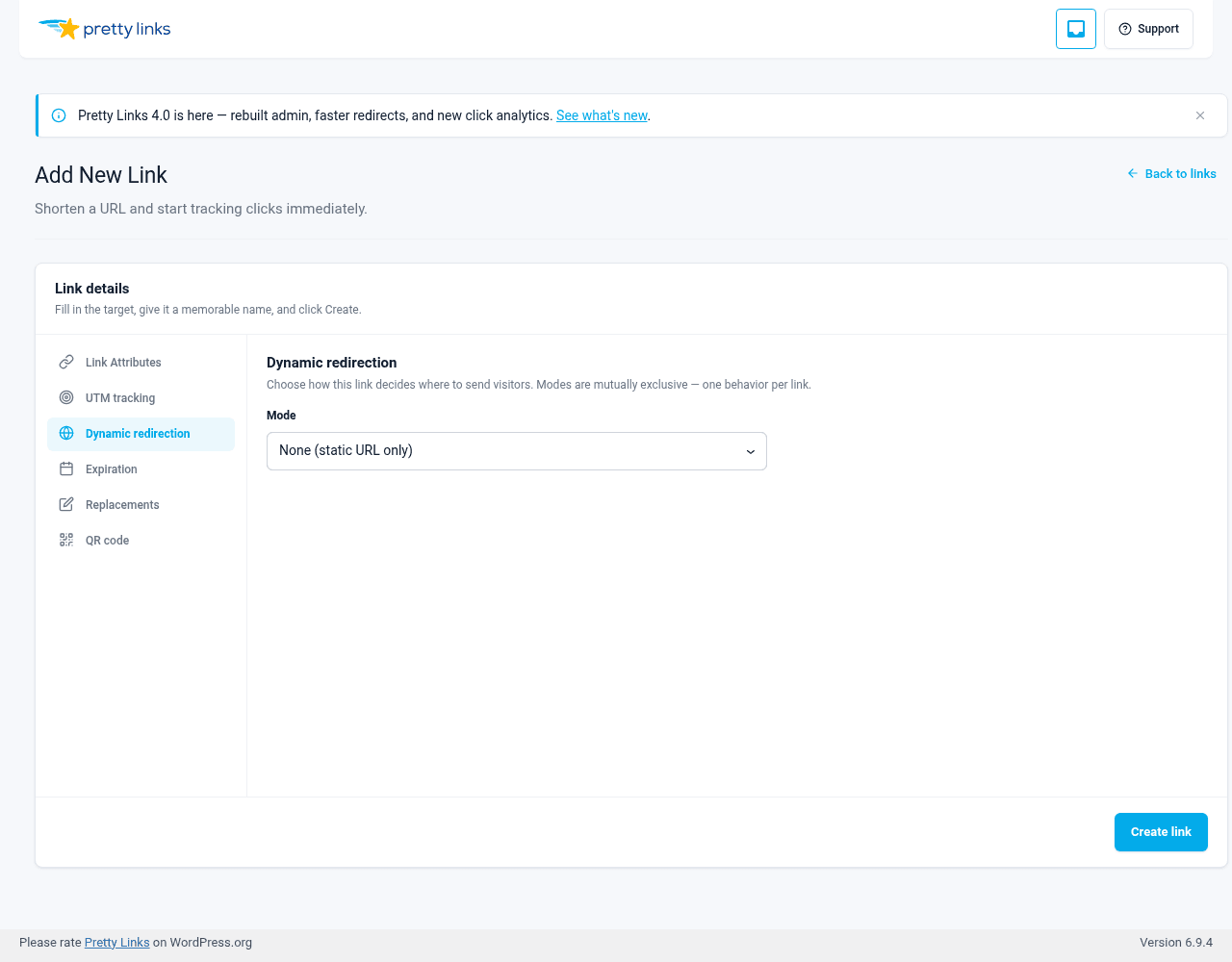
- Open the Dynamic redirection tab.
- Set Mode to Rotation.
- In the URL rotation panel, click Add URL for each destination URL.
- Choose a distribution mode — Weighted random or Sequential (round robin).
- If using weighted random, set each variant’s weight (the UI suggests weights summing to 100).
- Save the link.
Use the up/down buttons on each row to reorder variants.
Per-Variant Click Counts
Each variant tracks its own click count. From the link’s edit screen, you can see at a glance how many clicks each variant has received.
This is essential for Split Tests, where you compare variant performance against each other or against a goal link.
Per-Visitor Stickiness
Conversion attribution in Split Tests keys on a visitor’s Cookies Explained prli_visitor cookie, so a returning visitor’s later goal hit attributes back to whichever variant they originally saw — even if rotation picks a different variant on a return visit. The variant pick itself is re-rolled on each click.
Combining With Targeting
Targeting rules are evaluated before rotation. So if you have:
- A targeting rule for “Country is Canada → /ca-page”;
- And a rotation between three variants for everyone else.
…Canadian visitors always go to /ca-page, and everyone else gets one of the three rotation variants. See Targeting for more.
Combining With Other Redirect Types
Rotation works with any redirect type — 301, 302, Cloak Redirect, Pretty Bar. The redirect type applies to whichever variant gets chosen.
When to Use Rotation vs. Targeting
Use targeting when you want a deterministic rule — “iOS users always go to the App Store.” Use rotation when you want a statistical distribution — “send 70% of clicks here and 30% there.” You can combine both.
Tips
- Start with even weights if you’re unsure. Adjust later based on data;
- Use sequential when balanced distribution matters more than statistical independence (lead routing, contest entries);
- Check variant counts periodically to confirm rotation is working as expected. Big skews usually mean a variant URL is broken or being filtered;
- Always test all variants. A broken variant URL still gets its share of clicks, and visitors hitting it will be confused.