
Free Your Workflow From Manual Linking
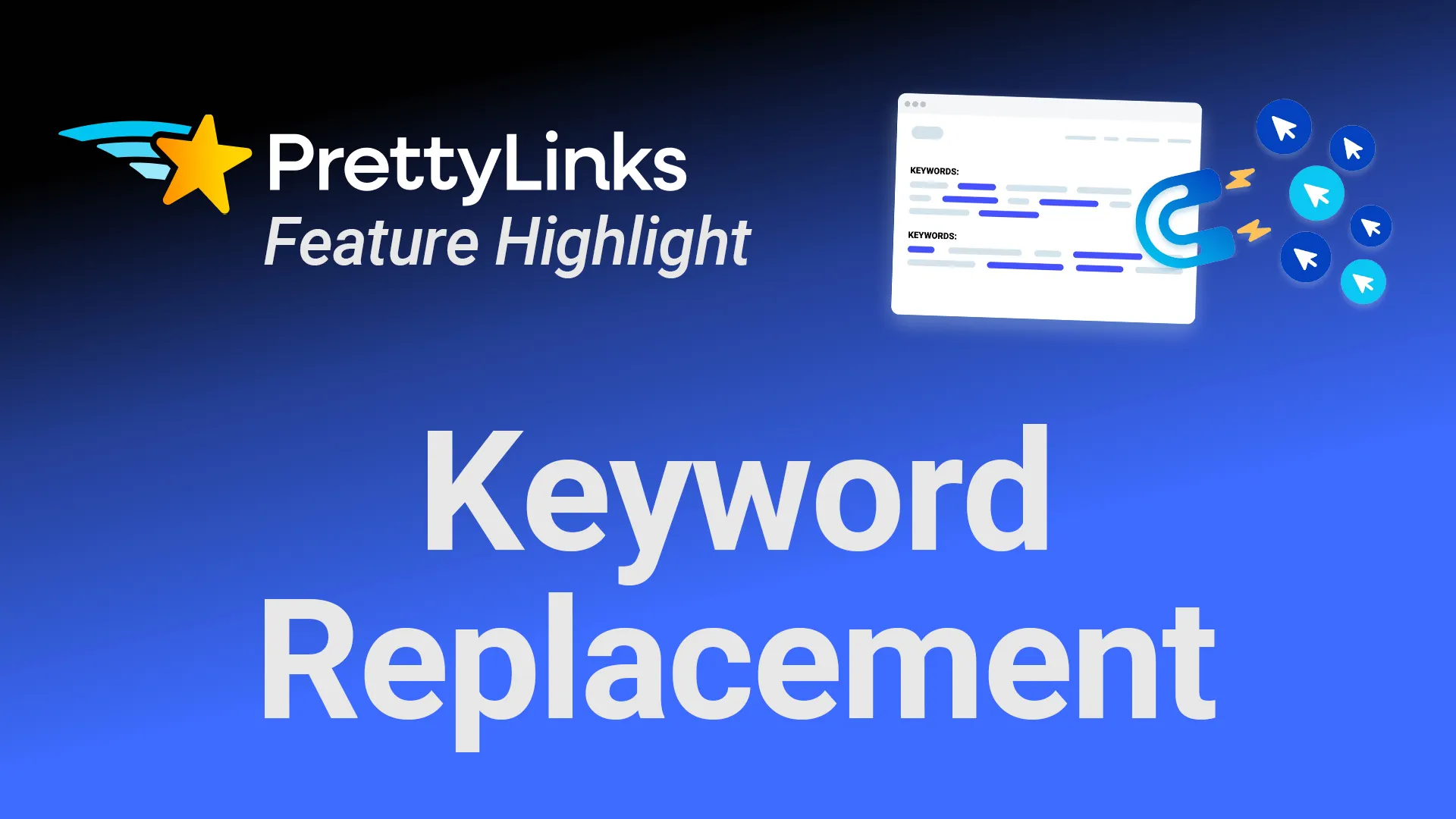
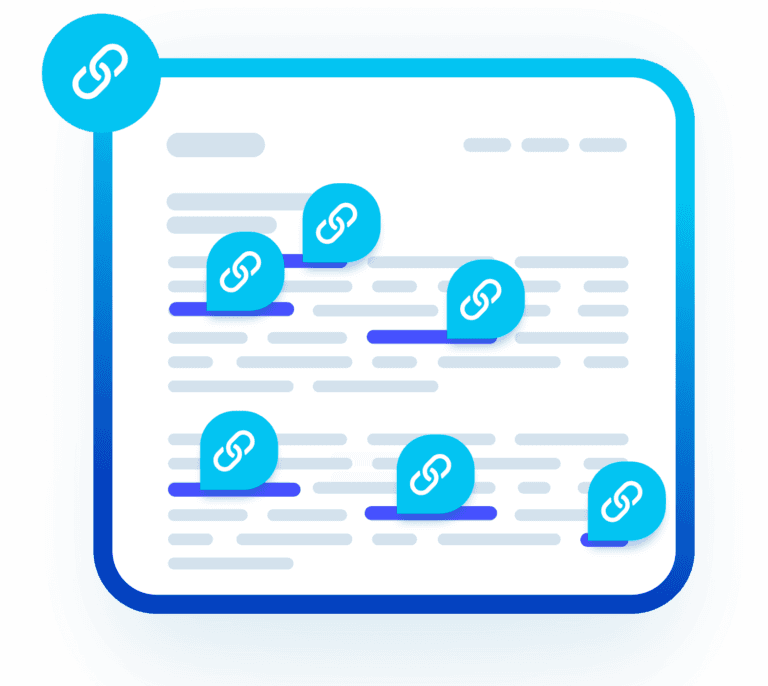
Save hours by letting PrettyLinks auto-link your affiliate offers. Simply add your keywords, and with one setup, every past, current, and future post is monetized automatically.
There’s no need to revisit articles, disrupt your writing flow, or backtrack for missed mentions—every opportunity is linked without you ever having to do it manually.
Give Old Posts New Monetization Potential
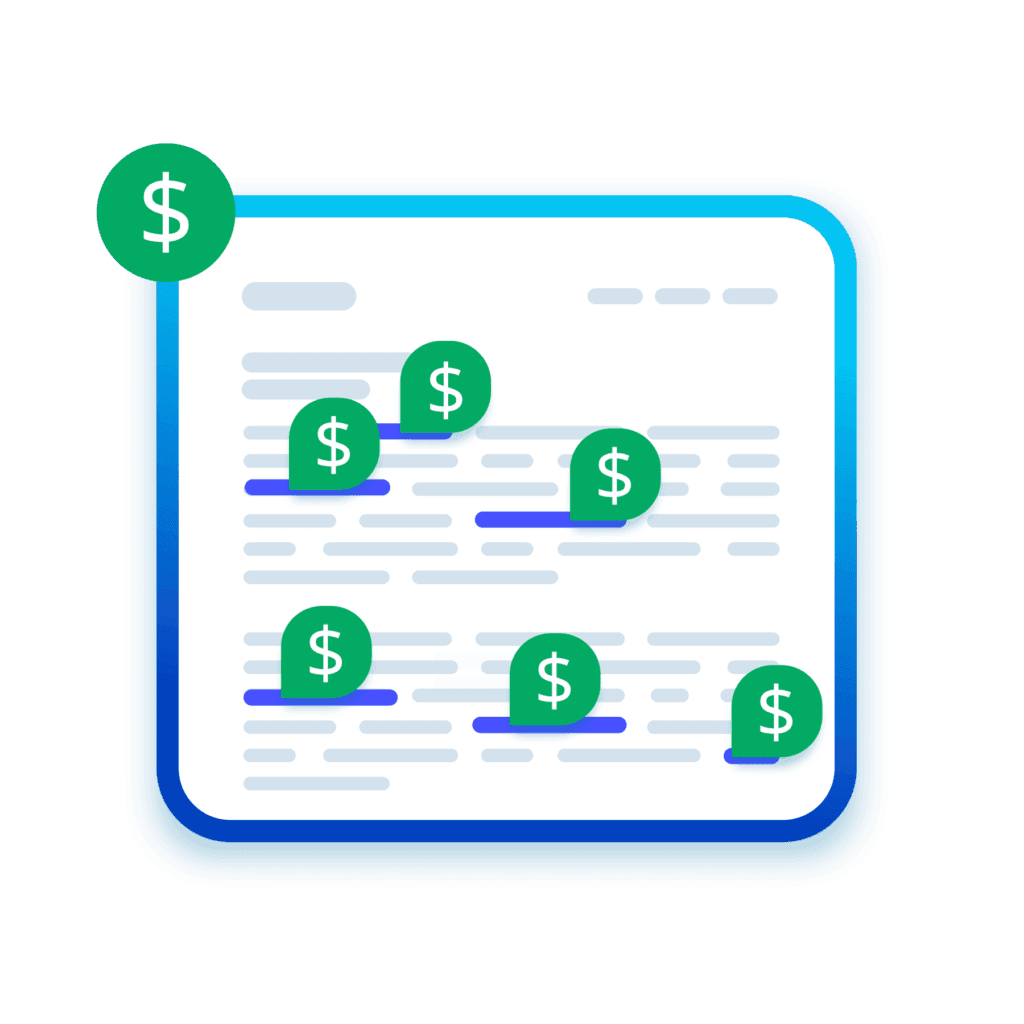
Keyword Replacement keeps every post profitable long after it’s published by automatically applying new affiliate offers to older content.
The evergreen guides and archived posts you wrote months (or even years) ago are refreshed with new monetization potential, all without pulling you away from creating new content.
Direct the Click on Duplicate Keywords
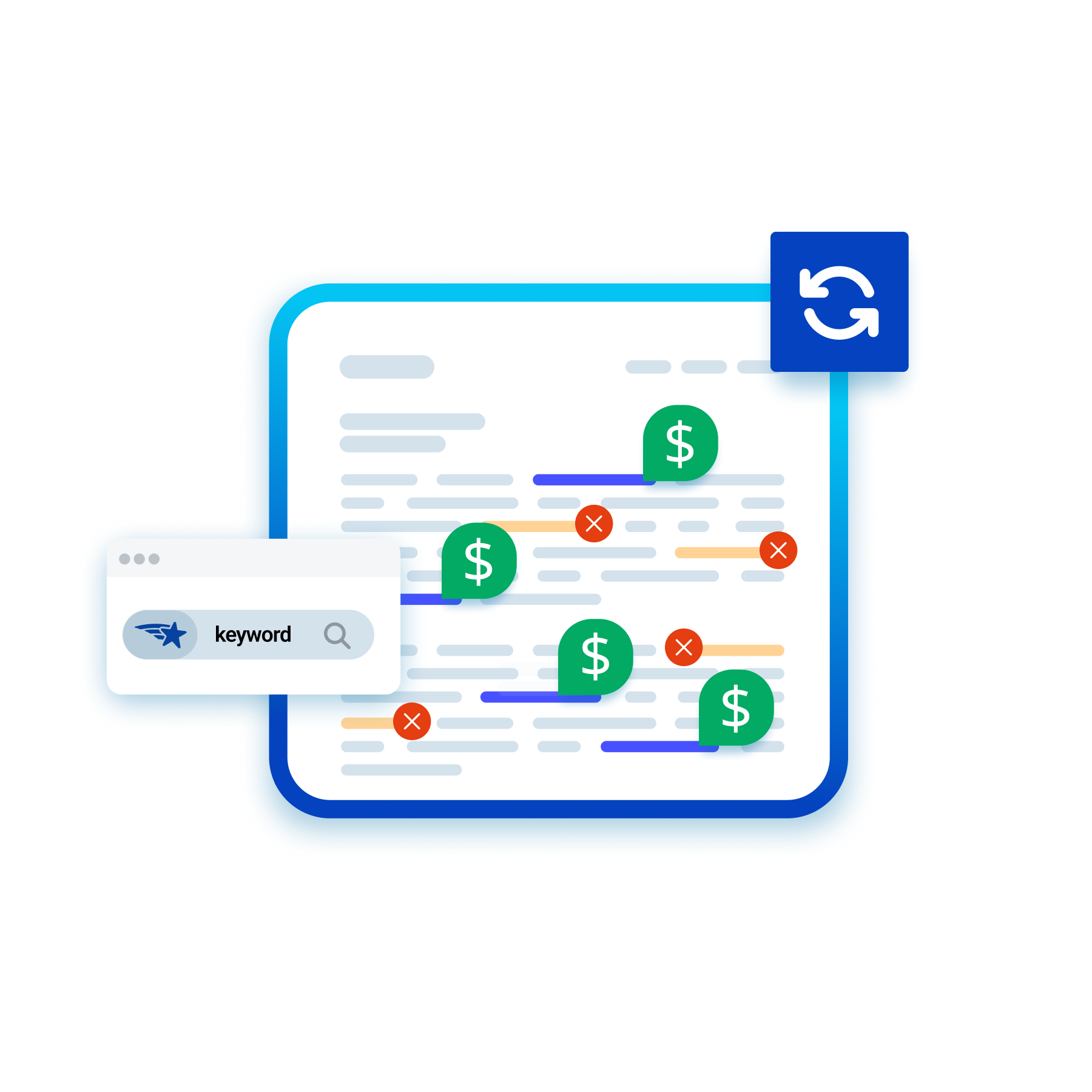
Scan your entire library for a keyword that’s assigned to more than one affiliate link, then choose the single link that should keep it.
PrettyLinks removes that keyword from every other link it was attached to, so the replacement always sends your clicks to the product you know converts.
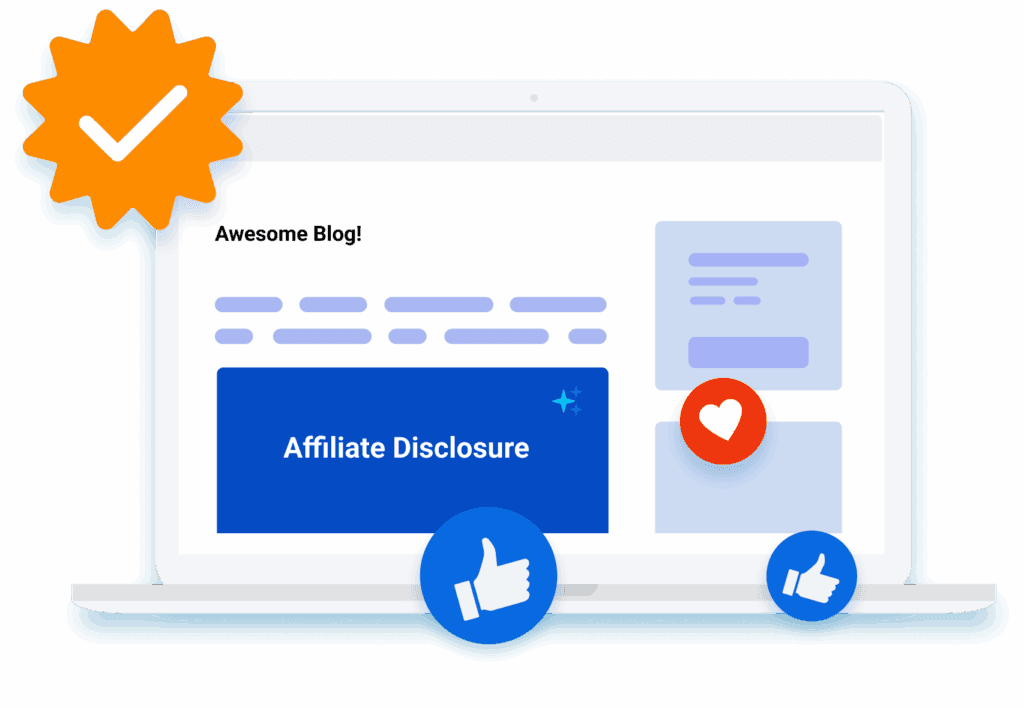
Stay Compliant With Auto-Added Affiliate Disclosures
When affiliate links are added through Keyword Replacement, PrettyLinks also takes care of compliance by automatically inserting clear disclosures.
Add a simple inline note or choose exactly where on the page to place your linked disclosure statement, keeping every monetized post transparent, trustworthy, and aligned with FTC guidelines.
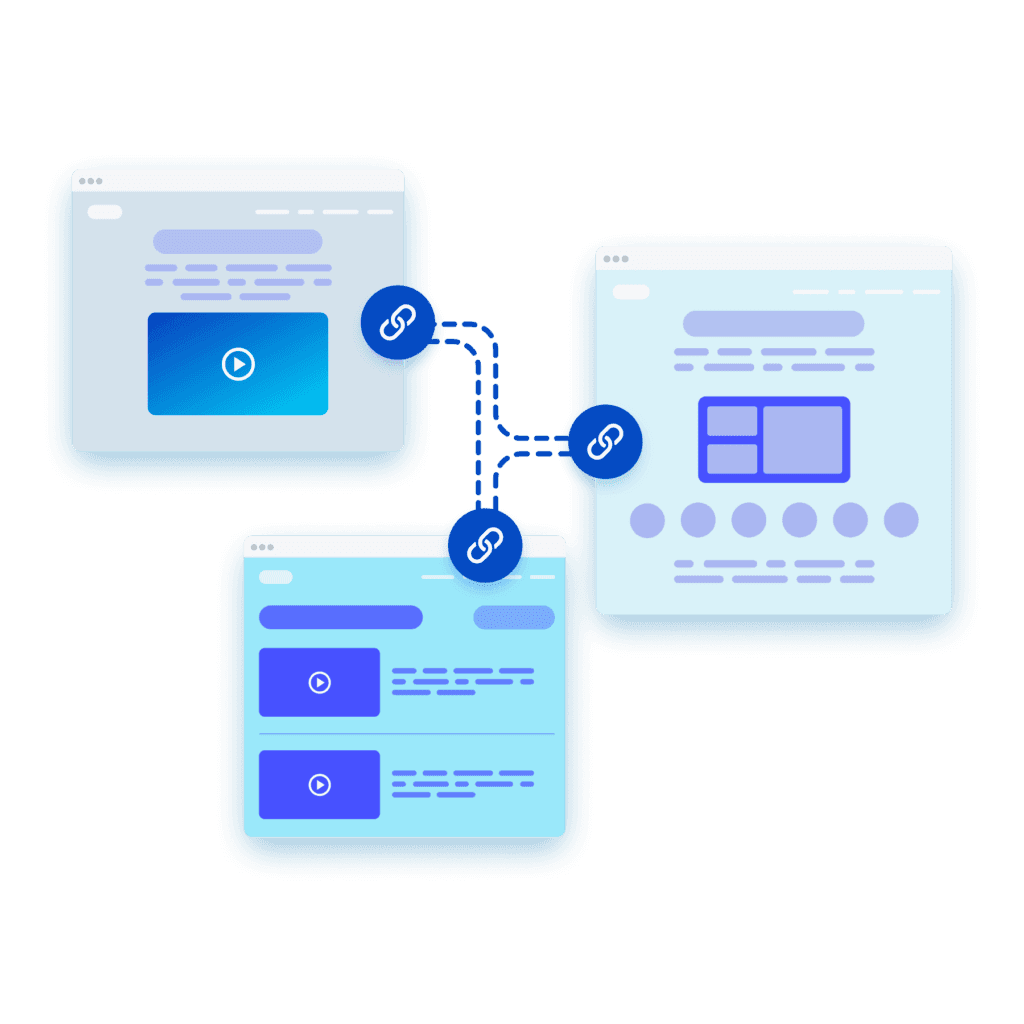
Keep Visitors Exploring With Internal Links
Help visitors navigate your site by auto‑linking engaging phrases to relevant resources, such as pointing them to FAQs for quick answers or contact forms when they’re ready to reach out.
Readers will end up spending more time on your site, view more pages, and move naturally toward the next step—all while strengthening your site structure and improving SEO.
Avoid Affiliate Link Overload
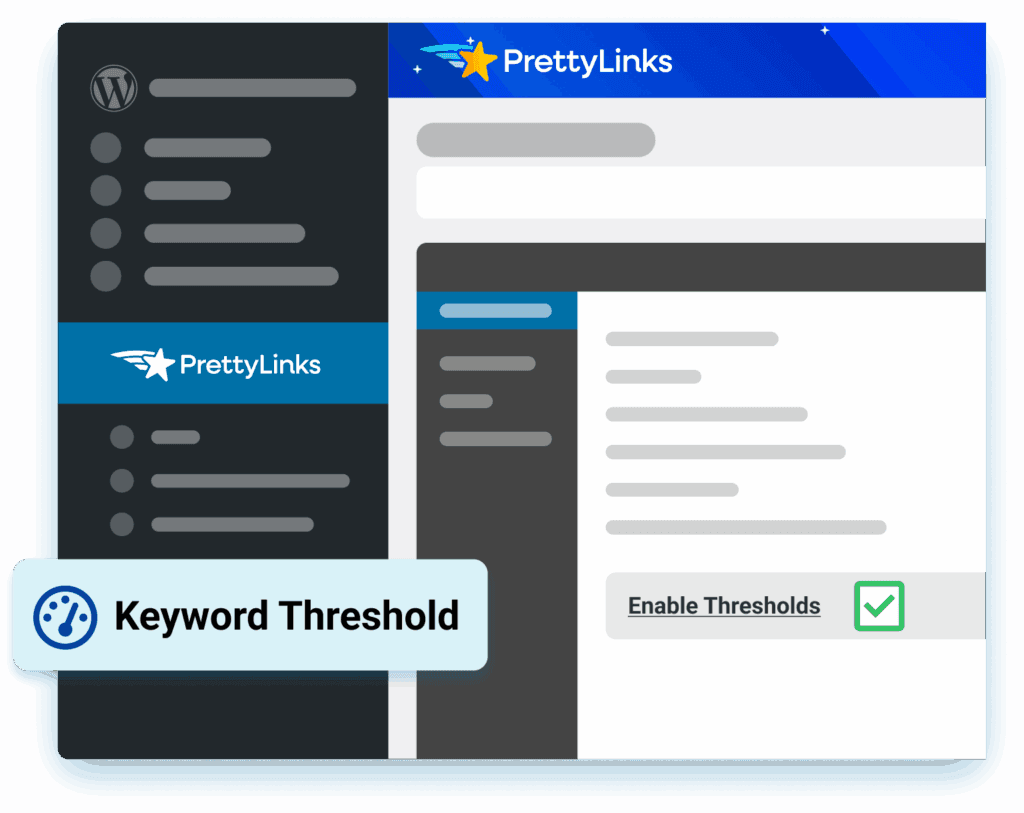
Limit how many times a keyword is linked on each page and throughout blog posts so your content stays clean, intentional, and easy to read.
Your URLs still get the visibility they deserve, but without filling your posts with distracting duplicates that make the page look like a block of ads.
Customize to Your Brand’s Style
Decide how much attention your monetized keywords deserve. You can keep them subtle for a seamless reading experience, or style them to pop off the page with bold colors and hover effects.
You’re in full control of how they look and react, turning even the click experience into a reflection of your brand, voice, and personality while highlighting the offers you want readers to notice most.
Frequently Asked Questions
Answers on auto-linking keywords with PrettyLinks, setting replacement limits, excluding pages, and staying SEO-safe.
Nope. Your words stay exactly as you wrote them. PrettyLinks Replacements only handles the linking.
Nothing gets rewritten, reworded, or quietly “revised” behind your back. PrettyLinks sticks to matching the keywords you’ve picked and turns them into affiliate links. Same content, same voice, same typo you swear you’ll fix someday — now with a paycheck attached.
Our Keyword Replacements doc explains more about what gets linked and what gets left alone.
Yes. PrettyLinks keyword replacement covers everything you’ve ever written — past, present, and whatever you publish next.
Add a keyword once, and every mention of it across your archive becomes a live affiliate link. Which means the product you wrote about three years ago is suddenly just as monetized as the one you write on tomorrow.
Our Keyword Replacements doc walks you through how to add your first keyword and start getting paid by your word count – literally!
Yes, and you should. PrettyLinks keyword replacement lets you assign as many keywords as you want to a single link.
Start with the official product name, then add the shorthand you use once you’ve already introduced it, plus the phrases you reach for when you’re not naming it at all. All of them point to the same link, no matter which one made it into the sentence.
Check out our PrettyLinks Replacements article for more ideas on the kinds of words and phrases worth linking.
Yes, thresholds handle it. By default, PrettyLinks keyword replacement links three different keywords per post and each keyword no more than twice.
So even if you’ve mentioned the same product nine times in one article, only two of those turn into links. Your post reads like a post instead of a billboard. You can tighten it further by giving any single keyword its own limit at Options → Replacements.
Our Keyword Replacements doc walks you through adjusting those limits to fit how you write.
Yes, and it’s worth setting up before you turn replacements loose. The global exclusion list at Options → Replacements lets you name any page, post ID, or URL pattern where keyword replacement never runs.
Most people start with their homepage, landing pages, and anywhere they’d rather keep a reader on their own site than send them somewhere else. For one-offs — like a tutorial where you placed every link on purpose — there’s a per-post toggle right in your editor sidebar.
Our Post Options doc shows you where to find that toggle and how it works.
Only if you go overboard, which PrettyLinks makes pretty hard to do. Thresholds limit how often keywords link, and you can apply nofollow and sponsored across every replaced link from Options → Replacements.
Set those two things once and automation stops being an SEO risk. Your archive gets monetized, your links get labeled the way Google wants them, and you never think about it again.
Our nofollow guide breaks down what each attribute does and when you actually need it.
Quite a bit more than keywords. The same Replacements engine also swaps raw URLs you’ve already pasted into posts for your branded pretty links, and drops affiliate disclosures onto the pages it monetizes.
Three tools, one setup. If keyword replacement is all you’re running, you’re using about a third of what’s already sitting in your dashboard.
Our PrettyLinks Replacements article covers all three, plus every linking task you can cross off your to-do list permanently.