
Stop Hiding Links and Start Showcasing Them
Transform easily overlooked affiliate links into eye-catching showcases that stand out inside your content and invite real interaction from readers.
With stronger visibility and a shoppable layout, PrettyLinks Product Displays grab attention, convert more readers, and turn passive browsing into active buying from your blog.


Double Your Earnings with Dual-Link Displays
Give each display twice the opportunity to convert by adding two affiliate links instead of one—perfect for showing off multiple brands, price points, or buying options.
It’s a smarter way to compare offers side by side, appeal to more readers, increase link exposure, and boost commissions without crowding your content.
Control the Message That Drives the Conversion
Every Product Display provides plenty of space to write your own pitch and call out what makes the offer valuable and worth the click.
Use it to spotlight the benefits and seal the deal with your most persuasive points, giving readers what they need without having to scroll through the full post.


Convert More With Custom CTAs
Your audience deserves more than a generic call to action. Instead, add CTA buttons that speak to their needs and drive them to take action.
Customize the message, choose your colors, and create a branded experience that makes every click feel intentional and ready to convert.
Template Your Best Displays for Ongoing Use
Save every custom Product Display as a reusable template you can drag and drop into any page or post with just a few clicks.
Each one stays tied to its individual product link, keeping your design, copy, and layout consistent every time you want to feature that offer again—no rebuilding required.

Promote Multiple Buying Options With Product Groups
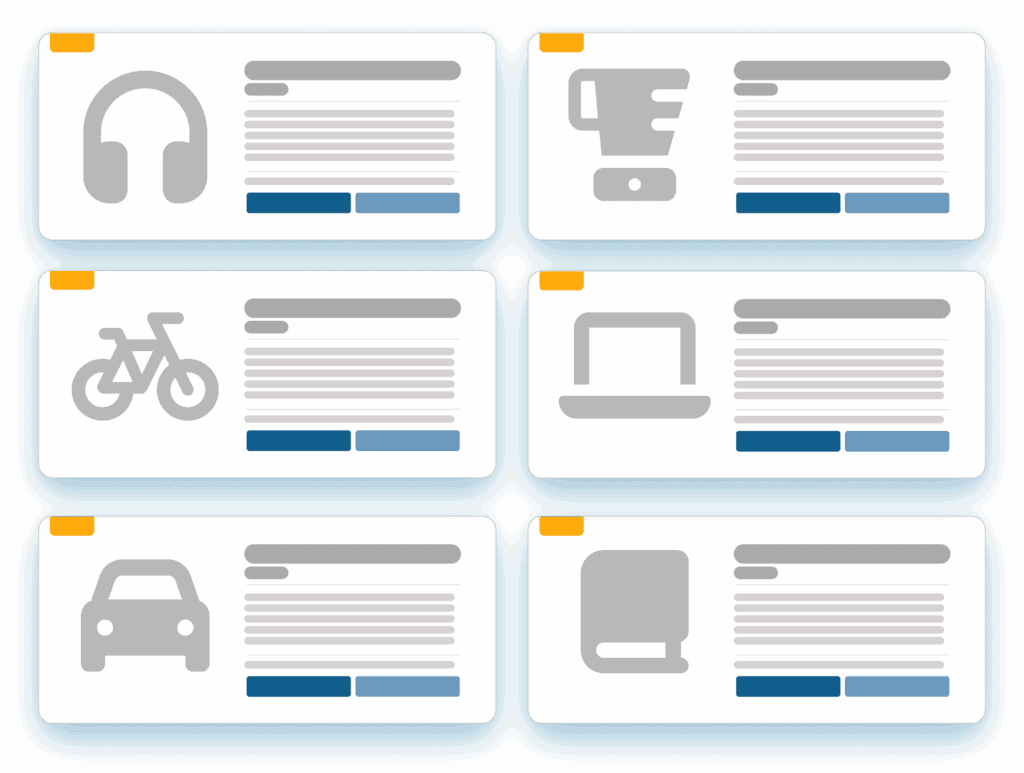
Group similar affiliate products together in one sleek grid to help readers compare options and click the one that meets thier needs.
Whether you’re listing top picks, similar tools, or different price points, Product Display Groups turn your content into an SEO-friendly list that’s easy to scan and even easier to earn from.
Cross-Sell the Complete Package
Use both link slots in a Product Display to pair complementary products your audience naturally buys together, like add-ons or bundle-worthy upgrades.
Featuring related products side-by-side drives more clicks and turns a single display into a multi-commission opportunity that earns more from every reader.
Frequently Asked Questions
Answers on how PrettyLinks Product Displays work in WordPress, how to reuse one across multiple posts, and how to group several products together.
Yes, six of them! Every product display you build can have its own look. When you drop several into a grid or list group, you can set one theme across the whole thing so it reads as a set.
A single product promotion gets to stand on its own, while your gear roundup can look nothing like your software comparison. Either way, you’ll see it happening live as you build, so there’s never a moment where you’re wondering how it’ll turn out.
Have a look at our Themes doc to see each theme and what kind of content it works best for.
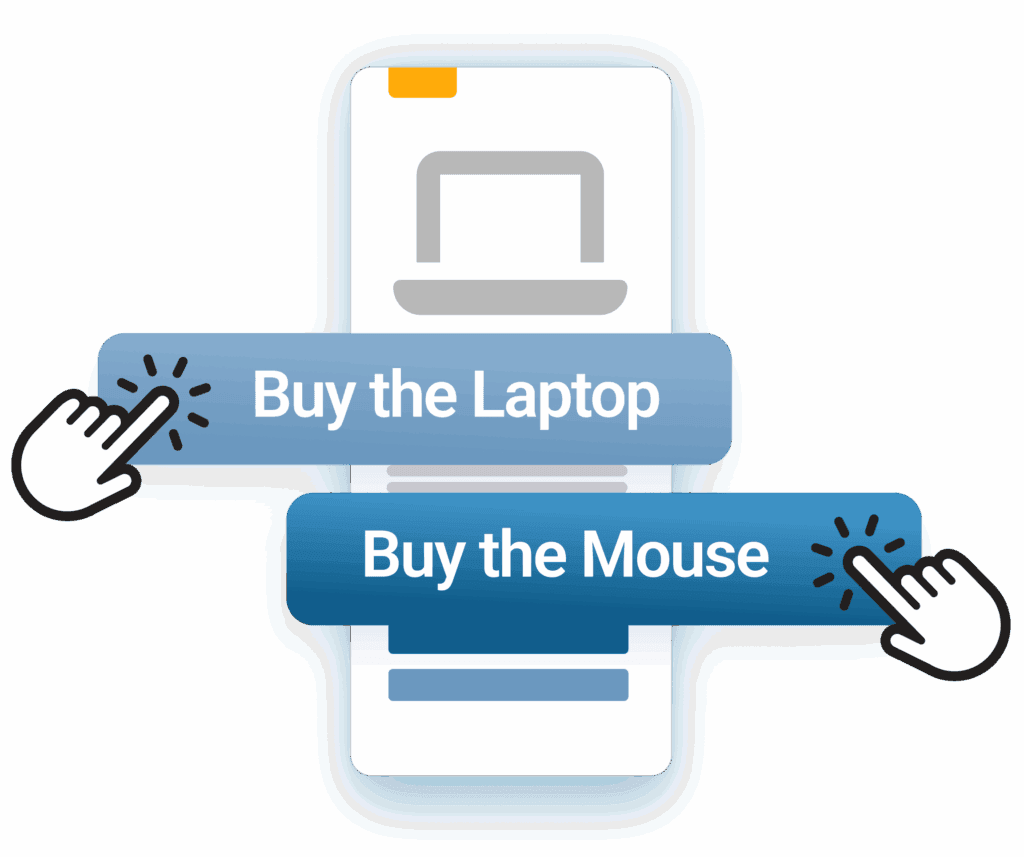
Yes. A display’s primary and secondary buttons can point at two different products, which opens up both cross-selling and upselling opportunities.
Pair the product with its obvious companion and you’re earning two commissions from one click-through. Or put the standard version next to the premium one and let readers talk themselves into the bigger purchase — same effort, higher payout.
Check out our Double Your Profits article for more creative ways to use both buttons on a single display.
Yes. Every product display carries a primary and a secondary button, and each points at whichever pretty link you choose.
Not everybody buys from the same place. Give them “Buy on Amazon” and “Check price at Walmart” and you stop losing the reader who just doesn’t shop where you do.
Even better, both button clicks report separately — so you’re not just earning more, you’re learning which merchant your audience actually prefers.
Check out our Double Your Profits article for more creative ways to use both buttons on a single display.
Nope, build it once and you’re done. Your PrettyLinks product displays are saved in one place and inserted wherever you need them.
You can drag and drop one straight from the WordPress editor, or copy the shortcode into sidebars, page builders, and anywhere else the block won’t go.
And if a price shifts or you want to swap a photo, you just edit the display itself. That one change updates everywhere you’ve used it — posts, pages, sidebars, grids, and lists.
Our Inserting Displays doc walks you through the different ways to add a display to your content.
Yes, and it’s what Display Groups were built for. You bundle the products you want shown together, then choose whether they lay out as a grid or a list.
Grids work best when you’ve got three or more products and the photos are doing the selling. Lists give you more room to stretch out the description, making them great for “best of” listicles where every pick gets its own pitch and the full content width to make it.
Either way, your reader gets a side-by-side view of their options instead of scrolling through paragraphs of content to find each one. More options in front of them means more chances to click, and a better shot at the sale.
Our Creating Product Groups doc walks you through building your first group.