
All add-ons can be found, installed, and automatically activated on the Add-ons page of Pretty Links.
To open it, go to Dashboard > Pretty Links > Add-ons.
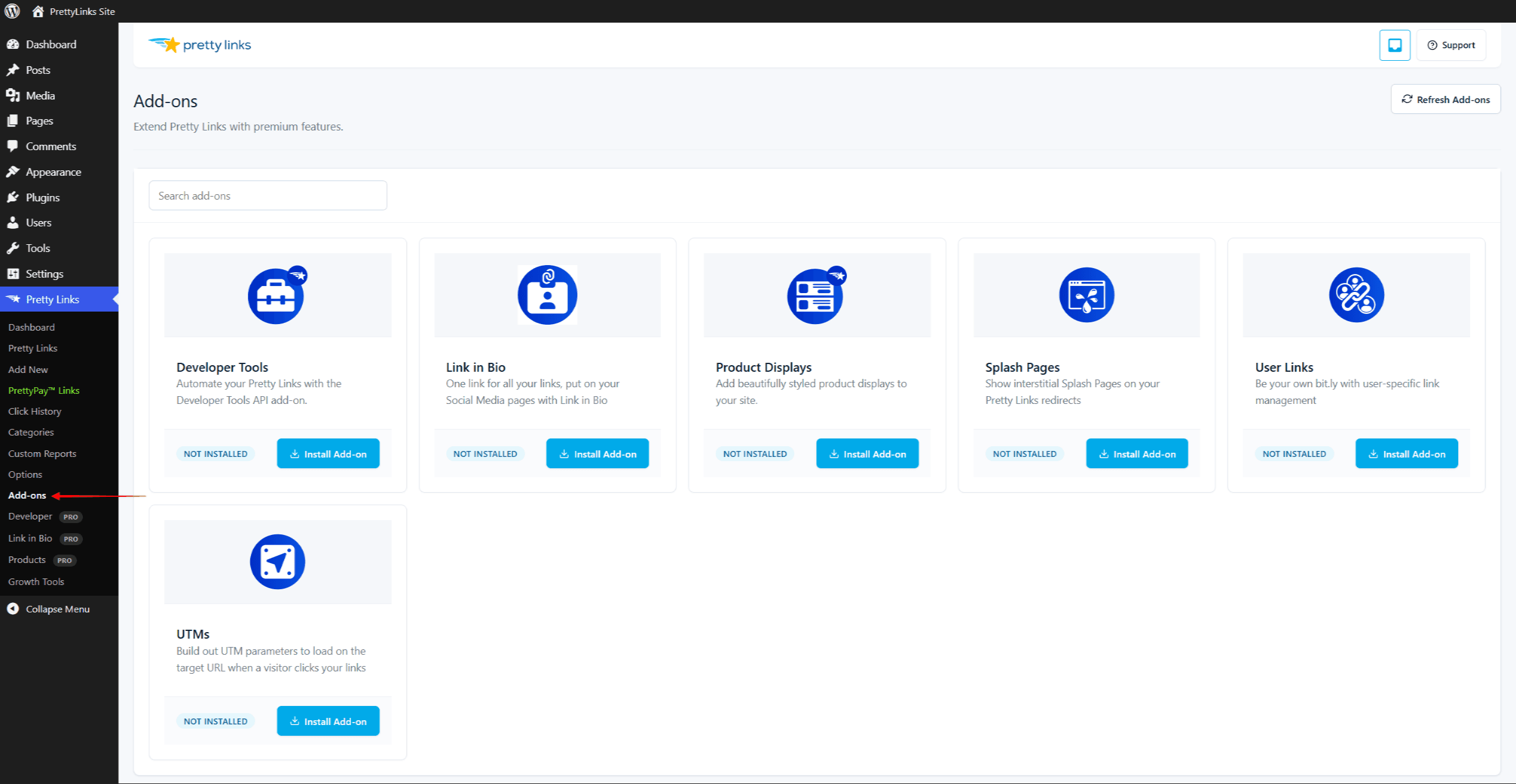
The Six Add-ons
Pretty Links Pro offers six add-ons. The plan you need depends on the add-on:
- Link in Bio – Marketer or Super Affiliate. Build a hosted bio page on your own domain;
- Developer Tools – Marketer or Super Affiliate. Integrate Pretty Links data through the REST API and webhooks;
- Product Displays – Super Affiliate. Show product cards with affiliate buttons;
- Splash Pages – Super Affiliate. Show a branded interstitial (heading, media, CTAs, and an optional countdown) before forwarding visitors;
- UTMs – Super Affiliate. Build Google Analytics UTM parameters (source, medium, campaign, content, term, and ID) on the link form, without manual URL editing;
- User Links – Super Affiliate. Provide a front-end, self-service link manager so logged-in users create and manage their own pretty links without entering the WordPress admin.