
Todos los complementos se pueden encontrar, instalar y activar automáticamente en la página Complementos de Pretty Links.
Para abrirlo, ve a Panel de control > Pretty Links > Complementos.
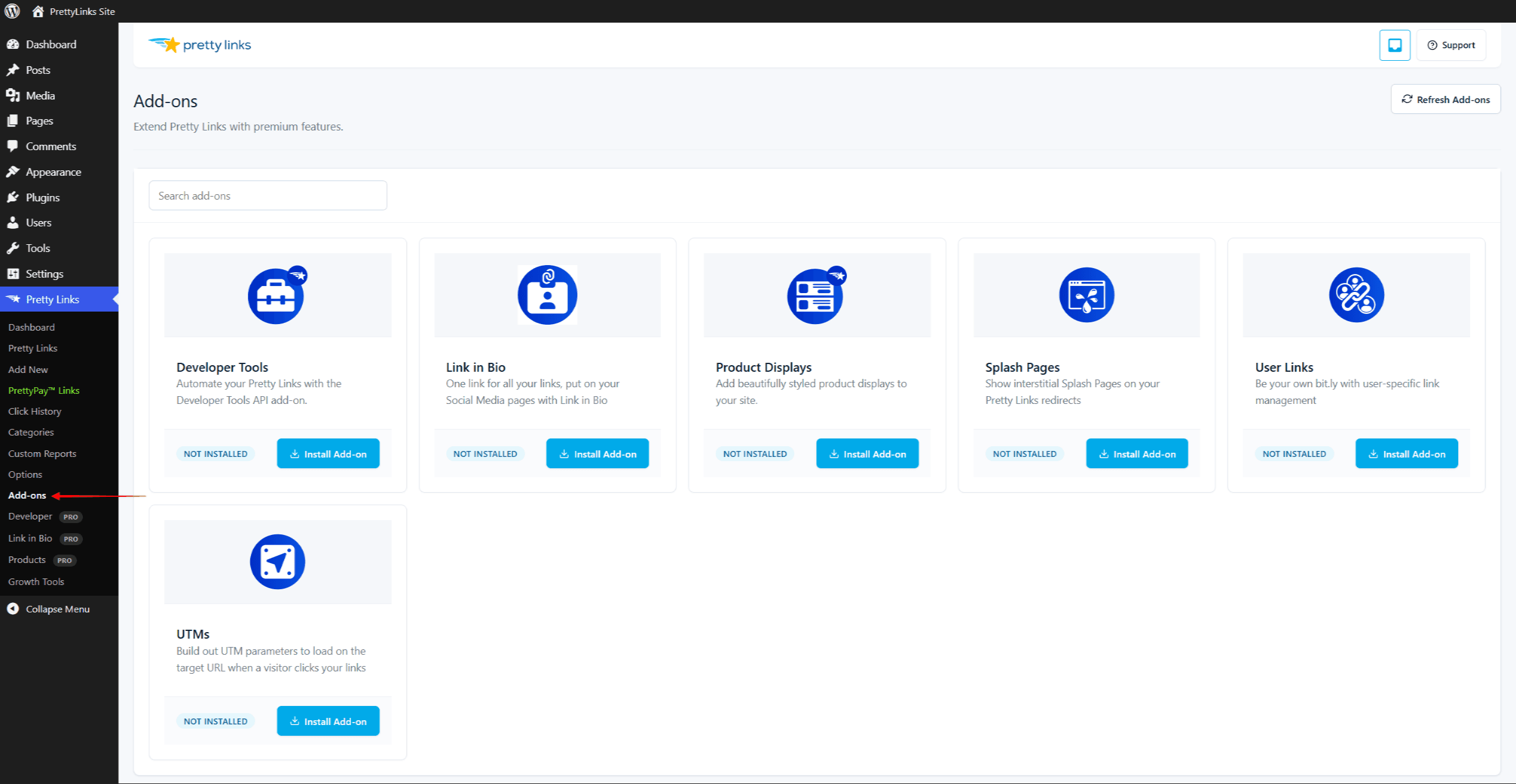
Los seis complementos
Pretty Links Pro ofrece seis complementos. El plan que necesitas depende del complemento:
- Enlace en la biografía – Profesional del marketing o superafiliado. Crea una página de biografía alojada en tu propio dominio;
- Herramientas para desarrolladores – Profesional del marketing o superafiliado. Integra los datos de Pretty Links a través de la API REST y los webhooks;
- Expositores de productos – Superafiliado. Mostrar fichas de productos con botones de afiliados;
- Páginas de presentación – Super Affiliate. Mostrar un intersticial con la marca (encabezado, contenido multimedia, llamadas a la acción y una cuenta atrás opcional) antes de redirigir a los visitantes;
- UTM – Super Affiliate. Crea parámetros UTM de Google Analytics (fuente, medio, campaña, contenido, término e ID) directamente en el formulario del enlace, sin necesidad de editar manualmente la URL;
- Enlaces para usuarios – Super Affiliate. Ofrece un gestor de enlaces de autoservicio en la interfaz pública para que los usuarios que hayan iniciado sesión puedan crear y gestionar sus propios enlaces personalizados sin tener que acceder al panel de administración de WordPress.