
Every Pretty Link sends visitors from your short URL to a target URL using a redirect type. The type tells browsers and search engines why the redirect exists. It also controls how the visitor reaches the destination.
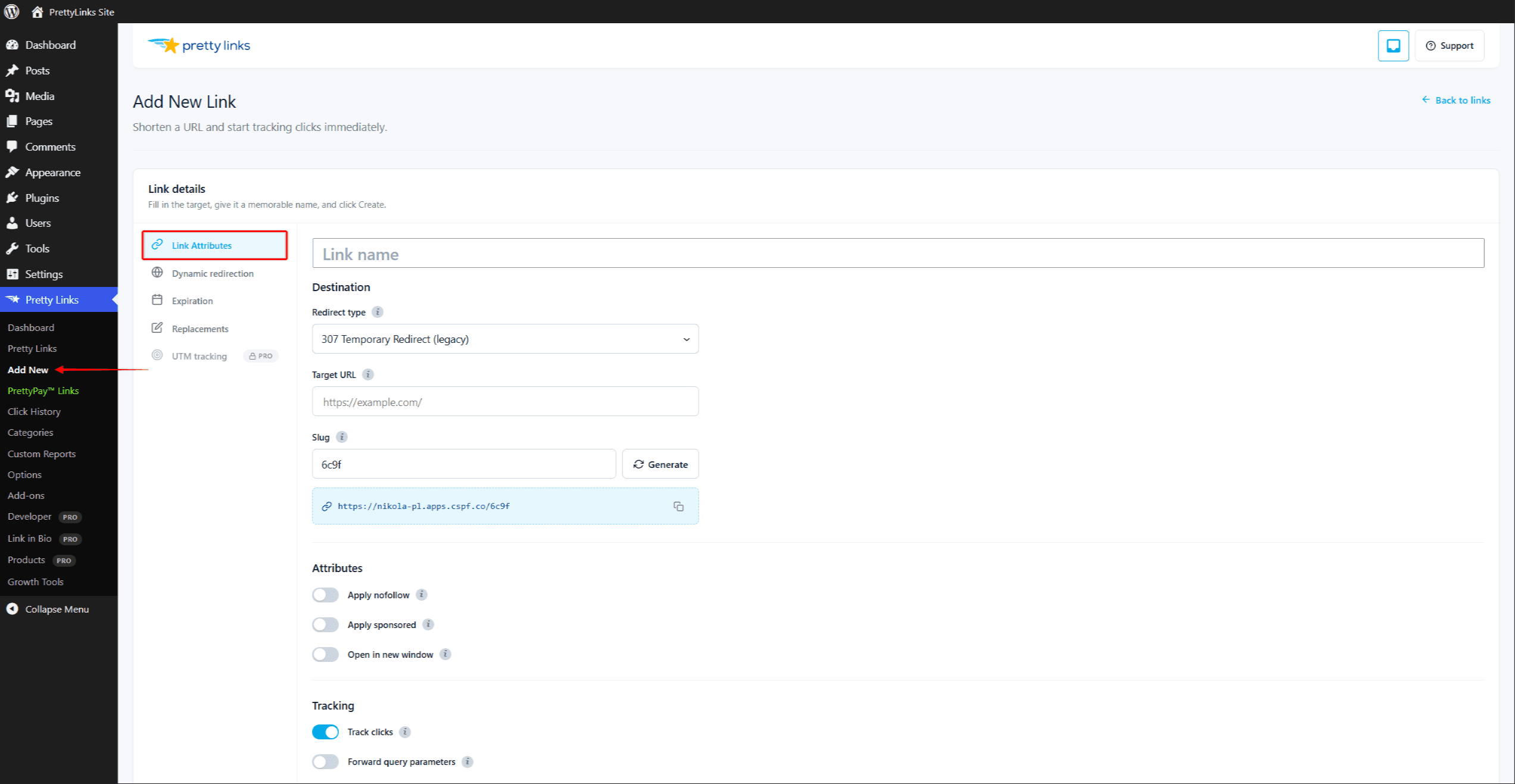
You pick the redirect type when you create a link, and change it any time from the link’s edit screen. The basic, admin-selectable types are 302 and 301. Pretty Links Pro adds several advanced types, and the 307 type is deprecated. Each is explained below.
301 — Permanent
A 301 redirect tells browsers and search engines: “This URL has moved permanently. Update your records.”
Use 301 when:
- You want SEO link equity (“link juice”) to flow from the pretty URL to the destination;
- The destination is unlikely to change;
- You’re consolidating old URLs into a new one.
301 redirects are aggressively cached by browsers. That’s good for performance, but it means if you change the target URL later, returning visitors might still be sent to the old destination until their cache expires. For links you might re-point in the future, choose 302 instead.
302 — Temporary (the Default)
A 302 redirect tells browsers and search engines: “This URL is temporarily pointing somewhere else. Keep checking back.”
This is the default redirect type for new Pretty Links and the right choice for most situations.
Use 302 when:
- You might change the target URL later (affiliate links, promos, A/B tests);
- You don’t need SEO equity to pass through;
- You want browsers to honor every visit fresh, not cache the redirect.
302 is the safest default — your link stays flexible and updates take effect immediately.
Pro Redirect Types
Pretty Links Pro unlocks several advanced redirect types. In the free version, these appear locked on the link’s edit screen as upgrade prompts.
- Cloak Redirect — Keeps your pretty URL in the address bar while serving the destination;
- JavaScript Redirect — Redirects from the browser, which strips the referrer;
- Meta Refresh Redirect — Redirects after a short delay from an intermediate page;
- Tracking Pixel — Returns an invisible 1×1 image and records the load instead of redirecting;
- Pretty Bar — Shows your branded bar over the destination page.
The Splash type is not part of core Pretty Links. The Splash Pages add-on registers it to show a branded interstitial before the redirect.
307 — Temporary, Preserves POST (Deprecated)
A 307 redirect is like 302, but it preserves the original HTTP request method.
In plain English, if a form was submitted (a POST request), a 307 forwards the form data along with the redirect. A 301 or 302 would change it to a regular GET request and lose the form data.
For ordinary clickable links, 302 works the same way and is more straightforward.
Quick Decision Guide
- Sharing an affiliate link? 302;
- Permanently moving content for SEO? 301;
- Need branding, an interstitial, or impression-only counting? Use a Pro type above;
- Not sure? Stick with 302.
Setting Your Default
You can change the default redirect type for new links at Dashboard > Pretty Links > Options > Links. Existing links keep whatever type they were created with — only new links pick up the new default.
If you need more advanced behavior — like keeping your pretty URL in the address bar, delaying the redirect, or tracking impressions only — see Cloak Redirect.