
Track Every Click From One Dashboard
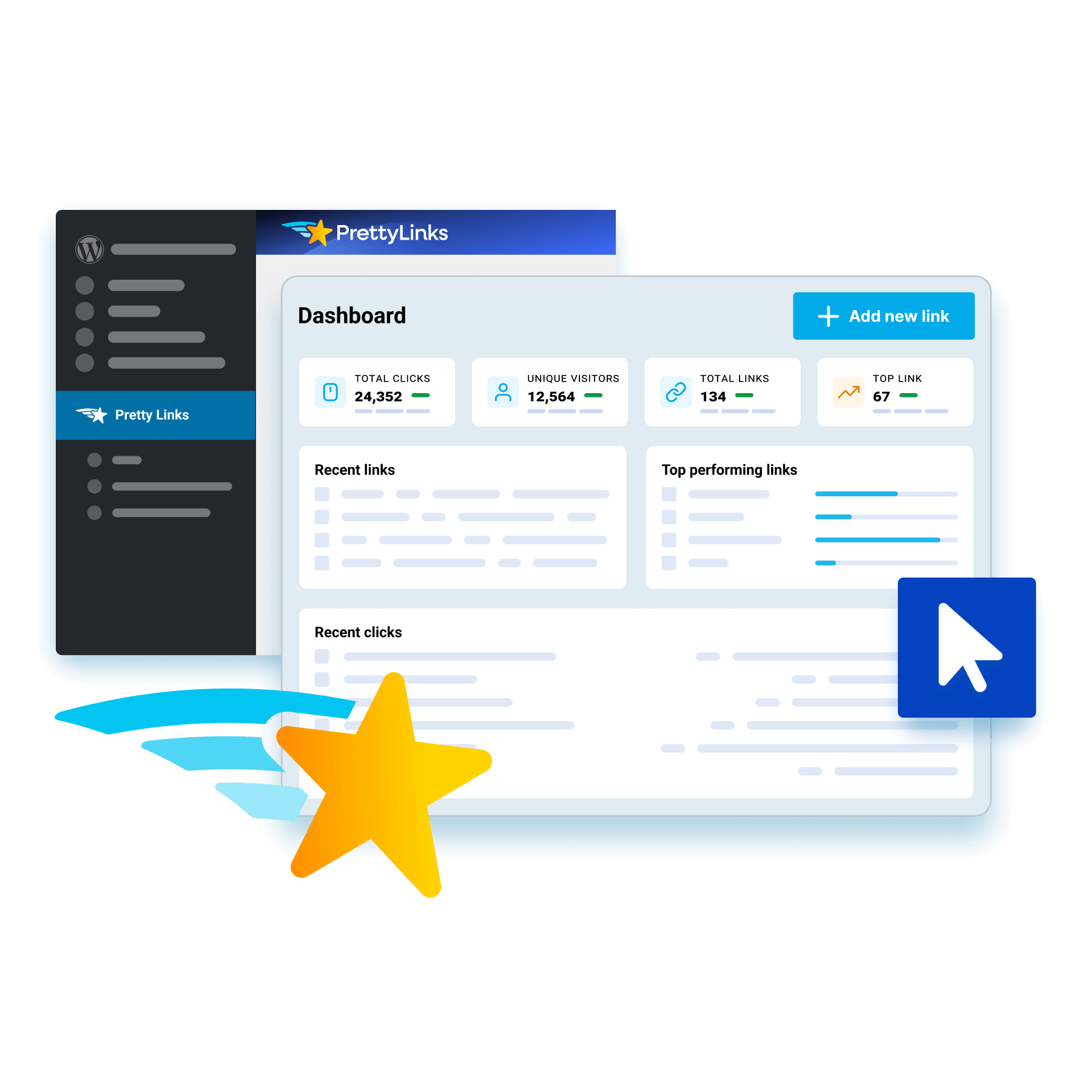
Bring your affiliate links from every program you promote into PrettyLinks and track how each one performs, no logging into individual accounts to pull the full picture together.
Your dashboard opens on the overview: total clicks, top-performing links, and your report charts, all before you drop into any single link for its own performance up close.
See Who’s Behind Every Click
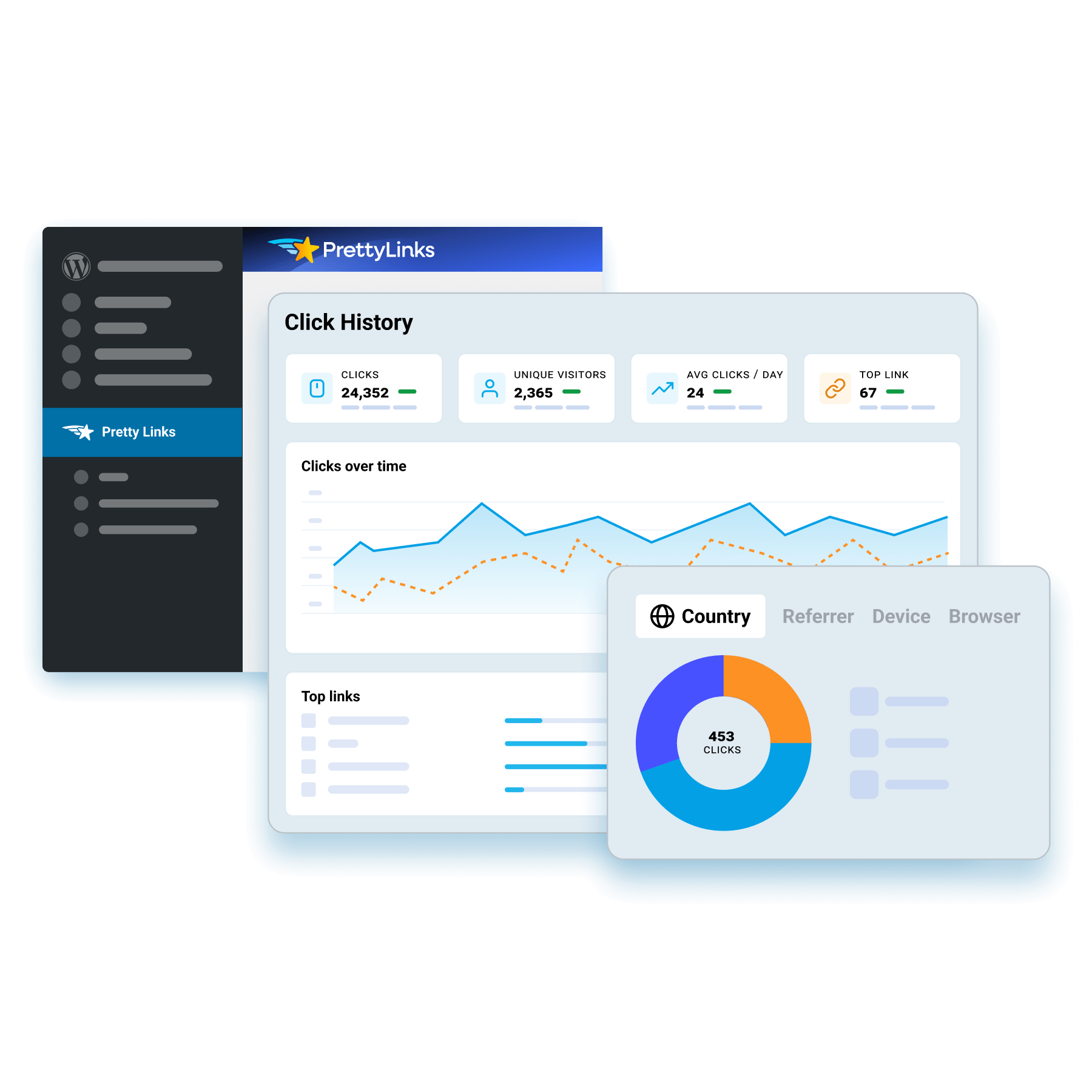
Discover where your clicks come from, what referred them, and the device and browser behind each one, for a clear read on the traffic your links pull.
PrettyLinks builds those breakdowns automatically as it tracks your click history, showing you your audience in the same detail you already track your links.
Build UTM Tracking Into Every Link
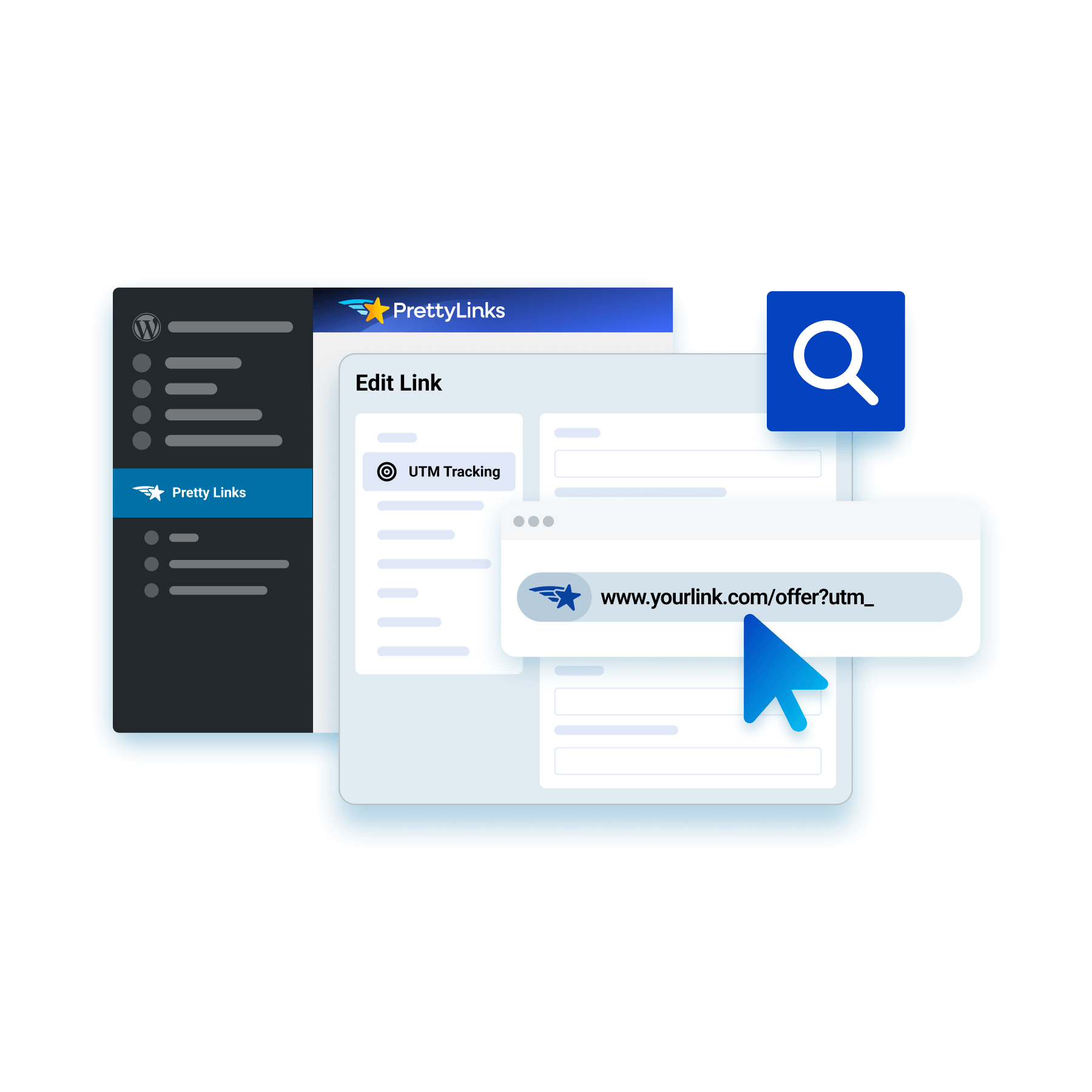
Add your source, medium, and campaign tags directly into the PrettyLinks link editor, skipping the error-prone spreadsheet work UTM tracking usually takes to set up.
PrettyLinks adds those parameters to your target URL, ready for Google Analytics to track by campaign while the pretty link you share stays short and unmistakably yours.
Keep Bots Out of Your Click Data
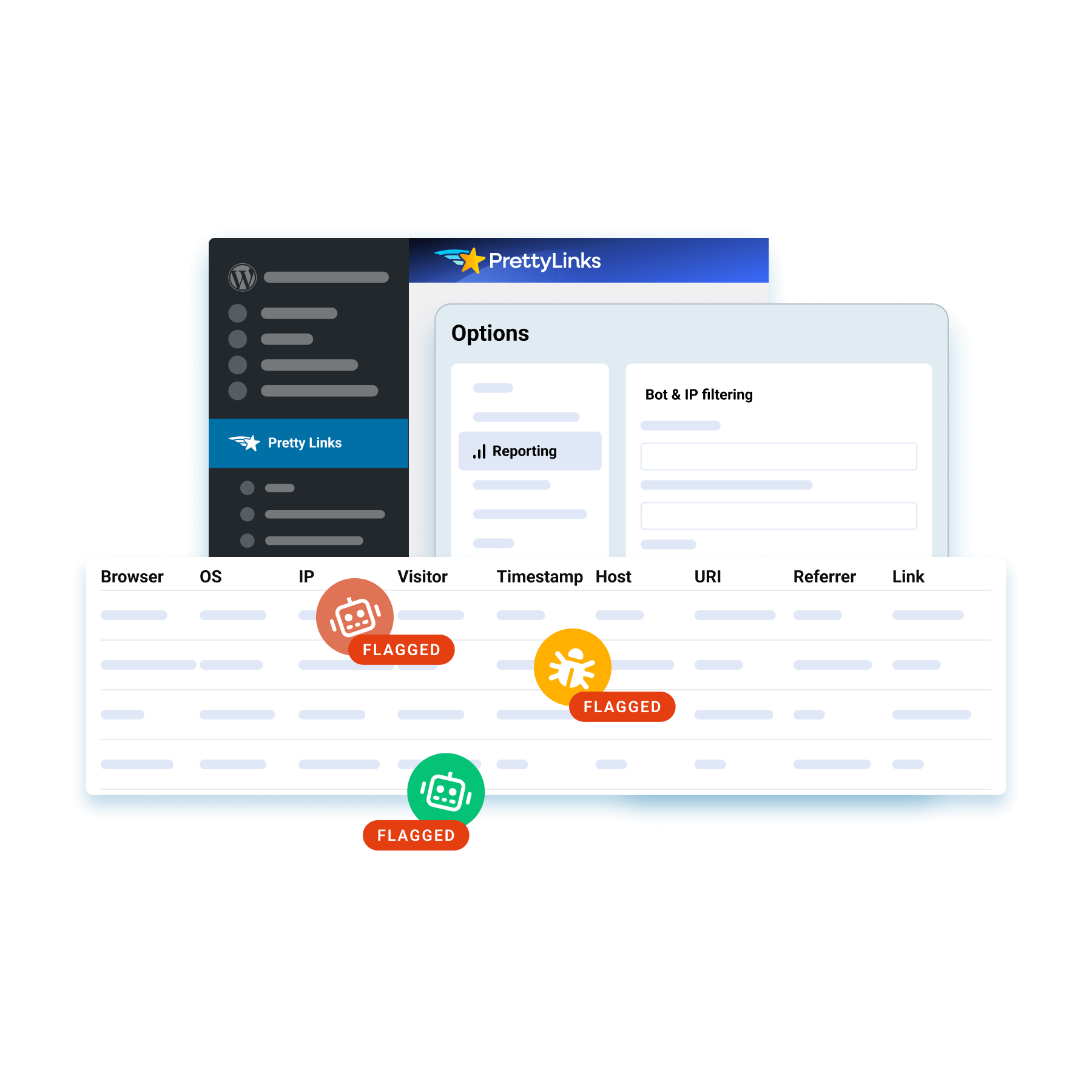
Filter out the AI crawlers and bots padding your click numbers so the data you see comes from genuine visitors, not automated traffic inflating your reports.
PrettyLinks recognizes over 70 of them out of the box and lets you add any others you want flagged, for click data solid enough to trust without a second look.
Respect Privacy While You Track
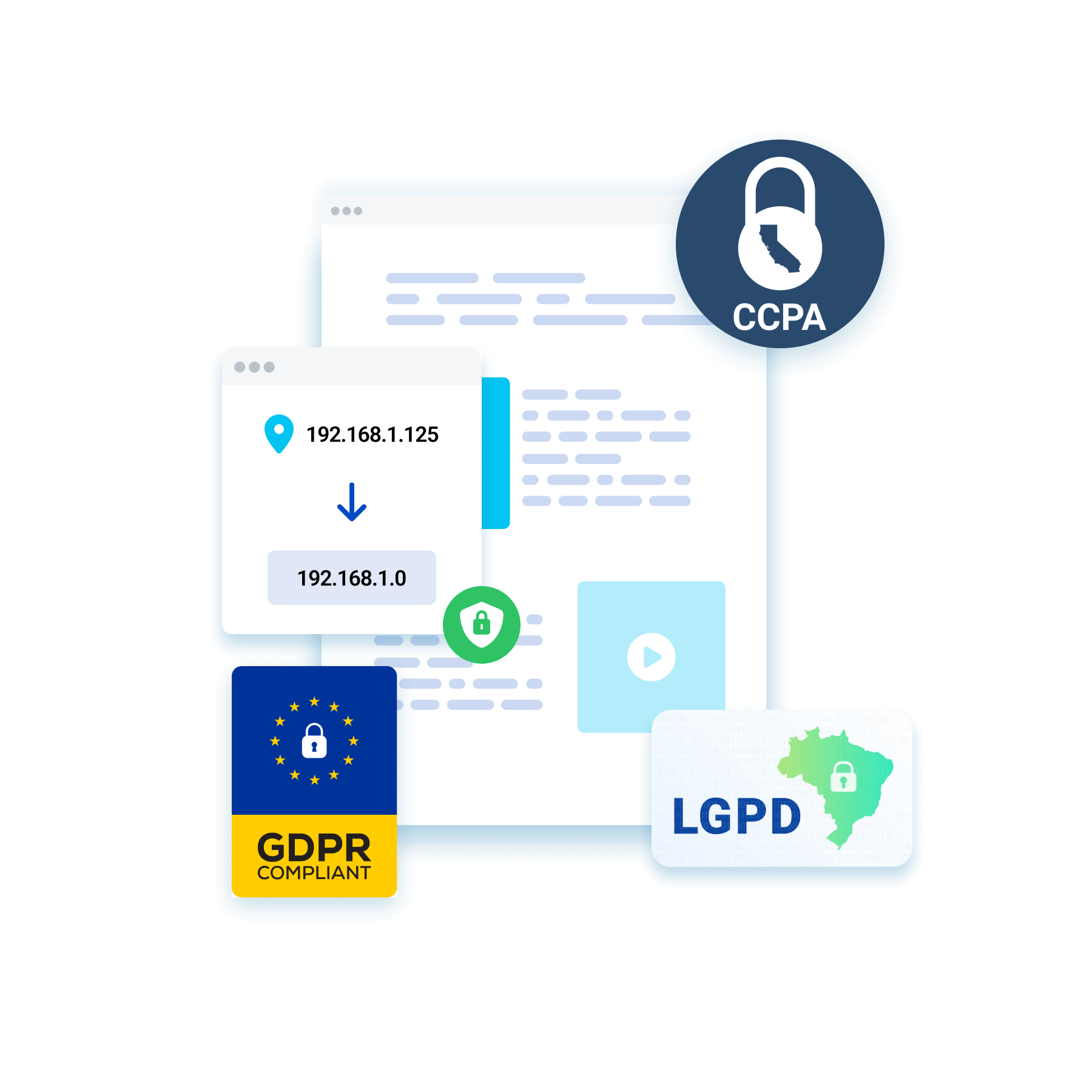
Flip on IP anonymization to measure all your traffic while leaving out the part of a visitor’s data that points to who they actually are.
You stay aligned with privacy laws like GDPR, CCPA, and LGPD, collecting everything your reports depend on without ever putting a visitor’s privacy at risk.
Know Which Clicks Followed Through
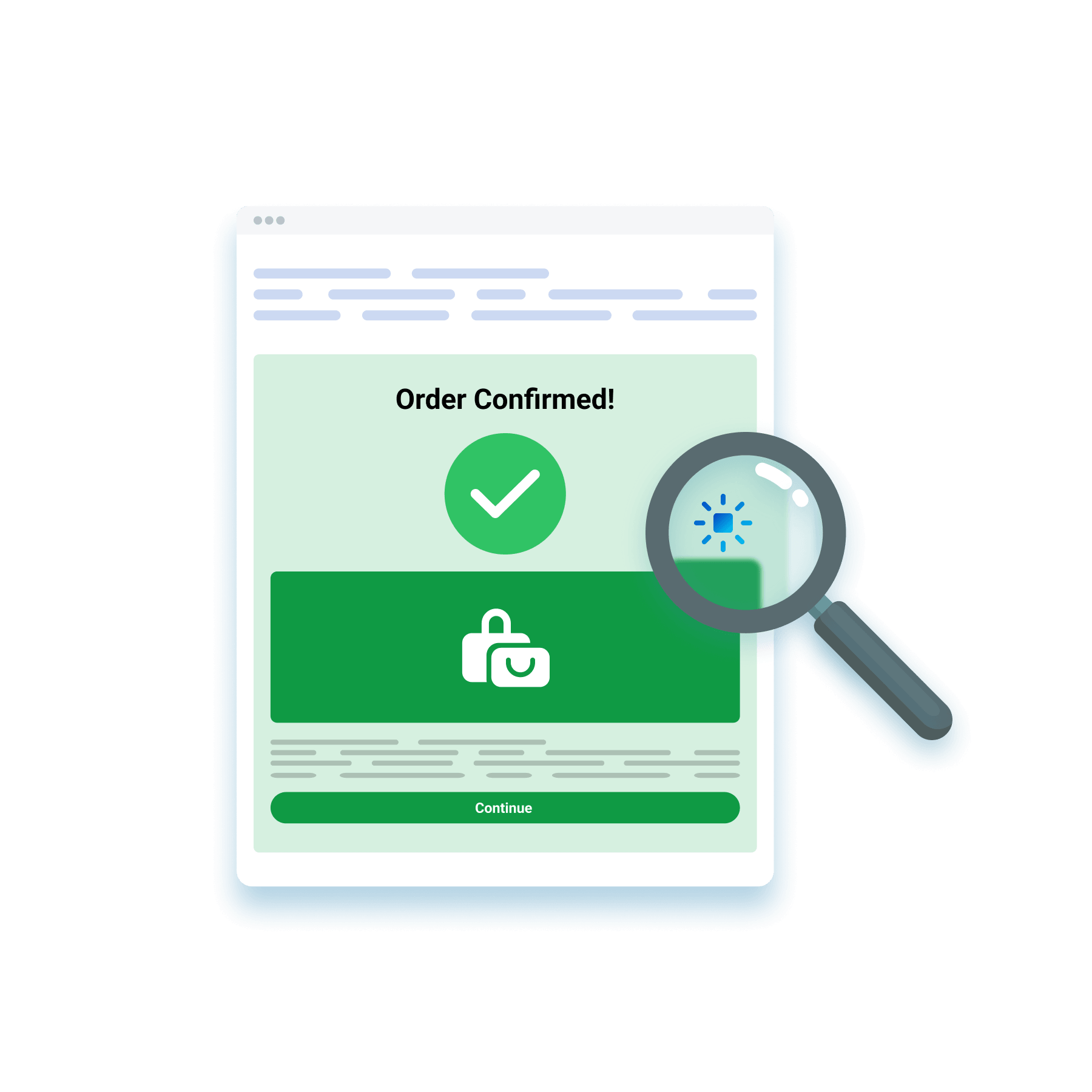
Drop a PrettyLinks tracking pixel onto your confirmation page to catch what happens after the click, whether it’s a new signup, a submitted form, or a completed sale.
It records whatever conversion takes place without getting in your visitor’s way, confirming the click didn’t stop at the destination — it converted.
Pull a Conversion Report on Any Set of Links
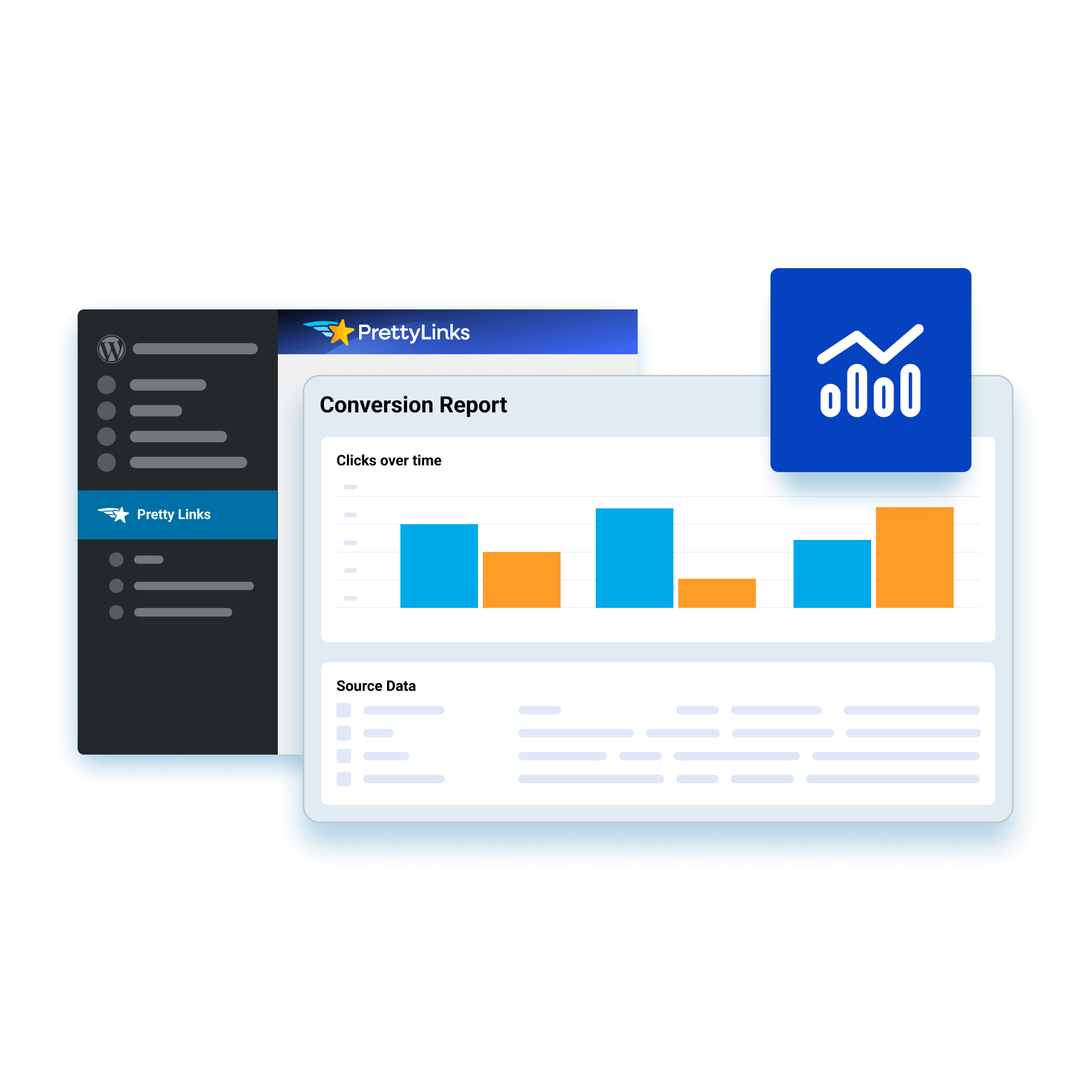
Build customized conversion reports around the links you want to put to the test, measuring them against the action you want visitors to take.
PrettyLinks follows each click through to that goal and lays it out in an easy-to-read bar-style report, setting your converting links apart from the ones just pulling clicks.
Keep Up to Two Years’ Worth of Click History on Hand
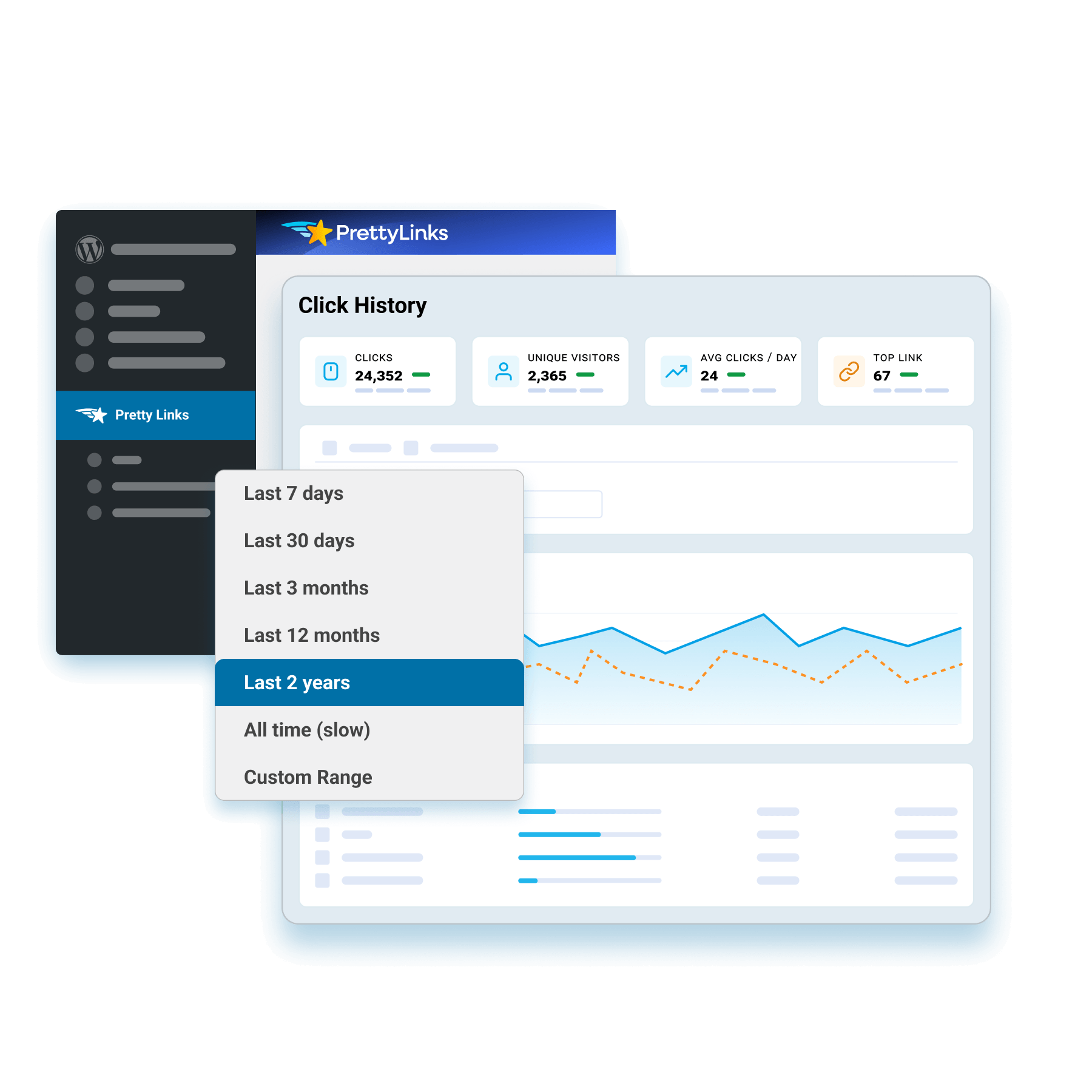
Hold onto your click history for up to two years, keeping a full performance record on every link long after the first wave of traffic moves through.
That extensive range lets you compare a link season-to-season and year-to-year, surfacing the patterns a few months of data just don’t give you enough to go on.
Take Your Tracking Further With MonsterInsights
Connect PrettyLinks to MonsterInsights for a deeper look at your link performance through Google Analytics — without ever leaving your WordPress dashboard.
Measure your links against your site’s bigger numbers and sort results by page, campaign, or traffic source to trace exactly what’s earning your affiliate revenue.
Frequently Asked Questions
Get quick answers to the most frequently asked PrettyLinks questions.
Have More? Explore our FAQ page for the complete list.
PrettyLinks is the #1 affiliate marketing plugin for WordPress, trusted by marketers who want to clean up messy URLs and share branded links that match their domain.
From auto-linking keywords across your content to displaying affiliate products and setting up smart redirects that send users where they’re most likely to convert, PrettyLinks gives you everything you need to shorten, organize, and track your links—all from one powerful dashboard designed to boost clicks and protect your commissions.
PrettyLinks is trusted by content creators who want more control over the links they share—and more revenue from the clicks they get. That includes affiliate marketers, bloggers, social media influencers, course creators, podcasters, and YouTubers—basically anyone looking to brand their URLs, track performance, and keep everything organized from their WordPress website.
Getting started with PrettyLinks is quick and easy. After you purchase and install the PrettyLinks WordPress plugin, simply run through our 5-step Setup Wizard to:
- Activate your PrettyLinks license
- Enable the features you want
- Create your first pretty link
- Organize it into a category
- Finalize your setup
Need more guidance? Check out our Getting Started with PrettyLinks guide—it’s packed with everything you need to start organizing your links and earning from your content.
- Activate your PrettyLinks license
Absolutely! PrettyLinks includes a built-in import feature that makes it easy to bring in your existing links from other link management tools.
Just follow the steps in our migration guide so you can organize, optimize, and start making more money from every click.
We’re excited to have you on board!
You’ll receive your PrettyLinks license key by email shortly after checkout. You can also find it anytime by logging into your dashboard at prettylinks.com/account/.