
Bring All Your Affiliate Links Together Under One Roof
Gather the affiliate links from every program you work with into PrettyLinks, where you can manage your full collection in one place instead of platform-hopping.
With everything organized, optimized, and tracked in the same place, you finally get the full picture of what’s driving your affiliate revenue.
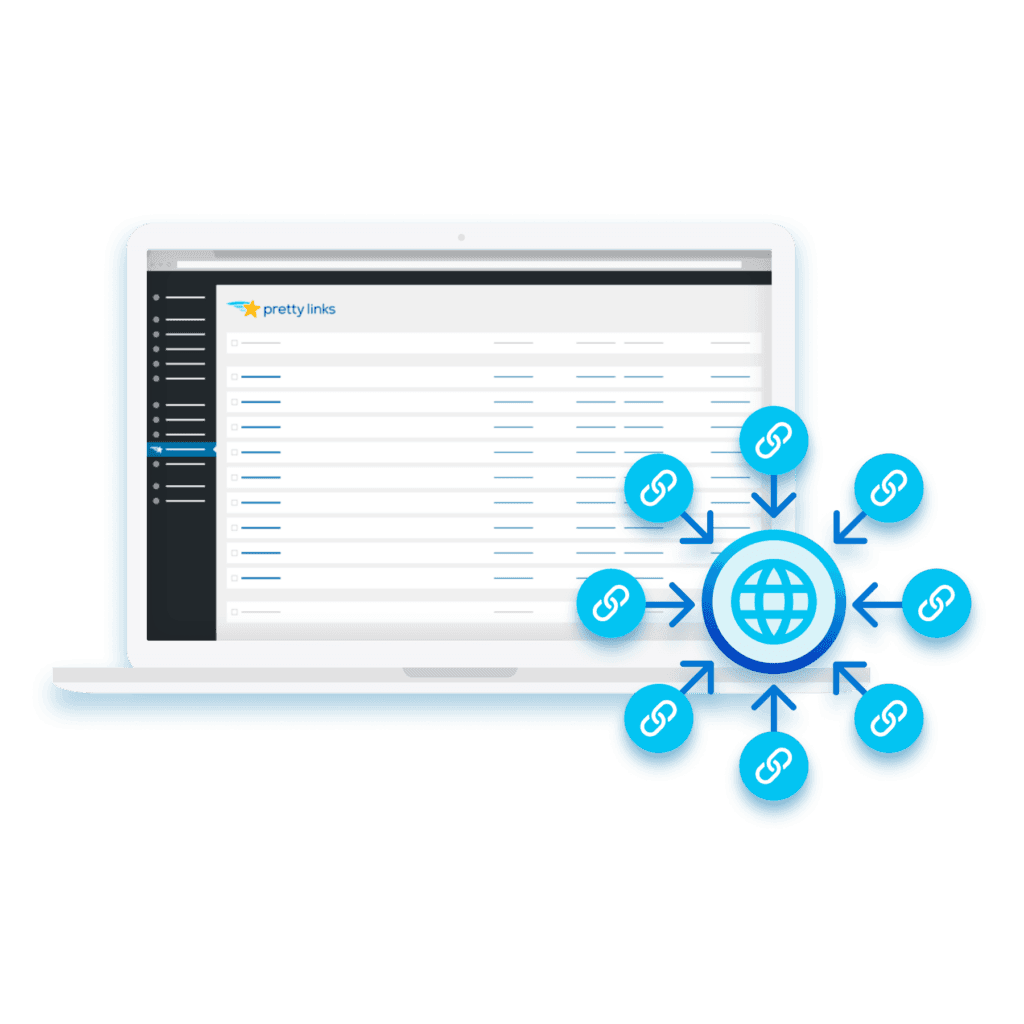
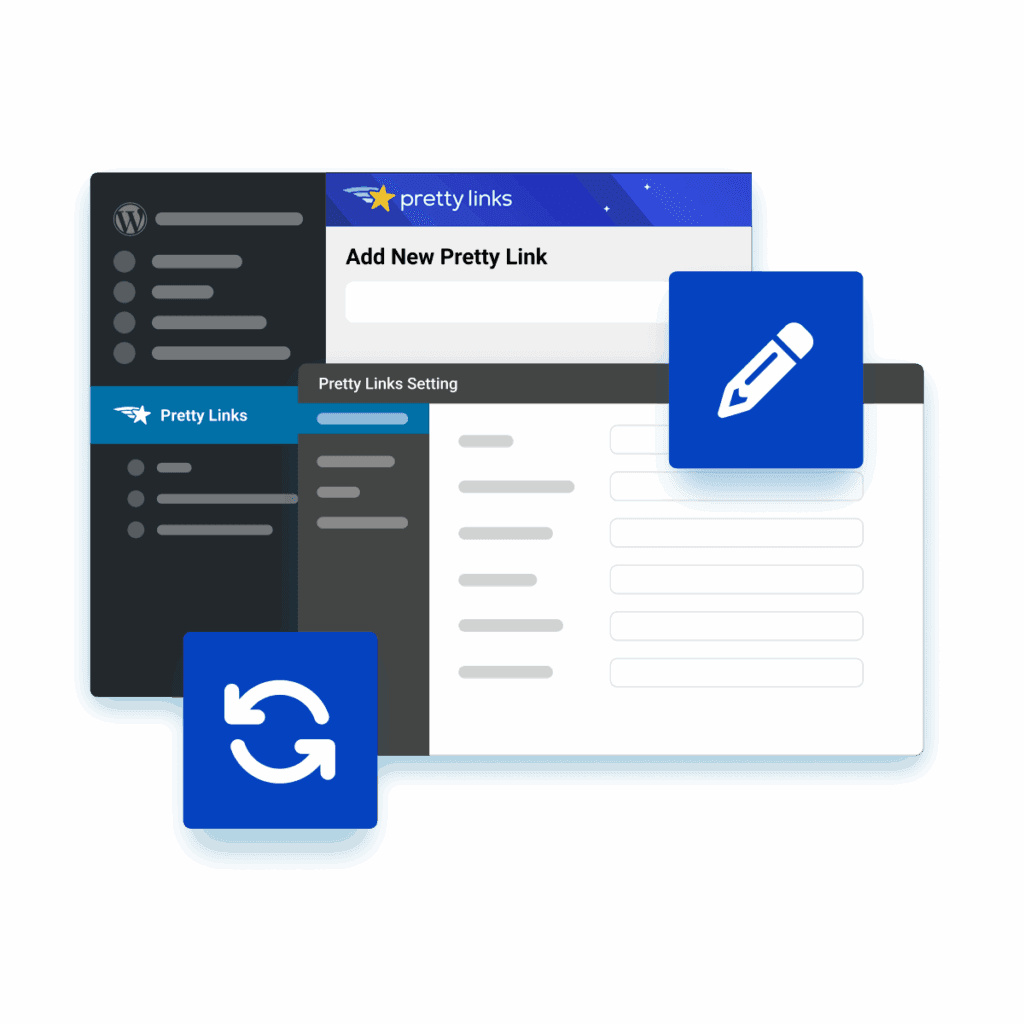
Edit Links to Stay Current and Converting
Fine-tune every affiliate link from a single editing screen—whether it’s changing the redirect type, adding keyword replacements, or adjusting tracking settings.
Every change applies instantly across your site and anywhere the link’s been shared, so performance stays optimized without having to make updates in multiple places.
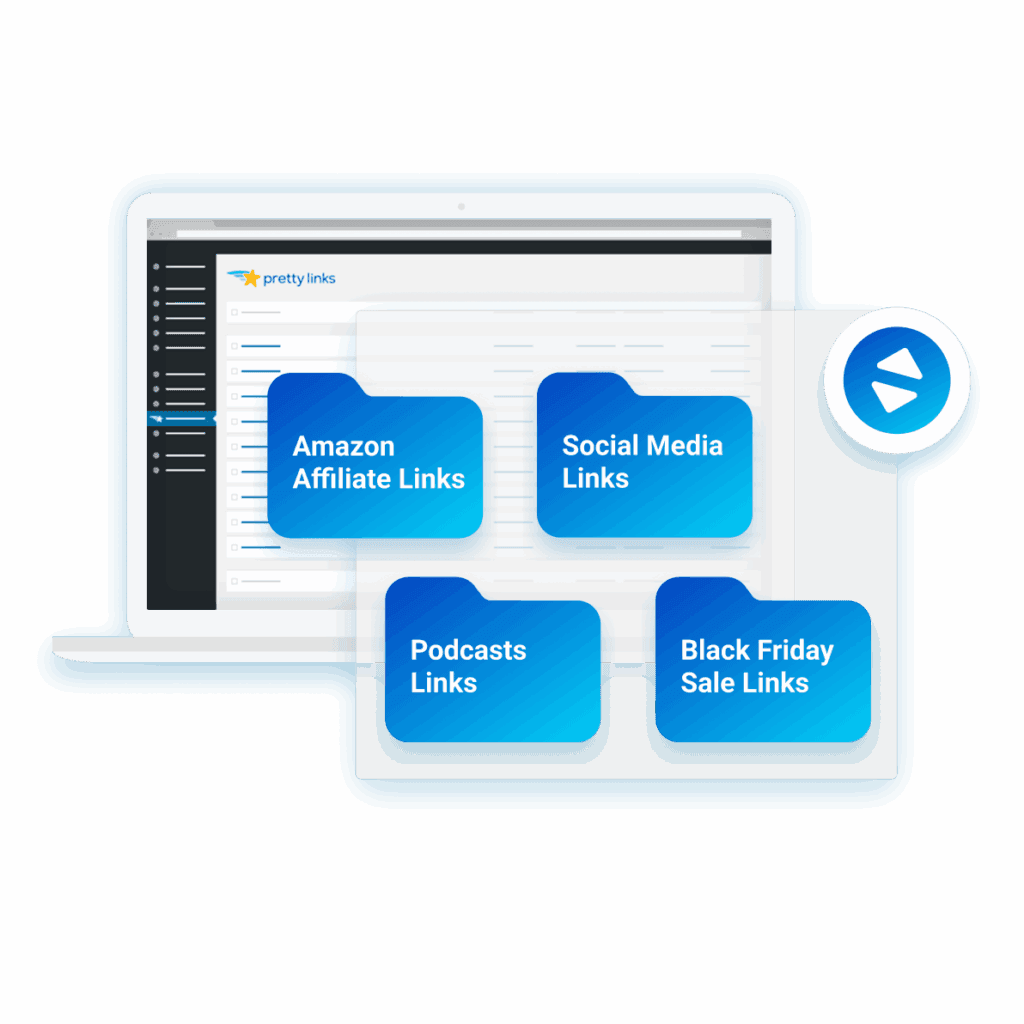
Organize Your Link Collection with Categories
Sort your links into categories such as product type, affiliate network, or content platform, additionally nesting in subcategories whenever a group needs another layer of structure.
File each new link under the category it belongs to as you create it, turning what used to be endless list scrolling into focused sets you can actually manage
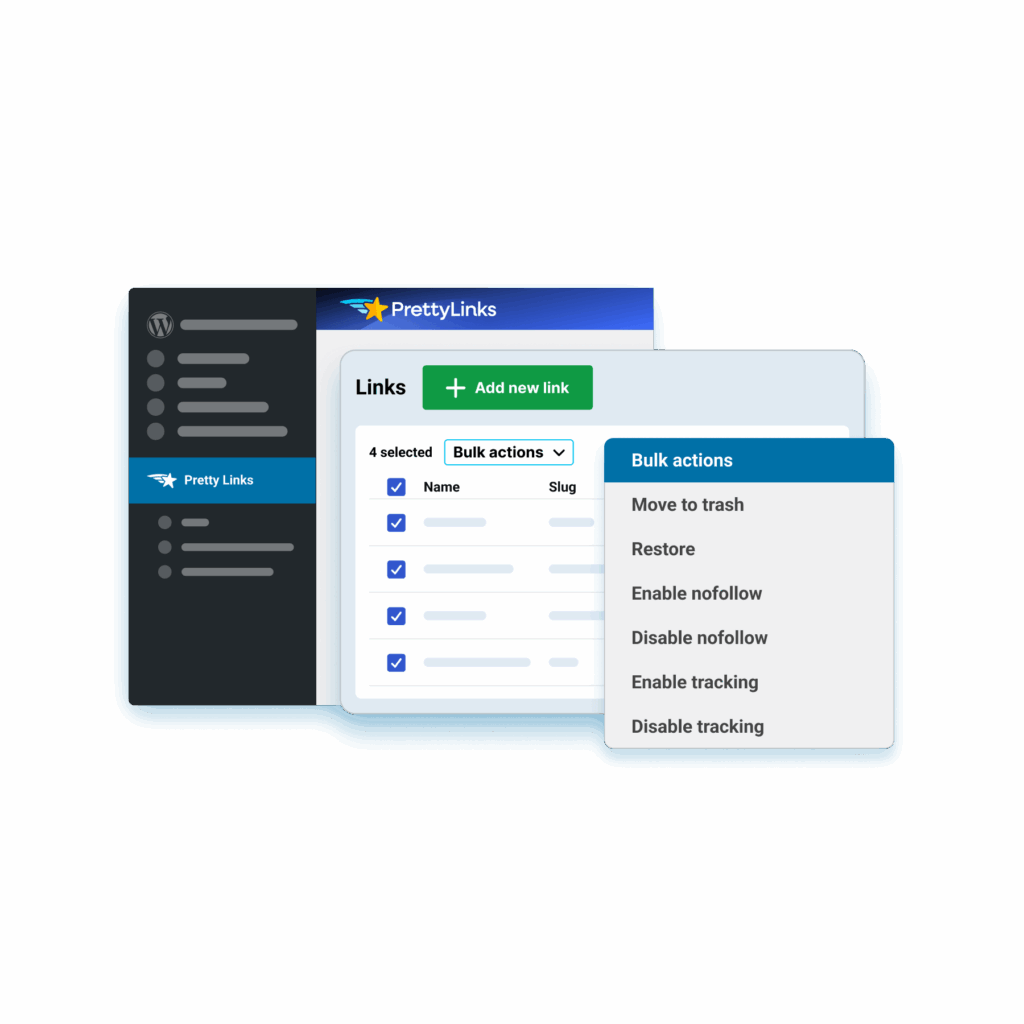
Manage More Links in Fewer Clicks
Select a batch of links and edit their attributes in bulk, whether you’re adding the nofollow tag, flipping tracking on or off, or trashing dead links together.
When you need another link close to one you’ve already got, simply duplicate it and shape its own strategy before adding it to your collection.
Filter Your List Down to the Links You Need
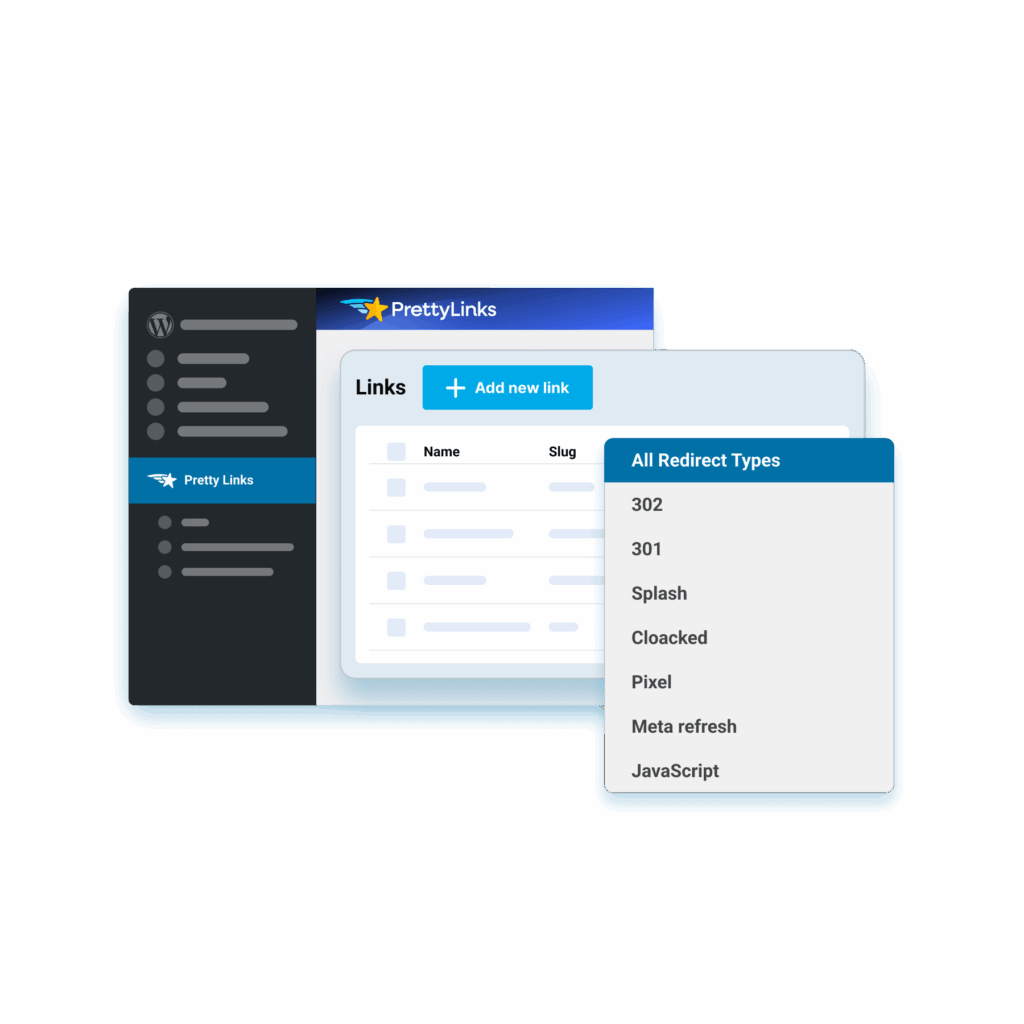
Narrow your collection to only the links you want to see, filtering down to your splash page links, split tests, trashed, broken, or expired links on their own.
No more scrolling past everything to find a handful, so a library that’s grown into the thousands still only takes seconds to navigate.
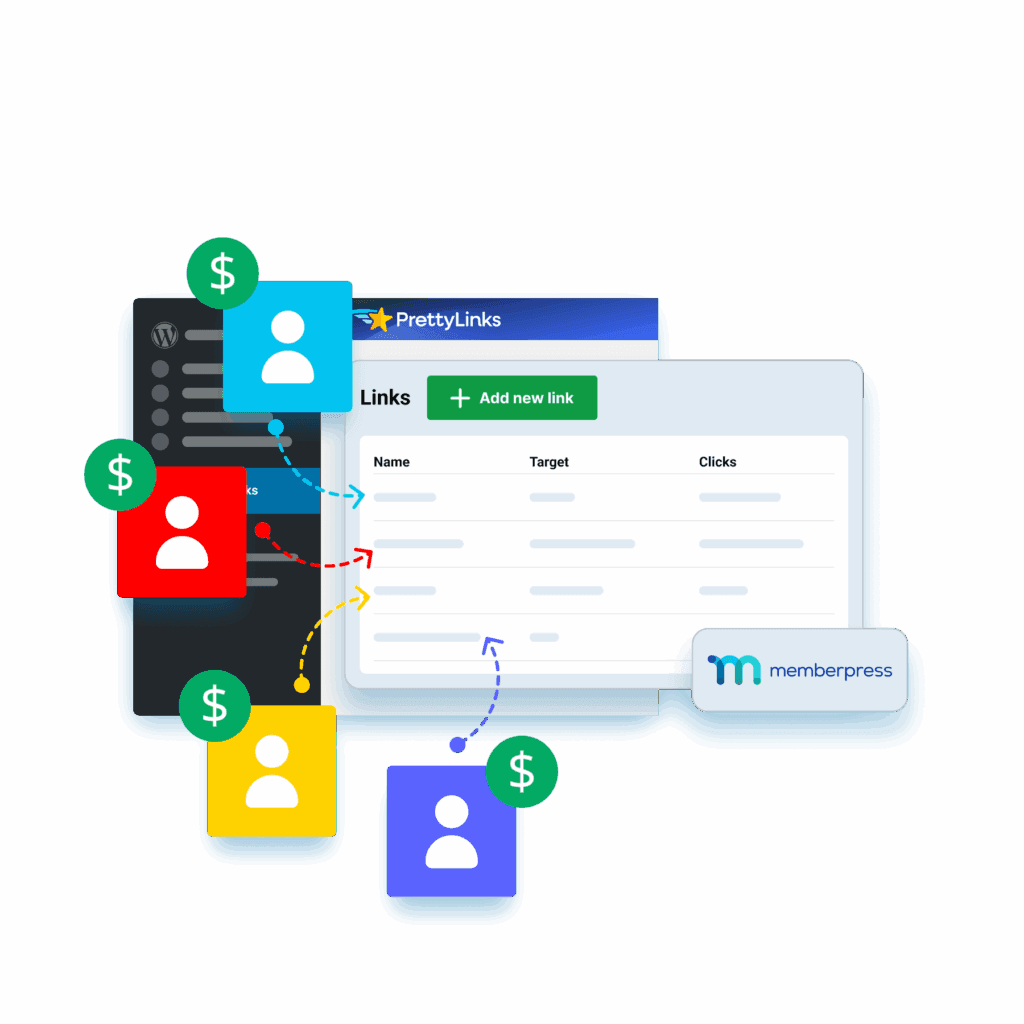
Let Others Build Links Under Your Brand
Turn your site into a self-serve link shortening service where users create and manage their own links under your domain.
Gate the page behind MemberPress to charge for access, while every link and its click data stay with you in the PrettyLinks admin.
Build Smarter Workflows With Advanced Tools
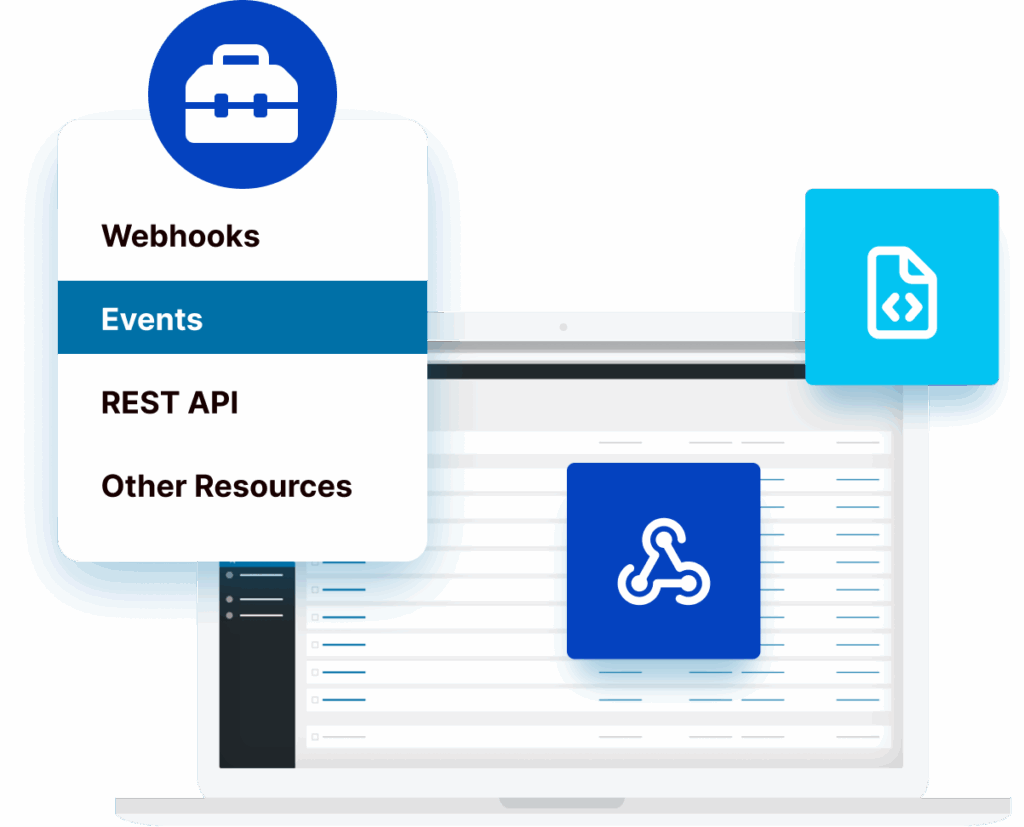
PrettyLinks Developer Tools make it simple to scale your link management by helping you sync data, manage links across platforms, and create processes that fit your workflow.
You can also automate everyday actions with webhooks, receive alerts when something changes, and tap into the REST API for more advanced control whenever you need it.
Easily Switch From Another Tool or Add Links in Bulk
Import your URLs into PrettyLinks during setup or anytime afterward, making it easy to switch from another link management tool or add large batches from affiliate networks.
Exporting is just as straightforward, giving you a quick way to download your list as a clean backup you can store outside WordPress whenever needed.
Frequently Asked Questions
Get quick answers to the most frequently asked PrettyLinks questions.
Have More? Explore our FAQ page for the complete list.
PrettyLinks is the #1 affiliate marketing plugin for WordPress, trusted by marketers who want to clean up messy URLs and share branded links that match their domain.
From auto-linking keywords across your content to displaying affiliate products and setting up smart redirects that send users where they’re most likely to convert, PrettyLinks gives you everything you need to shorten, organize, and track your links—all from one powerful dashboard designed to boost clicks and protect your commissions.
PrettyLinks is trusted by content creators who want more control over the links they share—and more revenue from the clicks they get. That includes affiliate marketers, bloggers, social media influencers, course creators, podcasters, and YouTubers—basically anyone looking to brand their URLs, track performance, and keep everything organized from their WordPress website.
Getting started with PrettyLinks is quick and easy. After you purchase and install the PrettyLinks WordPress plugin, simply run through our 5-step Setup Wizard to:
- Activate your PrettyLinks license
- Enable the features you want
- Create your first pretty link
- Organize it into a category
- Finalize your setup
Need more guidance? Check out our Getting Started with PrettyLinks guide—it’s packed with everything you need to start organizing your links and earning from your content.
- Activate your PrettyLinks license
Absolutely! PrettyLinks includes a built-in import feature that makes it easy to bring in your existing links from other link management tools.
Just follow the steps in our migration guide so you can organize, optimize, and start making more money from every click.
We’re excited to have you on board!
You’ll receive your PrettyLinks license key by email shortly after checkout. You can also find it anytime by logging into your dashboard at prettylinks.com/account/.