
Na primeira vez que você abrir o Pretty Links Pro, o Assistente de Iniciação será iniciado automaticamente. Trata-se de um breve passo a passo que configura o plug-in, cria seu primeiro link e permite que você comece a rastrear cliques em poucos minutos.
Posso pular essa parte? Posso voltar depois?
Sim, para ambas as opções. Você pode fechar o assistente a qualquer momento e retomar de onde parou mais tarde — um Continuar a configuração Nenhuma mensagem aparecerá em nenhuma tela de administração do Pretty Links até que você conclua o processo. Nenhuma das etapas é definitiva até que você as conclua, e quaisquer escolhas que você fizer poderão ser alteradas posteriormente em Painel > Pretty Links > Opções.
As etapas
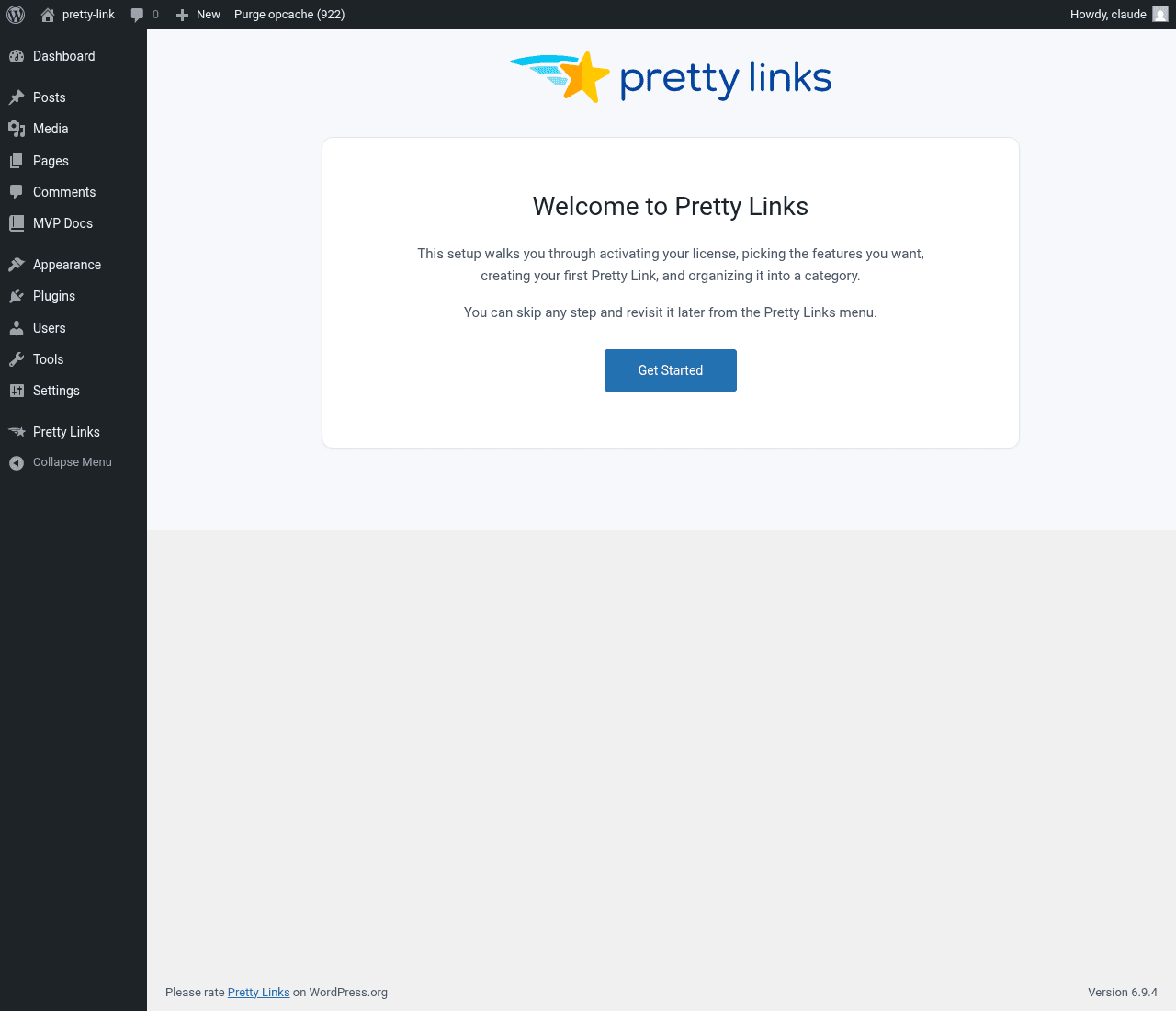
Bem-vindo
Uma rápida exibição do logotipo do Pretty Links e uma introdução. Clique Comece agora para começar.
Licença
Cole sua chave de licença e clique em Ativar licença para ativar os recursos e as atualizações da versão Pro. Se você já tiver ativado durante a instalação, pode clicar em Pular e seguir em frente.
Recursos
Ative os recursos que você pretende usar. Você verá botões de ativação/desativação para itens como Rastreamento de links (registrar o número de cliques e visitantes únicos), Não seguir (adicionar rel="nofollow" para cada link), e Patrocinado (adicionar rel="patrocinado" para cada link). Você também pode optar por instalar o plugin gratuito MonsterInsights para o Google Analytics a partir desta etapa.
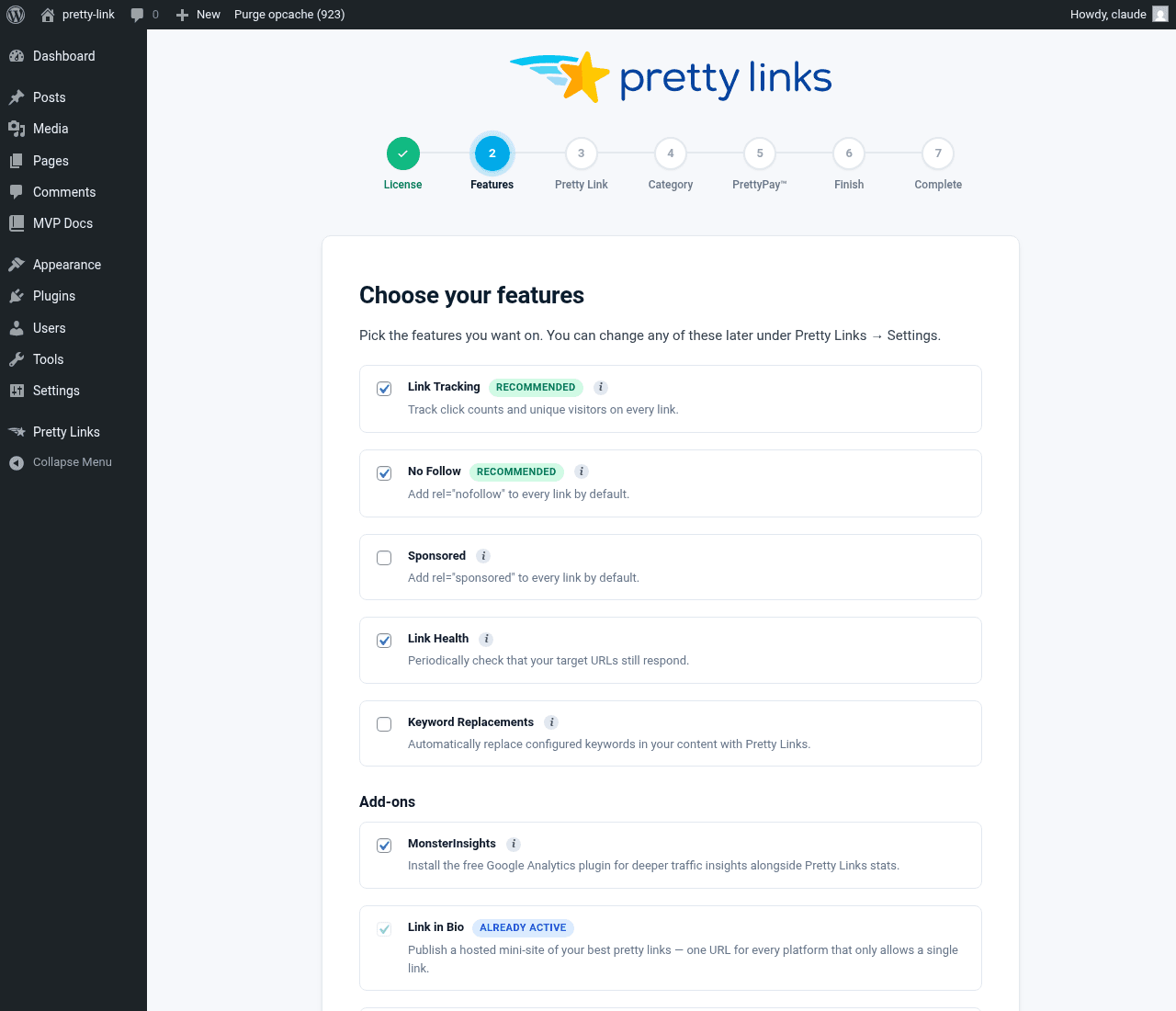
Deixe as opções recomendadas ativadas e ajuste-as mais tarde em Painel > Pretty Links > Opções se necessário.
Link bonito
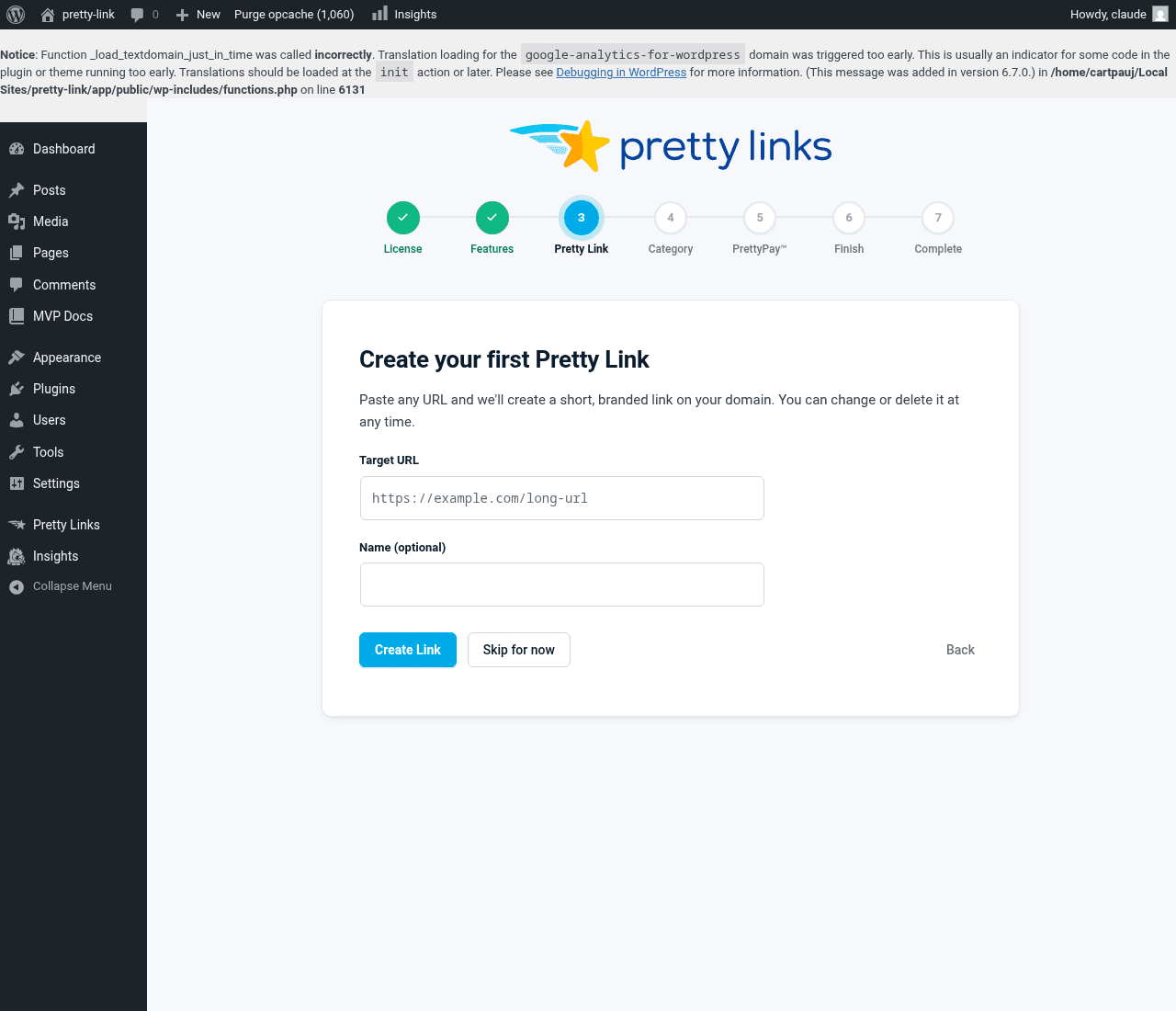
O assistente orienta você na criação de um link diretamente dentro do próprio assistente. Cole uma URL de destino (experimente um dos seus links de afiliado ou a URL de um artigo longo), atribua um nome (opcional) e clique em Criar link. Você receberá um link curto e simples que poderá compartilhar imediatamente. Prefere fazer isso mais tarde? Clique em Ignorar por enquanto.
Categoria (somente na versão Pro)
Se você criou um link na etapa anterior, esta etapa permite que você atribua uma categoria a ele. Escolha uma categoria existente ou digite um novo nome. Se você não criou nenhum link, o assistente pula esta etapa automaticamente.
PrettyPay (Stripe Connect)
Se você pretende vender produtos ou aceitar pagamentos por meio dos seus links, clique em Conecte-se com o Stripe para iniciar o fluxo do OAuth. Caso contrário, clique em Pular — você pode conectar o Stripe mais tarde a partir do Opções página.
Acabamento
Um resumo do que você configurou: seu primeiro link, a categoria (se associada), sua licença, a conexão Stripe e a lista de recursos que você ativou. Se você tiver colocado algum recurso restrito à versão Pro na fila anteriormente e, desde então, tiver feito o upgrade, o assistente ativará esses recursos agora e mostrará o que foi habilitado.
Completo
Uma breve confirmação e, em seguida, você será redirecionado para o painel do Pretty Links.
O que acontece a seguir
Ao concluir o assistente, você será direcionado ao Painel do Pretty Links, onde já haverá um link criado e pronto para ser compartilhado. A partir daqui, acesse Criando seu primeiro link atraente (a versão completa) para conhecer todo o fluxo de adição de novos itens, ou vá direto para Onde encontrar as coisas para se orientar.