
A Actualizar meta La redirección utiliza una pequeña página HTML con un <meta http-equiv="refresh"> Etiqueta que redirige a los visitantes a tu destino tras una breve demora (normalmente una fracción de segundo).
Es más lento que un 301 o un 302, pero esa pequeña pausa es precisamente lo que lo hace útil en algunos casos.
Cómo funciona
Cuando un visitante hace clic en un enlace «meta-refresh», Pretty Links muestra una página HTML mínima que:
- Registra el clic en tus informes.
- Opcionalmente, ejecuta cualquier script de seguimiento que hayas configurado.
- Indica al navegador que cargue la URL de destino una vez transcurrido el tiempo de espera.
El visitante ve brevemente una página en blanco o con el logotipo de la marca y, a continuación, llega a la página de destino.
Cuándo utilizar la etiqueta «meta refresh»
La razón principal para utilizar «meta refresh» es para que los scripts de seguimiento tengan tiempo de ejecutarse antes de que el visitante abandone la página.
Un código de estado 301 o 302 estándar se produce a nivel HTTP: el navegador del visitante ni siquiera muestra la URL optimizada como una página, por lo que cualquier sistema de seguimiento basado en JavaScript (Google Analytics, Facebook Pixel, etiquetas de conversión) no tiene oportunidad de ejecutarse.
Con la etiqueta «meta refresh», durante un breve instante aparece una página HTML real en el navegador del visitante. Ese tiempo es suficiente para:
- Eventos de visualización de páginas de Google Analytics;
- Eventos personalizados de Facebook Pixel;
- Píxeles de seguimiento de conversiones;
- Cualquier otro sistema de análisis del lado del cliente que hayas añadido a tu sitio web.
Cuándo no se debe utilizar «meta refresh»
- Para la autoridad de enlaces en SEO — La etiqueta «meta refresh» transmite muy poca autoridad SEO. Utiliza una redirección 301 si el SEO es importante;
- Para las acciones de los formularios — La etiqueta «meta refresh» no permite conservar los datos POST. Utiliza el código de estado 307 en su lugar;
- Cuando la velocidad es importante — Un código 302 es más rápido y, por lo general, pasa desapercibido para el visitante;
- Enlaces de afiliados — Algunas redes de afiliados no tienen en cuenta, específicamente, las redirecciones mediante meta-refresh.
Configuración
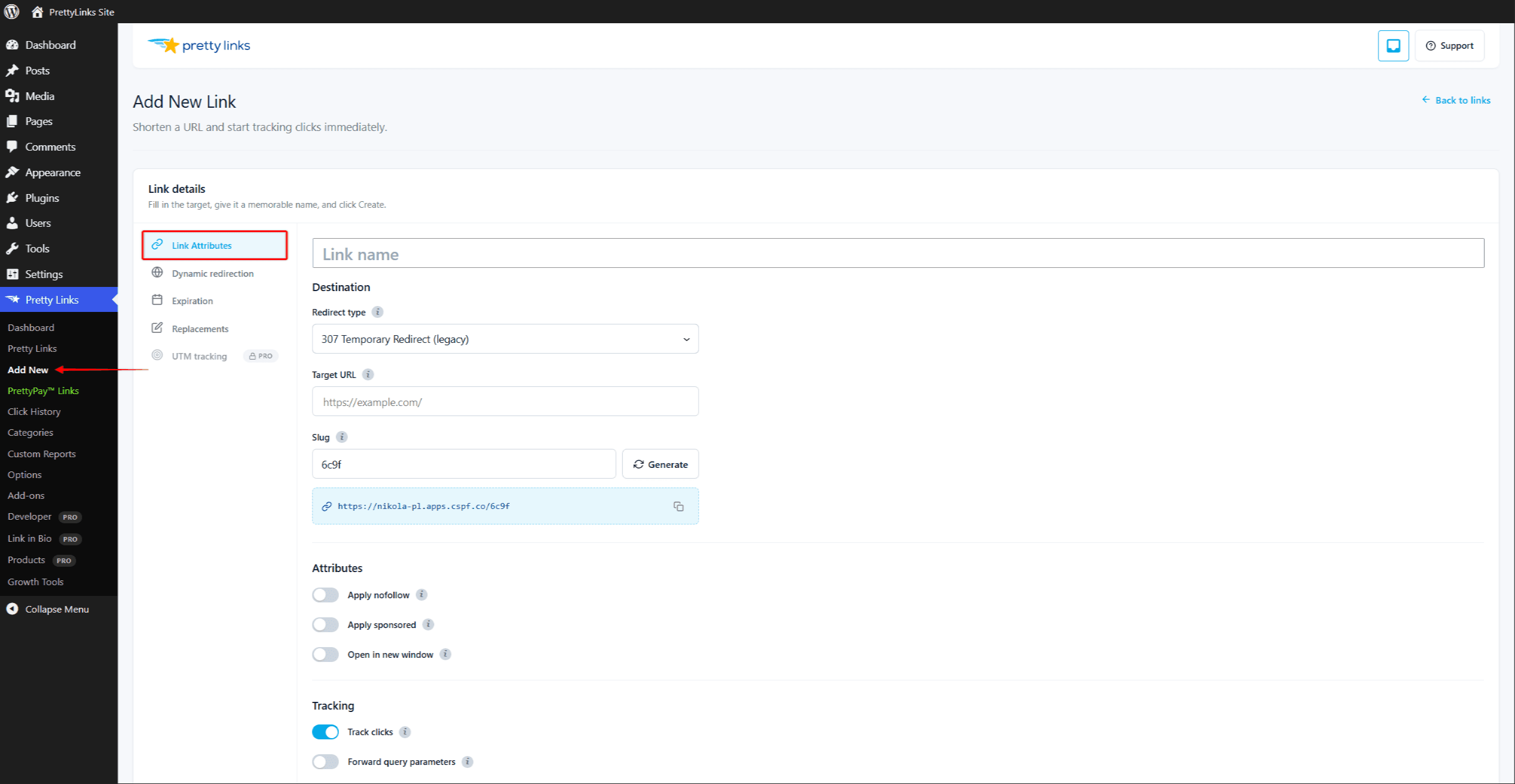
- Edita el enlace que quieras convertir.
- En el Tipo de redirección menú desplegable, selecciona Meta refresh.
- Haga clic en Actualización.
El retraso de redireccionamiento es breve por defecto, lo suficiente para que los scripts de seguimiento se ejecuten sin que el visitante se dé cuenta. No es necesario realizar ninguna configuración.
Cómo añadir tus scripts de seguimiento
Para que el «meta refresh» active tus herramientas de análisis, esos scripts de seguimiento deben estar presentes en la página en la que se aplica el «meta refresh». La forma más fiable de garantizarlo es instalarlos en todo el sitio web mediante los métodos habituales de WordPress:
- Google Analytics o Google Tag Manager — a través de un complemento como Site Kit, MonsterInsights o un complemento de scripts para el encabezado o el pie de página;
- Píxel de Facebook — a través del complemento oficial de Meta o de tu complemento de scripts;
- Otros píxeles — que normalmente se pega en el encabezado o el pie de página de tu tema.
Todo lo que se cargue en cada página de tu sitio web también se cargará en la página de meta-refresh. Eso es lo que te brinda la oportunidad de realizar el seguimiento.
Lo que ven los visitantes
Los visitantes verán brevemente una página casi en blanco (o el aspecto que tenga la plantilla vacía de tu tema) antes de ser redirigidos. La pausa es breve —normalmente muy inferior a un segundo— y la mayoría de los visitantes ni siquiera se darán cuenta.
Si quieres una página de espera más cuidada con tu imagen de marca, plantéate utilizar una Pretty Bar en su lugar, lo que te ofrece una experiencia personalizada con tu marca en la que el destino se carga al mismo tiempo.
Combinación con otras funciones
La función «meta refresh» es compatible con la mayoría de las funciones de Pretty Links:
Para un seguimiento del lado del visitante que sea aún más resistente a los bots, consulta Redirección con JavaScript.