
A cape La redirection permet de conserver votre URL simplifiée dans la barre d'adresse du visiteur tout en affichant la page de destination en dessous. Du point de vue du visiteur, il a l'impression d'être sur votresite.com/lien-sympa même si le contenu provient d'une toute autre source.
Comment ça marche
Lorsque vous définissez le type de redirection d'un lien sur Cloîtrée, Pretty Links génère une petite page d'encapsulation qui charge votre URL cible dans un iframe. Le visiteur voit alors :
- Votre URL simplifiée dans la barre d'adresse (elle ne se transforme pas en URL de destination) ;
- Le contenu complet de la page de destination occupe toute la fenêtre du navigateur ;
- Le titre et la favicon de votre site, et non ceux du site cible.
C'est comme un miroir sans tain : le visiteur vit l'expérience de la destination, mais la surface sur laquelle il se trouve est la vôtre.
Quand utiliser le « cloaking » ?
- Liens d'affiliation — Une expérience personnalisée à l'image de votre marque, sans dévoiler votre lien d'affiliation ;
- Des destinations lointaines et peu attrayantes — Afficher une URL épurée tout en masquant les paramètres superflus ;
- Contenu partenaire — Intégrer des ressources externes sous votre domaine ;
- Campagnes marketing — Veillez à ce que les visiteurs restent sur l'URL de votre marque.
Récupération automatique via une redirection 302
De nombreux sites — notamment la plupart des plus importants (Google, Facebook, Twitter, les banques, les prestataires de paiement) — empêchent leur chargement à l'intérieur d'un iframe. Pour ce faire, ils utilisent des en-têtes de sécurité tels que X-Frame-Options ou Politique de sécurité du contenu.
Lorsqu'un site cible bloque l'encadrement, l'iframe de « cloak » afficherait sinon une page vide ou un message d'erreur. Pour éviter cela, Pretty Links revient automatiquement à une redirection 302 standard lorsqu'il détecte que la cible ne peut pas être cadrée.
Cela signifie que les visiteurs aboutissent toujours sur la page de destination — ils ne verront simplement pas votre URL « propre » dans la barre d'adresse pour les sites qui refusent le cadrage.
Vous n'avez rien à configurer pour que ce mécanisme de secours fonctionne. Il s'active automatiquement.
Points à retenir
- Expérience mobile — Les iframes peuvent présenter des dysfonctionnements sur les petits écrans, en particulier sur les sites qui ne sont pas adaptatifs. Testez vos liens masqués sur un téléphone avant de les utiliser pour votre audience mobile ;
- RÉFÉRENCEMENT — Les pages masquées ne transmettent pas de valeur SEO. Si le référencement naturel est important pour vous, utilisez une Types de redirection : 301, 302 et 307 au lieu de cela ;
- Règlement du programme d'affiliation — Certains réseaux d'affiliation interdisent le cloaking, le masquage ou l'utilisation d'iframes sur leurs pages de destination. Vérifiez les conditions générales de votre programme avant d'utiliser le cloaking sur les URL d'affiliation ;
- Incohérences HTTPS — Si votre site utilise le protocole HTTPS et que la cible utilise le protocole HTTP, les navigateurs refuseront de charger l'iframe. Utilisez des cibles HTTPS dans la mesure du possible.
Mise en place
- Modifiez le lien que vous souhaitez masquer.
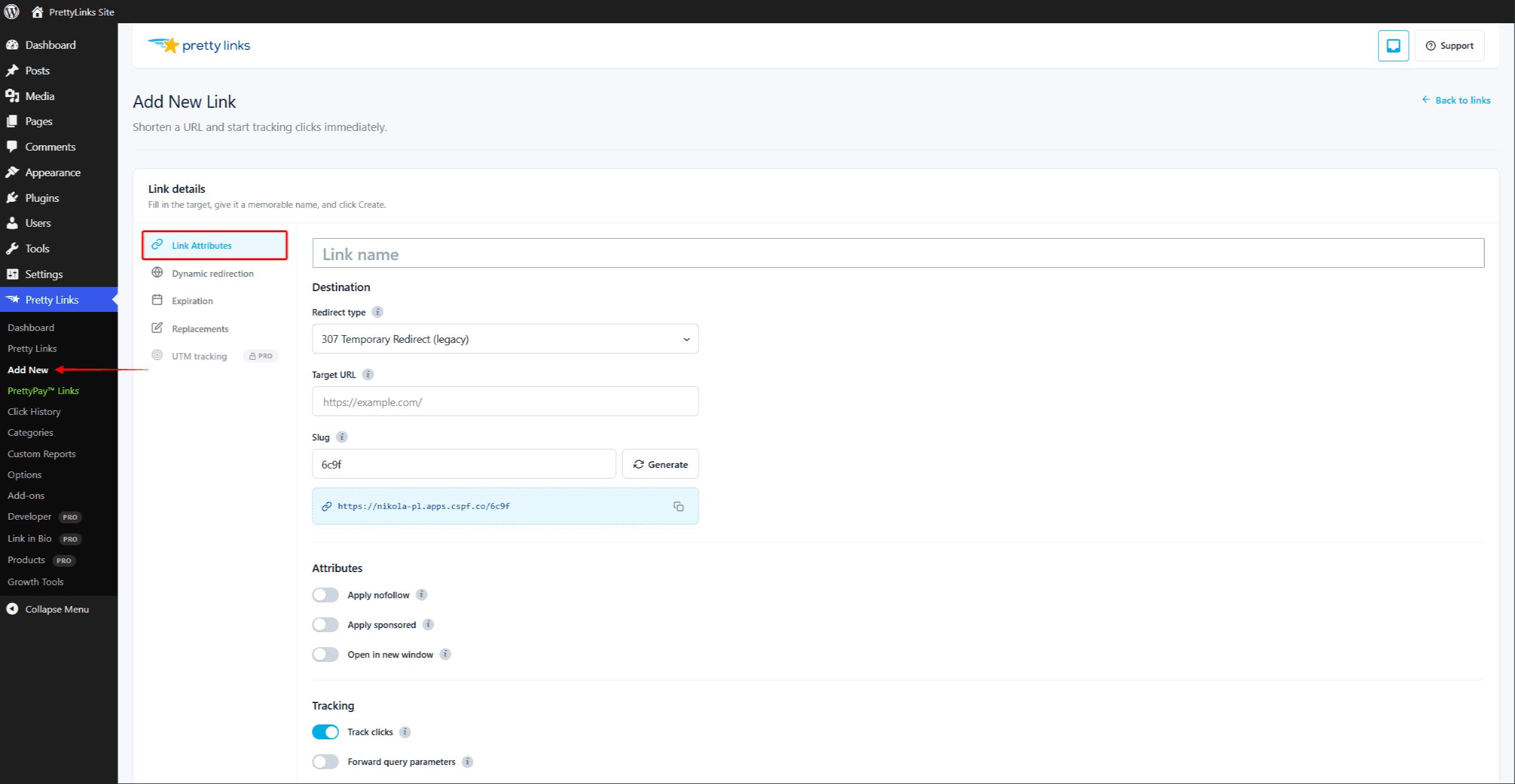
- Dans le cadre de la Type de redirection menu déroulant, sélectionnez Cloîtrée.
- Cliquez sur Mise à jour.
Testez le lien en cliquant dessus depuis une session de navigateur où vous n'êtes pas connecté (ou depuis une fenêtre de navigation privée). Vous devriez voir votre URL simplifiée s'afficher dans la barre d'adresse, avec le contenu du site cible en dessous.
Si, au contraire, vous constatez une redirection 302 vers la cible, cela signifie que le site cible bloque l'intégration dans des cadres et que Pretty Links a automatiquement basculé vers une solution de secours. Choisissez une autre cible ou utilisez un autre type de redirection.
Combinaison avec d'autres fonctionnalités
Les liens masqués fonctionnent avec :
- Modes de suivi des clics — Les clics masqués sont suivis de la même manière que les redirections classiques ;
- Ciblage — Il est possible de rediriger différents visiteurs vers différentes destinations ;
- Rotation — Masquer la rotation, et non les variantes individuelles ;
- Codes QR — Les codes scannés présentent le même comportement de dissimulation.
« Cloak » n'est pas compatible avec Pretty Bar — ce sont d’autres façons de mettre en valeur l’expérience autour de la page cible. Choisissez-en une par lien.