
Mit nur wenigen Klicks einrichten und konvertieren
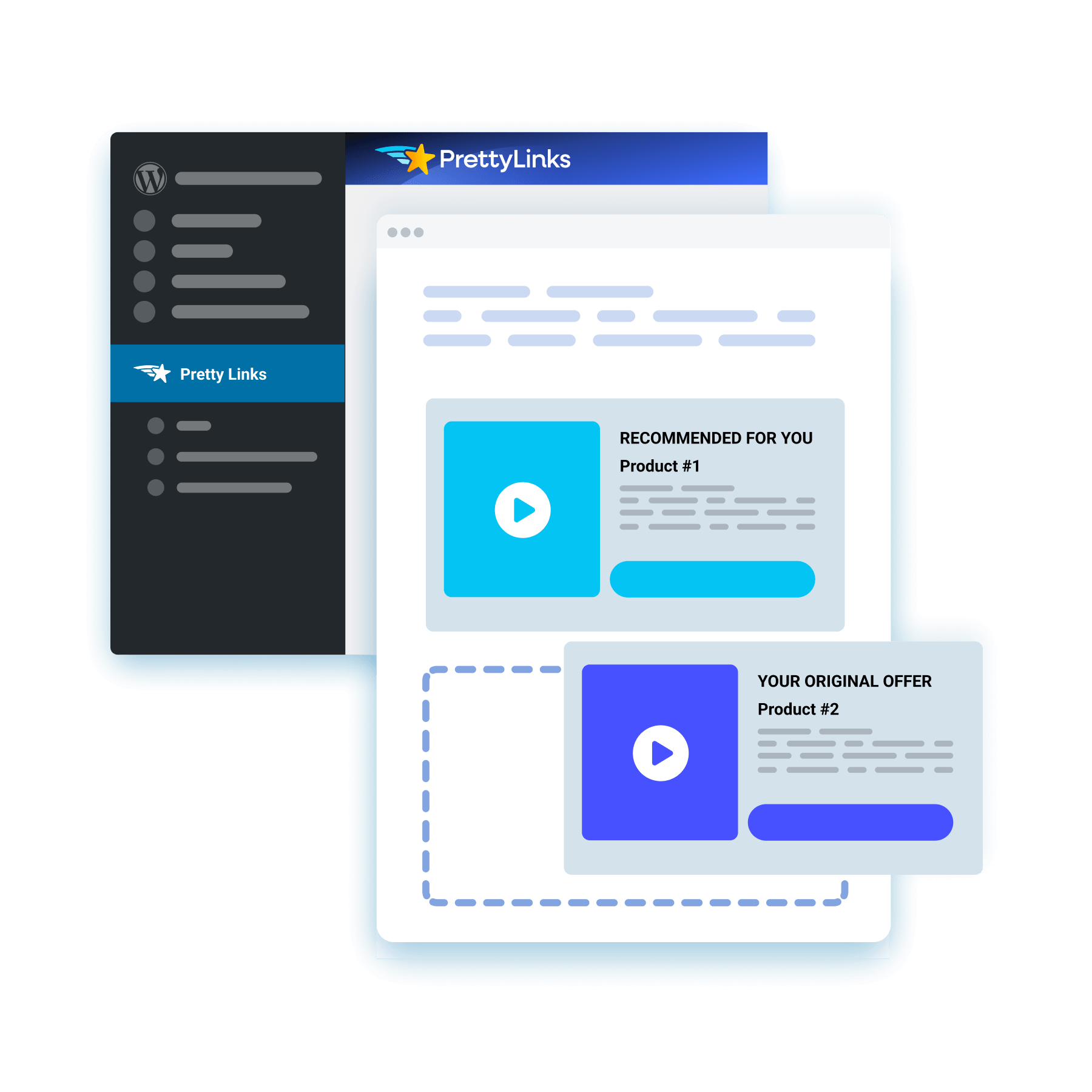
Beginnen Sie mit einer Vorlage, fügen Sie Ihren Text ein, fügen Sie ein Bild oder ein Video hinzu und platzieren Sie bis zu zwei CTA-Schaltflächen, um eine Startseite zu erstellen, die vollständig in Ihrem PrettyLinks-Dashboard erstellt wird – ganz ohne Designer oder Tools von Drittanbietern.
Starten Sie mit Ihrem besten Lead-Magneten
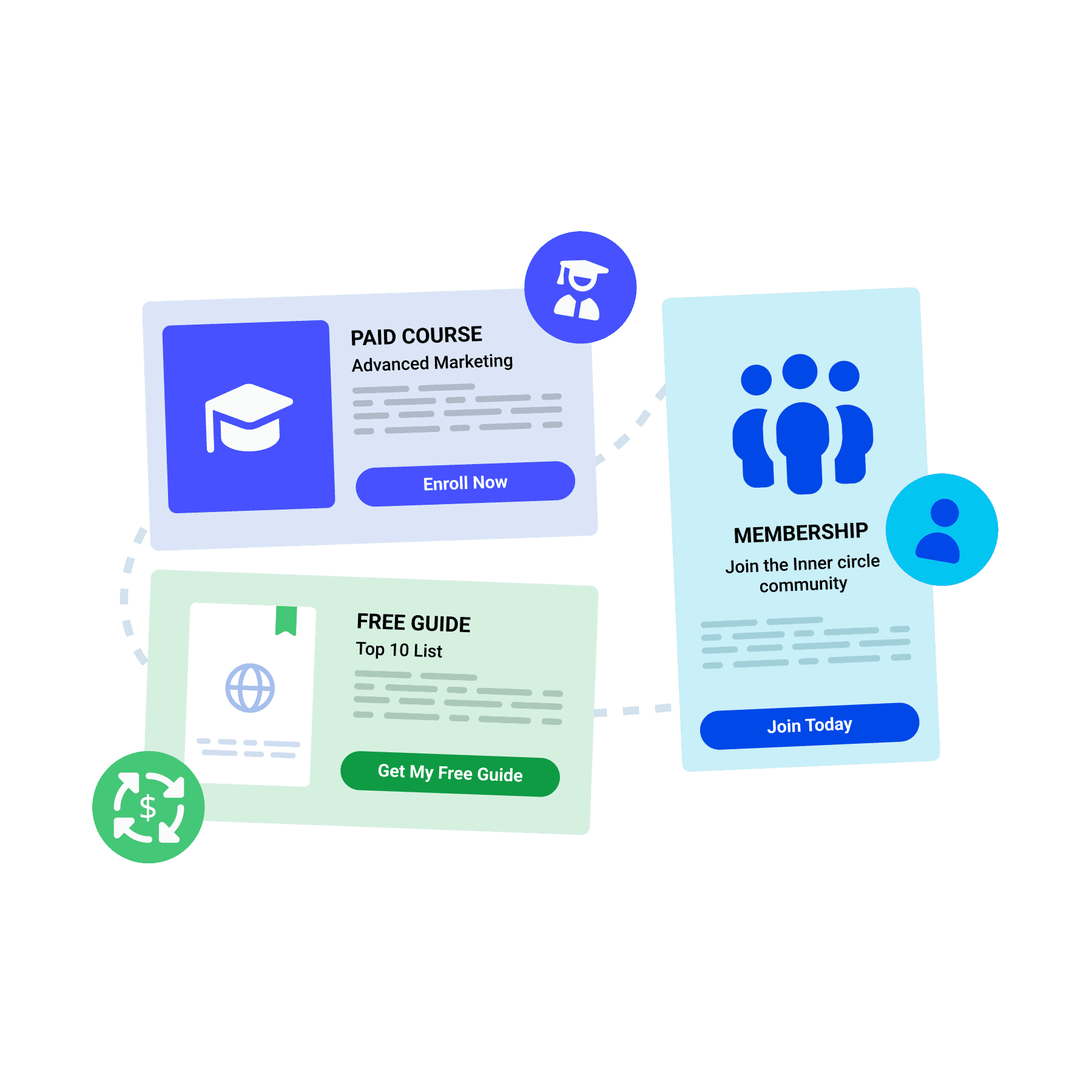
Nutzen Sie eine Splash-Seite, um Ihre Angebote gleich zu Beginn zu präsentieren – sei es ein kostenloser Leitfaden, ein kostenpflichtiger Kurs oder eine Mitgliedschaftsanmeldung. Besucher reagieren auf dem Weg durch die Seite und werden so zu neuen Mitgliedern, Teilnehmern oder einer wiederkehrenden Einnahmequelle.
Eine zweite Provision zum Klick hinzufügen
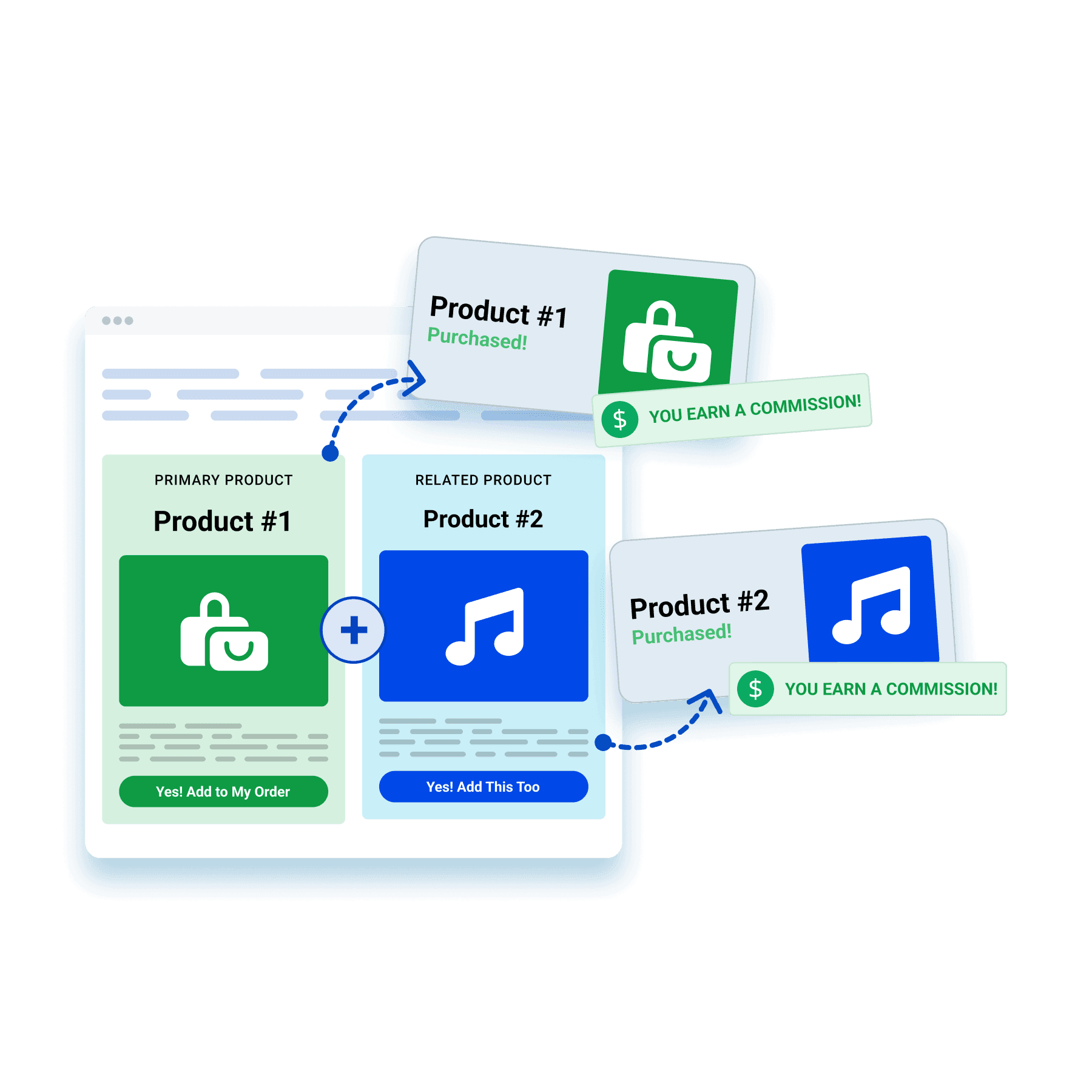
Bewerben Sie ein verwandtes Produkt, ein Bundle oder ein verlockendes Upgrade mit einer Splash-Seite. Mit nur einem Klick machen Sie Ihre Zielgruppe auf mehrere Partnerangebote aufmerksam – und verdoppeln so sowohl die Kaufwahrscheinlichkeit als auch Ihre potenziellen Einnahmen.
Verdiene Geld damit, die Werbung eines anderen zu schalten
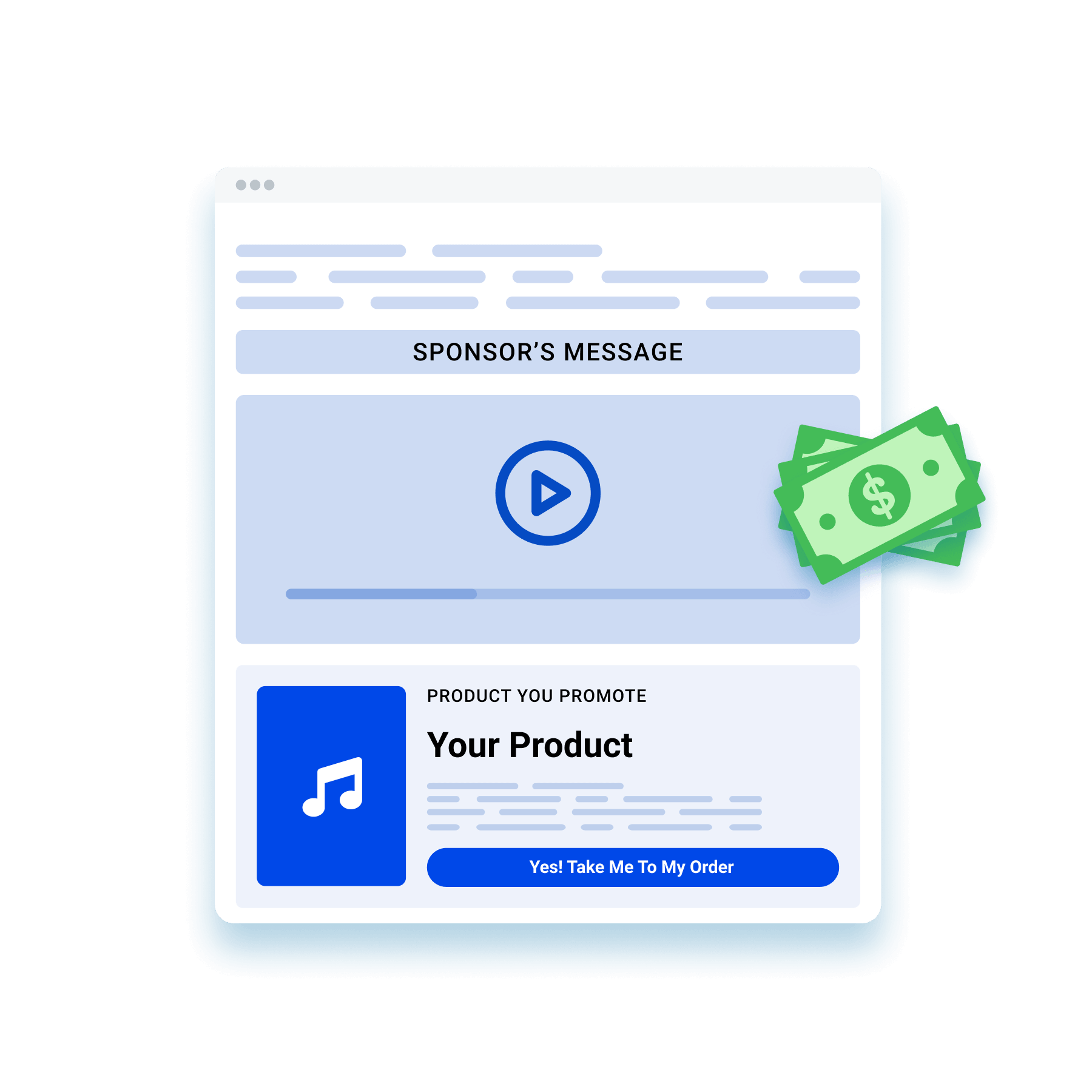
Bieten Sie auf Ihrer Startseite Platz für ein Bild oder ein Video eines Sponsors, während die Besucher auf dem Weg zu Ihrem Angebot sind. So generiert derselbe Traffic nun zusätzlich zu der Provision, die Sie bereits anstreben, Werbeeinnahmen.
Ein neuer Ansatz zur Einhaltung der FTC-Vorschriften
Veröffentlichen Sie Ihren Affiliate-Hinweis auf einer eigenen Startseite, um sich ein wenig von den üblichen Kleingedruckten abzuheben. Diese zusätzliche Transparenz stärkt das Vertrauen Ihrer Zielgruppe und stellt gleichzeitig sicher, dass Sie die FTC-Richtlinien und Programmregeln einhalten.

Halten Sie ihre Aufmerksamkeit aufrecht, bis sie handeln
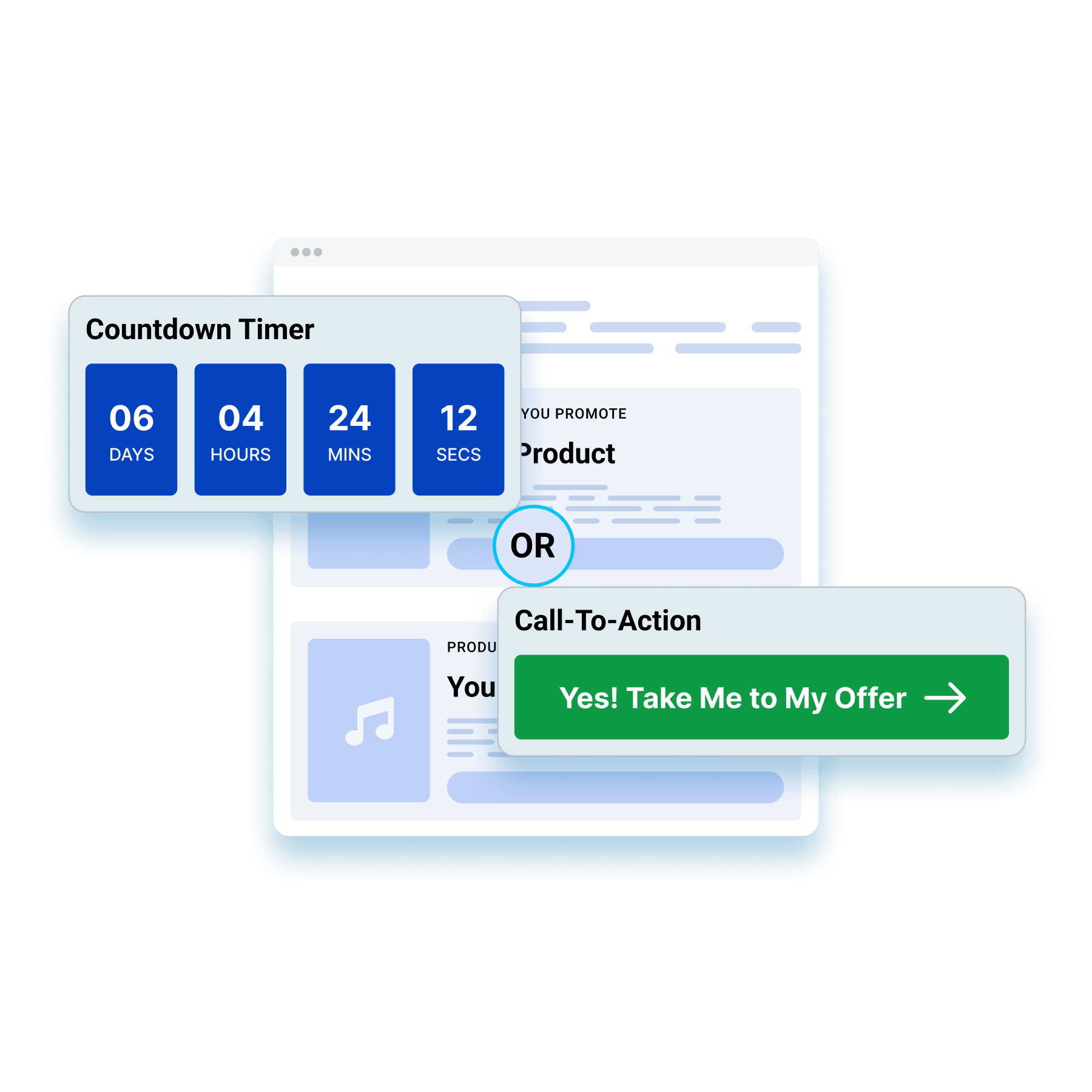
Richten Sie einen Countdown ein, der Besucher automatisch weiterleitet, oder verzichten Sie auf den Timer und lassen Sie einen CTA den Weg weisen. Beides sorgt dafür, dass die Besucher länger auf der Startseite verweilen, sodass Ihr Angebot mehr Zeit hat, Ihr Publikum zu überzeugen.
Erfassen Sie jeden Schritt Ihrer Besucher
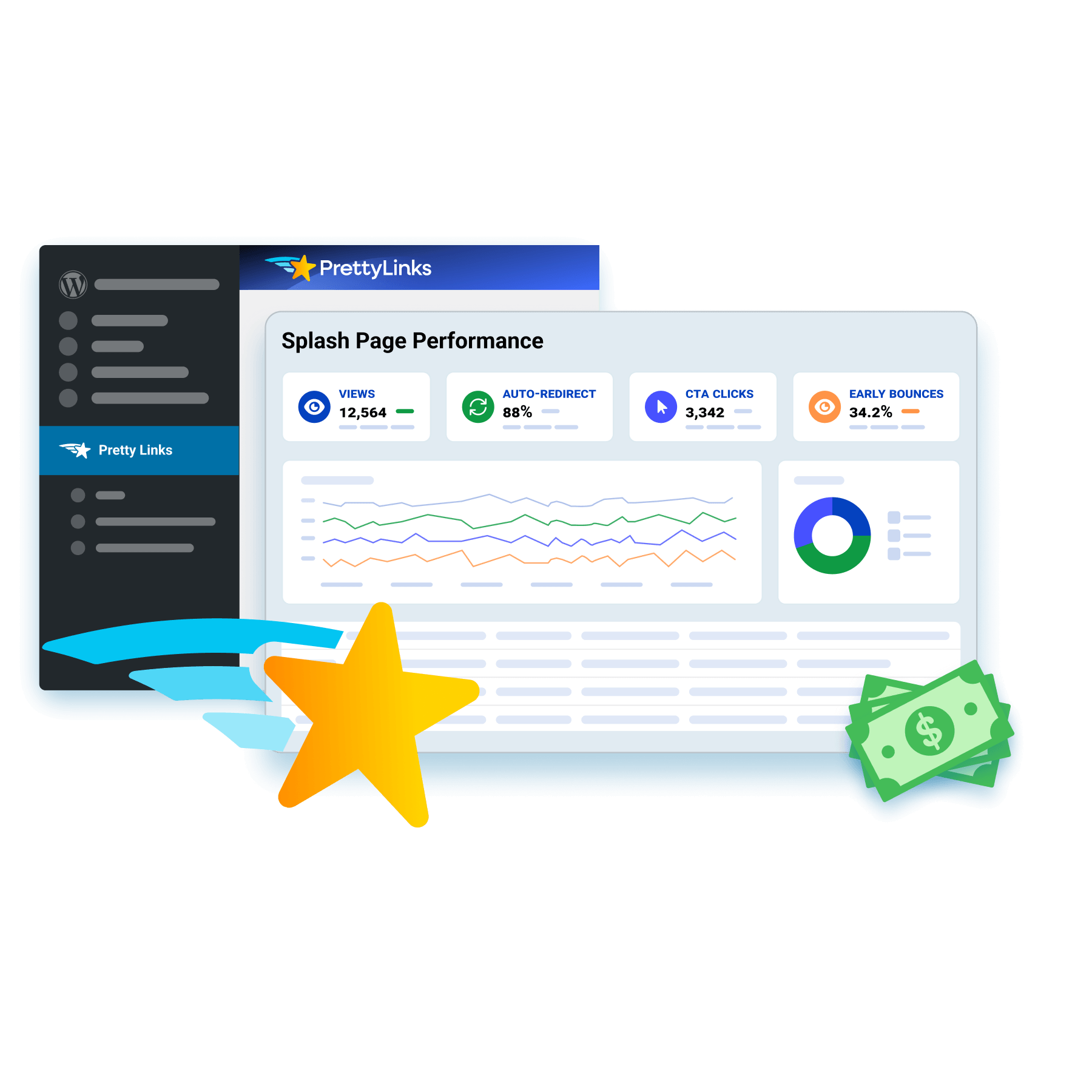
Jede Splash-Seite speichert ihre eigenen Trichter-Kennzahlen, darunter Aufrufe, automatische Weiterleitungsrate, CTA-Klicks und Absprungrate. So fügen sich Ihre Seitendaten und Link-Kennzahlen zu einem Gesamtbild zusammen, das den gesamten Weg eines Besuchers aufzeigt.
Häufig gestellte Fragen
Antworten darauf, was eine Splash-Seite ist, wie sie sich von einer Landingpage unterscheidet, was darauf stehen sollte und wie man den Weiterleitungs-Timer in PrettyLinks einstellt.
Eine Splash-Seite ist ein kurzer Zwischenstopp zwischen einem Klick und dem eigentlichen Ziel. Jemand tippt auf Ihren ansprechenden Link, sieht eine Meldung und ein oder zwei Schaltflächen und setzt dann seinen Weg zum ursprünglichen Ziel fort.
Das ist der Moment, in dem Sie noch etwas sagen können, bevor Sie einen Besucher weiterleiten. Das ist besonders nützlich für alles, was noch vor dem Abschluss des Klicks vermittelt werden muss: Weisen Sie auf Ihre Affiliate-Offenlegung hin, teilen Sie einen Rabattcode mit, den der Besucher an der Kasse benötigt, verweisen Sie ihn zunächst auf Ihre vollständige Bewertung oder lassen Sie ihn auswählen, welches Angebot er tatsächlich haben möchte.
Unser PrettyLinks-Startseiten Der Artikel erläutert, was Affiliate-Partner mit den wenigen Sekunden anfangen, die die meisten Menschen einfach vergeuden.
Eine Landingpage soll die Aufmerksamkeit des Besuchers fesseln. Eine Splash-Seite dient dazu, diese Aufmerksamkeit weiterzuleiten.
Landingpages enthalten längere Textabschnitte, Kundenstimmen und ein vollständiges Verkaufsargument, denn das Ziel besteht darin, den Verkauf abzuschließen. Splashpages vermitteln eine einzige Botschaft und enthalten einen Button, denn Ihr Besucher ist bereits auf dem Weg zu einem anderen Ziel und Sie nehmen ihm nur ein paar Sekunden seiner Reise in Anspruch.
Sie konkurrieren nicht um denselben Platz. Die Landingpage übernimmt den Verkauf. Die Splash-Seite kümmert sich um alles, was zuerst geschehen muss.
Lesen Sie unseren PrettyLinks-Startseiten Artikel, in dem Sie mehr darüber erfahren, wie sich Splash-Seiten von Landing Pages, Startseiten und Popups unterscheiden.
Nicht viel, und das ist Absicht. Zu den fünf Elementen, die auf einer Splash-Seite enthalten sein sollten, gehören: eine Kopfzeile, begleitender Text, ein Bild oder ein Video, ein oder zwei CTA-Schaltflächen und ein Countdown-Timer.
Du hast etwa drei Sekunden Zeit, bevor jemand nach dem Ausgang sucht – daher muss jedes Element seinen Platz verdienen. Bringe die Besucher näher an den Kauf heran oder biete ihnen eine wirklich bessere Alternative – alles andere ist nur Zeitverschwendung.
Möchten Sie sehen, wie es richtig gemacht wird? Unser 12 Beispiele für Splash-Seiten Der Artikel steckt voller Designs, die es wert sind, kopiert zu werden.
Ja. Geben Sie einfach eine YouTube-, Vimeo- oder Wistia-URL ein, und das Video wird auf Ihrer Startseite abgespielt, bevor jemand die Zielseite aufruft.
Das kommt einer herzlichen Einführung so nahe, wie es bei einem Affiliate-Link nur möglich ist. Eine kurze Demo des von Ihnen empfohlenen Tools, Ihre eigene Führung durch das Produkt oder ein 30-Sekunden-Pitch – alles, was dazu beiträgt, dass jemand bereits überzeugt ist, anstatt völlig unvorbereitet zu sein.
Und wenn das Video im Mittelpunkt steht, kombinieren Sie es mit der Vorlage „Bold“. Sie ist um einen großen Medienbereich herum aufgebaut, sodass Ihr Video den gesamten Bildschirm einnimmt, anstatt sich den Platz mit einer Textwand teilen zu müssen.
Unser Ein „Splash Link“-Dokument erstellen führt Sie Schritt für Schritt durch das Hinzufügen von Medien zu Ihrer Startseite.
Ja, zwischen 3 und 60 Sekunden. Der Standardwert liegt bei 10, und die meisten Nutzer stellen ihn von dort aus nach unten.
Drei bis fünf Sekunden sind der ideale Zeitrahmen für eine Information oder eine kurze Weiterleitung – lang genug, um gelesen zu werden, kurz genug, damit sich niemand aufgehalten fühlt. Heben Sie sich die längere Variante für Fälle auf, in denen die Startseite selbst im Mittelpunkt steht, beispielsweise bei einem Video, das sich jemand tatsächlich ansehen muss.
Sie können die automatische Weiterleitung auch ganz überspringen und Ihre CTA-Schaltflächen die Arbeit erledigen lassen – das ist die richtige Vorgehensweise, wenn Sie den Nutzern eine Wahlmöglichkeit bieten möchten, anstatt sie einfach weiterzuleiten.
Unser Ein „Splash Link“-Dokument erstellen umfasst die Countdown-Einstellungen für jeden von Ihnen erstellten Splash-Link.
Ja, genau dafür ist der zweite CTA-Button da. Zwei Buttons, die zu zwei verschiedenen attraktiven Links führen, sodass eine einzige Landingpage zwei völlig unterschiedliche Aktionen anregen kann. Das ist wichtig, denn nicht jeder, der auf Ihren Link klickt, befindet sich an derselben Stelle.
Manche sind bereit zum Kauf, und der erste Button führt sie direkt zum Angebot. Andere wägen die Sache noch ab, und anstatt sie zu einem Kauf zu drängen, für den sie noch nicht bereit sind, zeigt ihnen der zweite Button Ihre vollständige Rezension an, damit sie weiterlesen können, bis sie bereit sind.
Unser Splash-Funnel-Bericht (Dokument) zeigt Ihnen, wie Sie die Berichterstellung für Ihre Splash-Links einrichten, damit Sie sehen können, welche Schaltfläche die Leser wählen und wie viele von ihnen bis zum Angebot gelangen.