
Verfügbar ab dem „Marketer“-Tarif.
„Link in Bio“ wird mit drei Vorlagen ausgeliefert. Jede davon unterstützt dieselben Einstellungen für Profil, Schaltflächen und soziale Medien – sie werden lediglich unterschiedlich dargestellt. Wählen Sie die Vorlage aus, die zu Ihrem Ziel passt.
Dieser Leitfaden ist Teil der Pretty Links Link in Bio Add-on, der Einstiegspunkt für das Add-on „Link in Bio“.
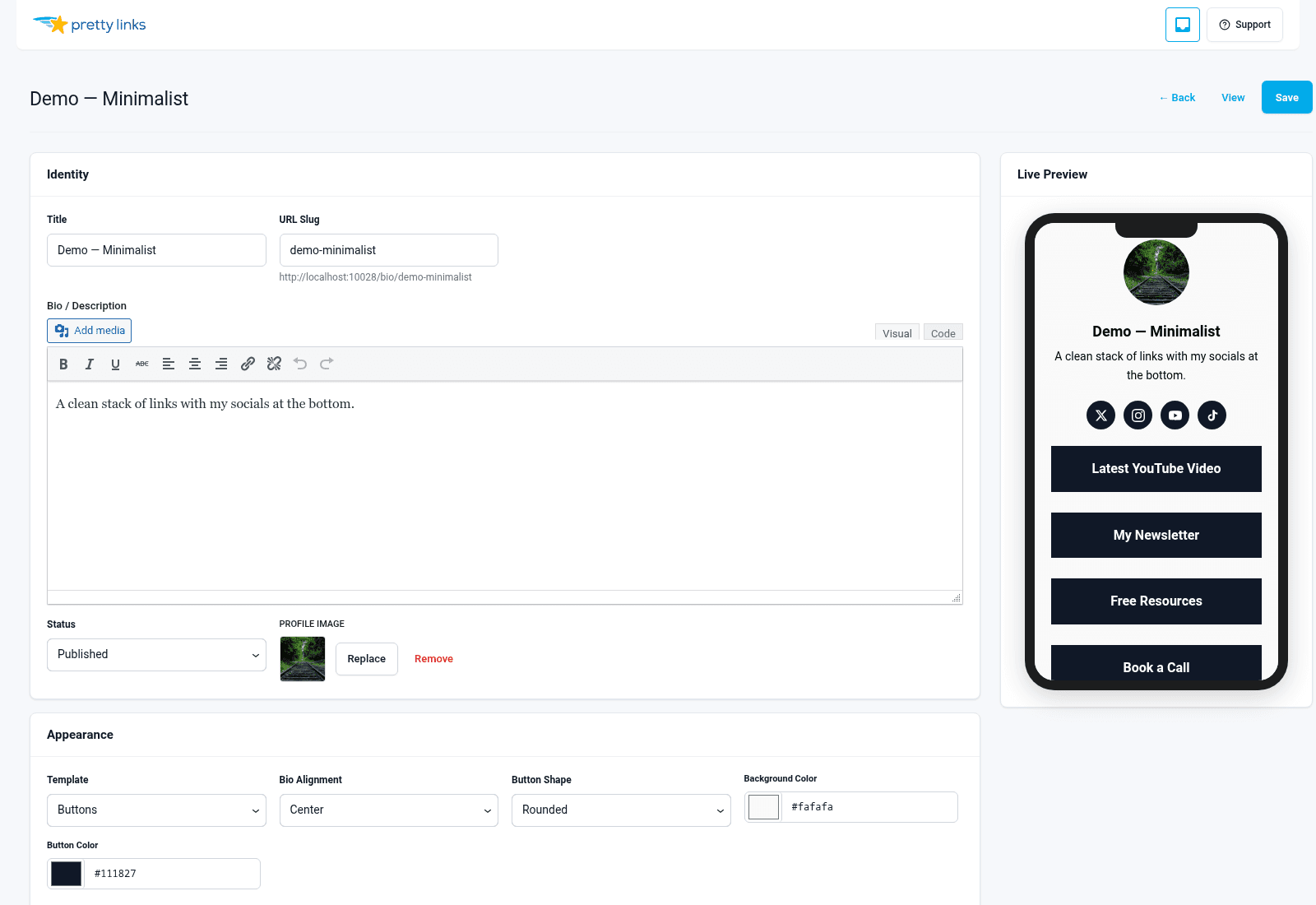
Vorlage für Schaltflächen
Der klassische “Link in Bio”-Look: Profilfoto oben, Name und Slogan darunter, gefolgt von einer vertikalen Reihe von Schaltflächen in voller Breite.
Am besten geeignet für: Content-Ersteller, Influencer, Podcaster – alle, deren Besucher mit dem Handy durch die Seiten blättern und schnell ans Ziel kommen wollen.
Visuelle Gestaltung: Minimalistisch. Viel Weißraum, klar erkennbare Tippflächen, keine Ablenkungen. Die Schaltflächen sind die Seite selbst.
Kontaktformular? Nein.
Produktraster? Nein.
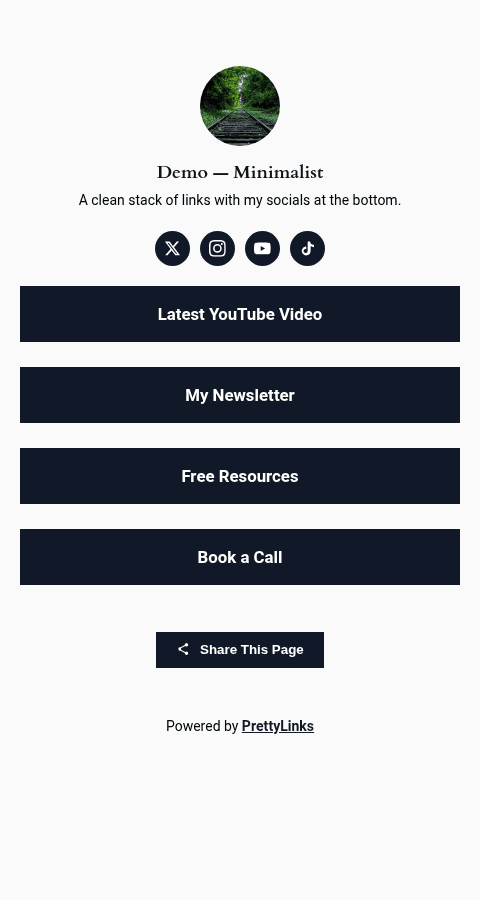
Inhaltsvorlage
Ein umfangreicheres Layout mit Registerkarten am oberen Rand. Besucher gelangen zunächst auf die Hauptregisterkarte (Ihre Schaltflächen), Sie können jedoch weitere Registerkarten hinzufügen, beispielsweise für einen “Über uns”-Bereich, ein Kontaktformular oder zusätzliche Inhalte.
Am besten geeignet für: Berater, Coaches, Freiberufler, Konferenzredner – alle, die mehr als nur Schaltflächen benötigen: Kurzbiografien, Termine, häufig gestellte Fragen, Kontaktdaten.
Visuelle Gestaltung: Wie in einer Zeitschrift. Mit Registerkarten lassen sich Inhalte unterteilen, ohne dass die Seite überladen wirkt.
Kontaktformular? Ja – dies ist die einzige Vorlage, die das integrierte Kontaktformular unterstützt. Siehe Kontakt-Formular.
Produktraster? Nein.
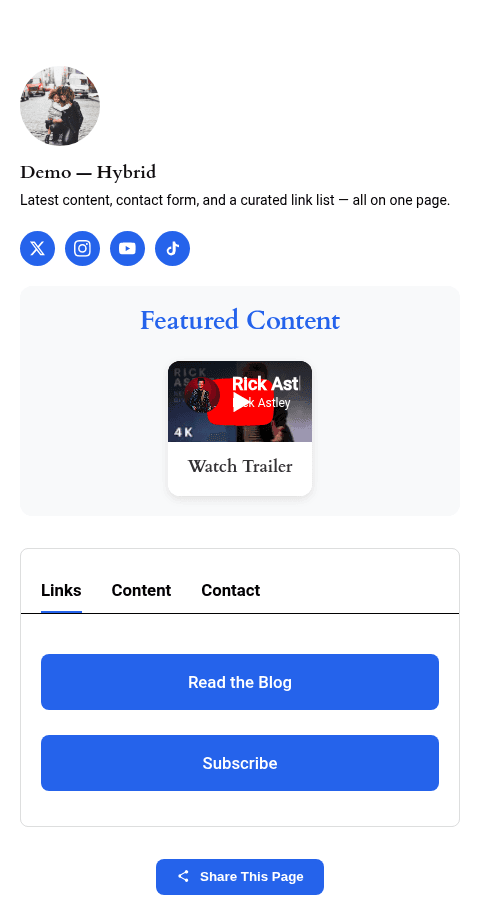
Vorlage für Karten
Ein Raster aus Karten statt gestapelter Schaltflächen. Jede Karte kann ein Bild, einen Titel, eine Beschreibung und einen CTA enthalten – ideal, um ein Portfolio, ein Produktsortiment oder eine kuratierte Liste zu präsentieren.
Am besten geeignet für: Produkteinführungen, Partnerprogramm-Übersichten, Portfolios, “Meine Favoriten kaufen”-Seiten.
Visuelle Gestaltung: Bilder stehen im Vordergrund. Viele Bilder, wenig Text. Liest sich wie ein Pinterest-Board oder ein Produktkatalog.
Kontaktformular? Nein.
Produktraster? Ja – es lässt sich direkt in das Add-on „Product Displays“ (Super-Affiliate-Tarif) integrieren, sodass Sie eine bereits erstellte Produktgruppe einfügen können, die dann als stilvolles Kartenraster angezeigt wird.
Direkter Vergleich
| Merkmal | Buttons | Inhalt | Karten |
|---|---|---|---|
| Abschnitt „Profil“ | Ja | Ja | Ja |
| Schaltflächenstapel | Ja | Ja | Ja |
| Social-Media-Symbole | Ja | Ja | Ja |
| Registerkarten | Nein | Ja | Nein |
| Kontakt-Formular | Nein | Ja | Nein |
| Produktanzeige (Rasteransicht) | Nein | Nein | Ja |
| Am besten geeignet für | Kreative, schnelle Tippen | Berater, mehrteilige Seiten | Produkteinführungen, Affiliate-Übersichten |
| Visuelle Dichte | Niedrig | Mittel | Hoch |
Späteres Wechseln der Vorlagen
Du kannst die Vorlagen jederzeit ändern. Öffne deine Bio-Seite, wähle eine andere Vorlage aus und klicke auf „Speichern“. Bei diesem Wechsel gehen weder deine Schaltflächen noch deine Social-Media-Links oder Profilinhalte verloren – es ändert sich lediglich das Layout.
So lässt sich kostengünstig experimentieren. Probieren Sie „Buttons“ eine Woche lang aus, wechseln Sie zu „Content“, wenn Sie feststellen, dass Sie mehr Platz benötigen, und kehren Sie zum vorherigen Layout zurück, falls es nicht die gewünschte Leistung bringt.