
Disponible en el plan Marketer y superiores.
«Link in Bio» incluye tres plantillas. Cada una de ellas admite los mismos ajustes de perfil, botones y redes sociales; la única diferencia es la forma en que se presentan. Elige la plantilla que mejor se adapte a tu objetivo.
Esta guía forma parte de la Complemento Pretty Links Link in Bio, el punto de acceso al complemento «Link in Bio».
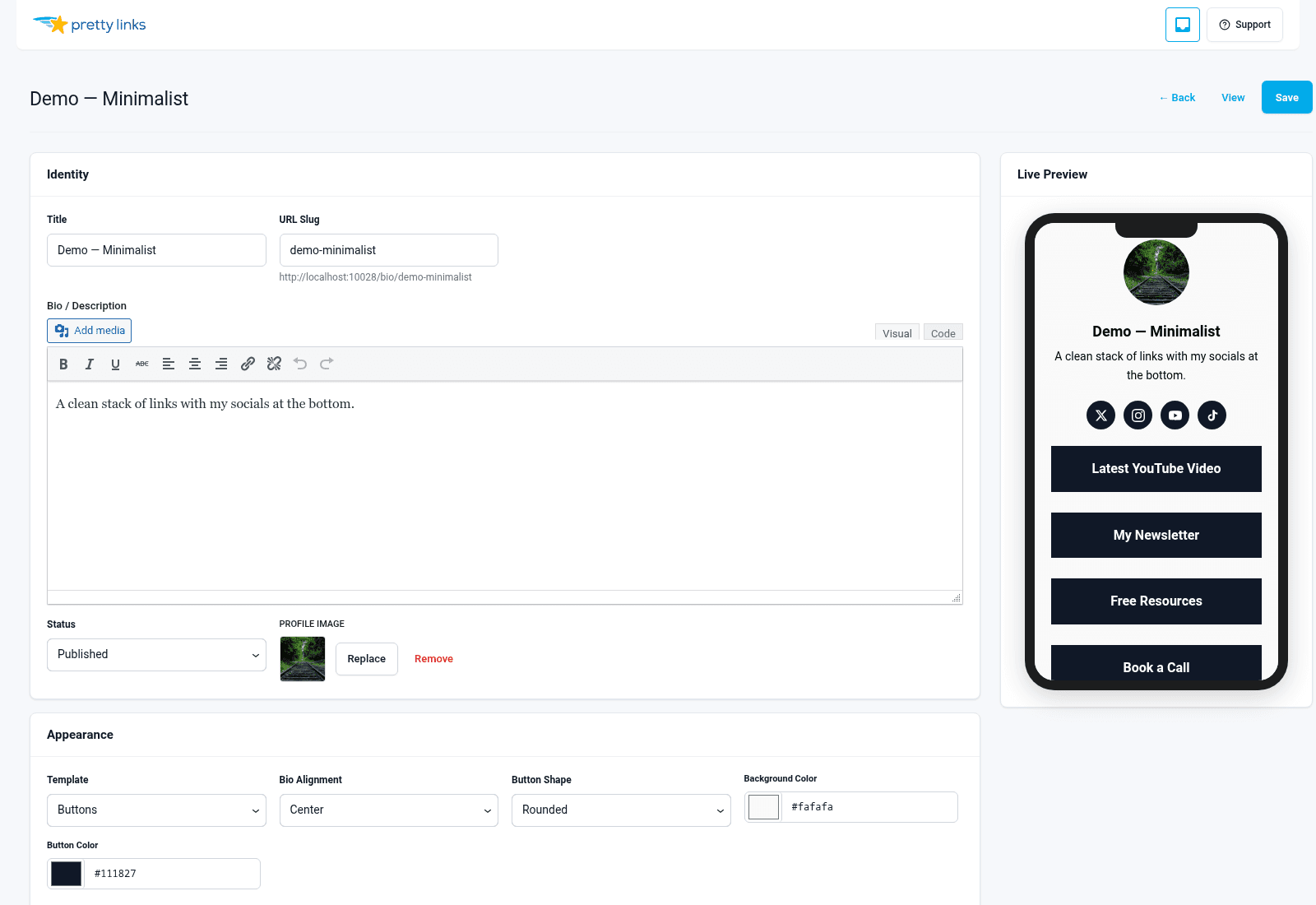
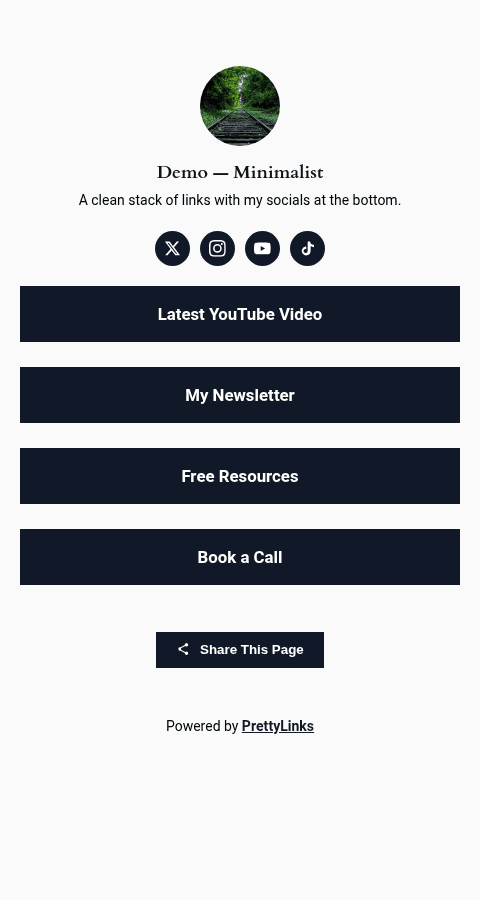
Plantilla de botones
El aspecto clásico del “enlace en la biografía”: foto de perfil en la parte superior, nombre y eslogan debajo, y a continuación una fila vertical de botones a todo lo ancho.
Ideal para: Creadores de contenido, influencers, podcasters… cualquiera cuyos visitantes naveguen desde el móvil y quieran llegar rápidamente a donde buscan.
Estilo visual: Minimalista. Mucho espacio en blanco, elementos táctiles bien definidos, sin distracciones. Los botones son la propia página.
¿Formulario de contacto? No.
¿Cuadrícula de productos? No.
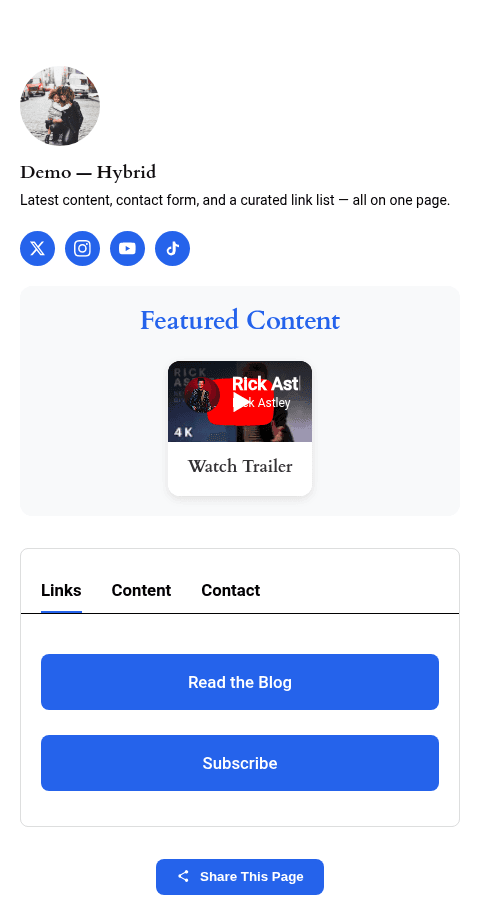
Plantilla de contenido
Un diseño más completo con pestañas en la parte superior. Los visitantes acceden a la pestaña principal (tus botones), pero puedes añadir pestañas adicionales para elementos como una sección “Acerca de”, un formulario de contacto o contenido adicional.
Ideal para: Consultores, coaches, autónomos, ponentes en congresos… Cualquiera que necesite algo más que simples botones: biografías, agendas, preguntas frecuentes e información de contacto.
Estilo visual: Al estilo de una revista. Las pestañas te permiten organizar el contenido en secciones sin que la página resulte recargada.
¿Formulario de contacto? Sí, esta es la única plantilla compatible con el formulario de contacto integrado. Consulta Formulario de contacto.
¿Cuadrícula de productos? No.
Plantilla de tarjetas
Una cuadrícula de tarjetas en lugar de botones apilados. Cada tarjeta puede incluir una imagen, un título, una descripción y una llamada a la acción, lo que resulta perfecto para mostrar un portafolio, una gama de productos o una lista seleccionada.
Ideal para: Lanzamientos de productos, resúmenes de afiliados, catálogos y páginas del tipo “compra mis favoritos”.
Estilo visual: Prioridad a lo visual. Muchas imágenes y poco texto. Se lee como un tablero de Pinterest o un catálogo de productos.
¿Formulario de contacto? No.
¿Cuadrícula de productos? Sí, se integra directamente con el complemento «Product Displays» (plan Super Affiliate), por lo que puedes añadir un grupo de productos que ya hayas creado y aparecerá en forma de cuadrícula de tarjetas con diseño propio.
Comparación lado a lado
| Característica | Botones | Contenido | Tarjetas |
|---|---|---|---|
| Sección de perfil | Sí | Sí | Sí |
| Pila de botones | Sí | Sí | Sí |
| Iconos de redes sociales | Sí | Sí | Sí |
| Pestañas | No | Sí | No |
| Formulario de contacto | No | Sí | No |
| Exposición de productos en formato de cuadrícula | No | No | Sí |
| Ideal para | Creadores, toques rápidos | Consultores, páginas con varias secciones | Lanzamientos de productos, resúmenes de afiliados |
| Densidad visual | Bajo | Medio | Alta |
Cambiar de plantilla más adelante
Puedes cambiar de plantilla en cualquier momento. Abre tu página de biografía, elige otra plantilla y haz clic en «Guardar». Al realizar el cambio, no se perderá ninguno de tus botones, enlaces a redes sociales ni contenido de tu perfil; solo cambiará el diseño.
Así resulta más barato probar cosas nuevas. Prueba «Buttons» durante una semana, cambia a «Content» si ves que necesitas más espacio y vuelve atrás si no da los resultados esperados.