
Disponible dans le cadre de la formule « Super Affiliate ».
A produit Il s'agit d'un élément unique : un outil, un livre, un service, un niveau. Vous pouvez ajouter des produits depuis l'éditeur de groupe ou directement sous Tableau de bord > Pretty Links > Présentation des produits > Produits.
Ce guide fait partie de la Pretty Links Présentoirs de produits, la page d'accueil du module complémentaire « Product Displays ».
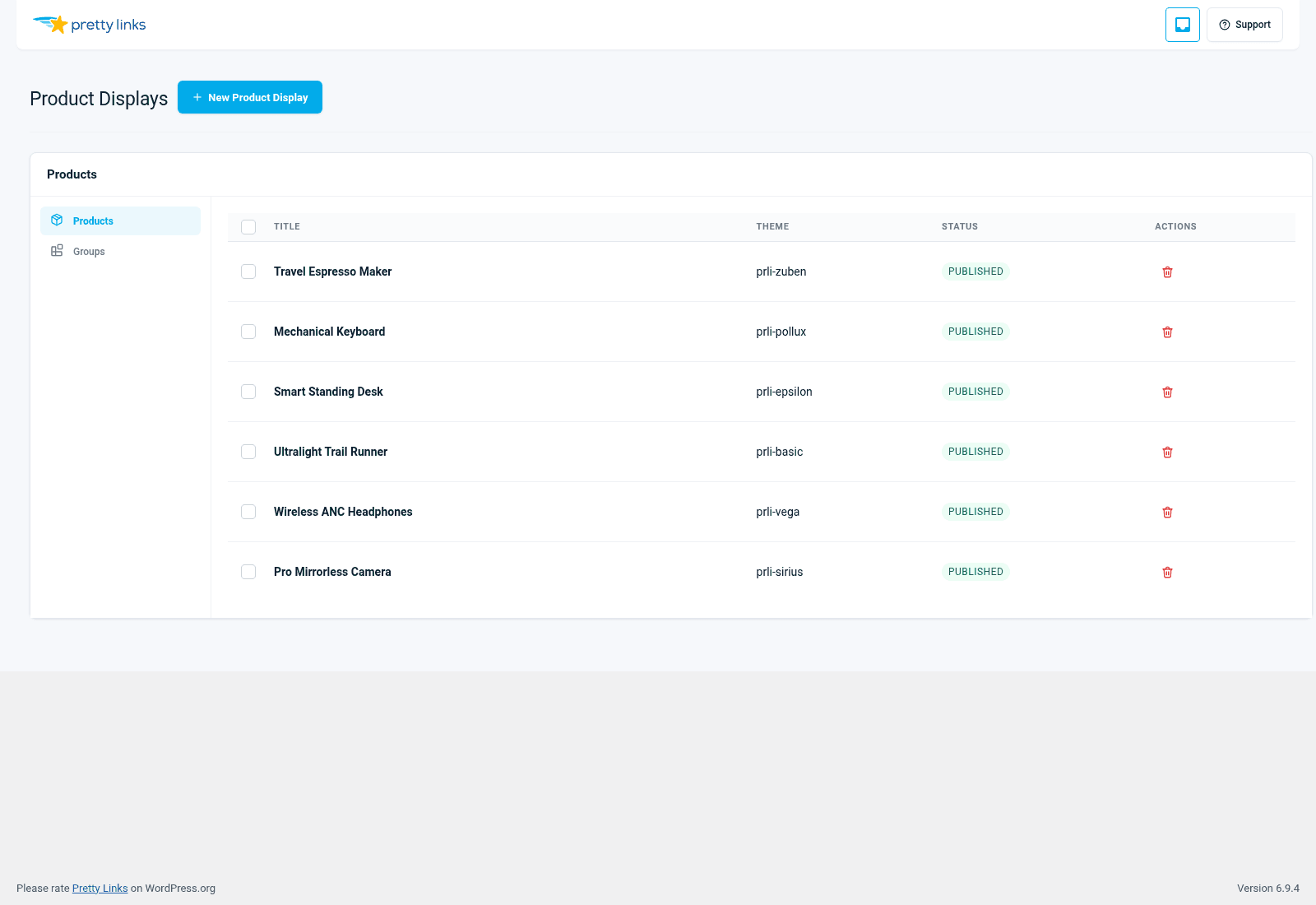
Le formulaire produit
Chaque produit comporte les mêmes champs. Voici à quoi sert chacun d'entre eux.
Image
L'élément visuel qui attire l'attention sur la fiche. C'est le facteur le plus déterminant pour que les visiteurs remarquent le produit ; veillez donc à ce qu'il soit percutant.
- Carré ou 4:3 les images s'adaptent mieux à tous les thèmes ;
- Au moins 600 px de large pour qu'elle reste nette sur les écrans Retina ;
- Arrière-plans transparents (PNG) pour les produits sur les pages de détail ; photos de style de vie conviennent mieux aux récapitulatifs d'affiliation.
Si un fabricant ou un programme d'affiliation fournit des photos de produits, c'est généralement la source la plus pratique.
Titre
Le nom du produit. Optez pour un nom court : la plupart des mises en page de fiches produits tronquent les titres trop longs. “ Aeropress Original ” est préférable à “ Cafetière Aeropress Original (dernier modèle 2026 avec filtres) ”.”
Description
Un argumentaire en une ou deux phrases. C'est là que vous expliquez aux visiteurs pourquoi Ils devraient s'en soucier. Essayez de ne pas dépasser 25 mots. Les descriptions trop longues font passer l'appel à l'action (CTA) sous la ligne de flottaison et nuisent au taux de clics.
Prix
Le prix que vous affichez sur la fiche produit. Il s'agit d'un champ de texte, vous pouvez donc y inscrire ce qui vous convient : “ $49 ”, “ À partir de $19/mo ”, “ Essai gratuit ”, “ Contactez-nous pour un devis ”. Si un produit n’a pas de prix (ou ne doit pas en afficher), laissez le champ vide : la plupart des thèmes masqueront alors cette ligne.
Notez que Pretty Links ne synchronise le prix depuis aucune source : si Amazon modifie la fiche produit, vous devrez mettre à jour la valeur ici. C'est un avantage : afficher un prix stable et vérifié vous évite de tomber dans le piège des prix d'affiliation obsolètes qui enfreignent les conditions du programme.
Appel à l'action principal
Le bouton principal de la fiche. Deux options sont proposées pour la destination vers laquelle il renvoie :
- Un joli lien — Recommandé. Choisissez parmi vos « Pretty Links » existants. Chaque clic est suivi, et vous pouvez modifier la destination ultérieurement en modifiant le « Pretty Link » sans toucher au produit ;
- Une URL de secours — Une URL simple, à utiliser si vous n'avez pas encore créé de « Pretty Link » pour ce produit.
Le libellé du bouton est personnalisable : “ Acheter maintenant ”, “ Vérifier le prix ”, “ En savoir plus ”, “ Commencer l'essai ”, ou tout autre libellé de votre choix.
Appel à l'action secondaire
Deuxième bouton facultatif. Utile pour :
- “ Acheter sur Amazon ” + “ Lire l'avis complet ” ;
- “ Commencer l'essai gratuit ” + “ Voir les tarifs ” ;
- “ Acheter le livre ” + “ Écouter un extrait ”.
Si vous n'avez pas besoin d'un deuxième bouton, laissez ce champ vide : la plupart des thèmes le masqueront.
Divulgation de l'affiliation
Un petit bouton bascule qui ajoute une note d'information sous la fiche — généralement du genre : “ Je perçois une commission sur les achats effectués via ce lien, sans frais supplémentaires pour vous. ”
Pour les sélections de produits d'affiliation, la réglementation de la FTC américaine et la plupart des conditions générales des programmes d'affiliation exigent une mention obligatoire. Activez cette option pour les produits d'affiliation. Pour vos propres produits, cela n'est pas nécessaire.
Thème
Chaque produit peut utiliser le thème du groupe (par défaut) ou le remplacer par son propre thème. La plupart du temps, vous le laisserez hériter du thème du groupe : la cohérence est plus agréable à l'œil que la diversité. Mais si vous avez un article haut de gamme au sein d'un groupe de produits de base, lui attribuer un thème plus élaboré peut attirer l'attention.
Voir Thèmes pour les six options.
Conservation et réutilisation
Une fois enregistré, un produit peut être ajouté à plusieurs groupes. Si vous créez une fois le produit “ Aeropress Original ”, puis que vous créez trois sélections différentes auxquelles il appartient, ces trois sélections se mettent automatiquement à jour lorsque vous modifiez le produit.
C'est la principale raison pour laquelle il est préférable de gérer les produits comme des entités à part entière plutôt que de simplement les intégrer directement dans un seul groupe : écrire une fois, réutiliser partout, mettre à jour une seule fois.
Conseils pour créer des cartes qui génèrent des conversions
- Commencez par l'élément visuel le plus percutant. Une photo de produit floue vaut pire que pas de photo du tout. Si vous ne parvenez pas à obtenir de bonnes photos, les photos de mise en situation sont généralement préférables à rien du tout ;
- Associez la description au public. “ Un moulin à 16 000 tr/min avec 40 réglages ” : voilà ce que lit un passionné de café ; “ une mouture homogène en 30 secondes ” : voilà ce que lit un débutant. Sachez à qui vous vous adressez ;
- Tester les libellés des CTA. “ Acheter maintenant ” fonctionne bien auprès de certains publics ; “ Vérifier le prix ” est perçu comme moins contraignant et génère souvent un meilleur taux de conversion dans les publications de type « tour d'horizon ». Essayez les deux ;
- Ne trichez pas sur le prix. Les programmes d'affiliation l'interdisent, et les visiteurs qui atterrissent sur une page “ $200 ” après avoir vu « $129 » sur votre site quittent immédiatement le site.