
Disponível no plano Marketer e nos planos superiores.
O “Link in Bio” vem com três modelos. Cada um deles oferece as mesmas configurações de Perfil, Botões e Redes Sociais — a diferença está apenas na forma como são apresentadas. Escolha o modelo que melhor se adequa ao seu objetivo.
Este guia faz parte do Complemento Pretty Links Link in Bio, o ponto de acesso ao complemento “Link in Bio”.
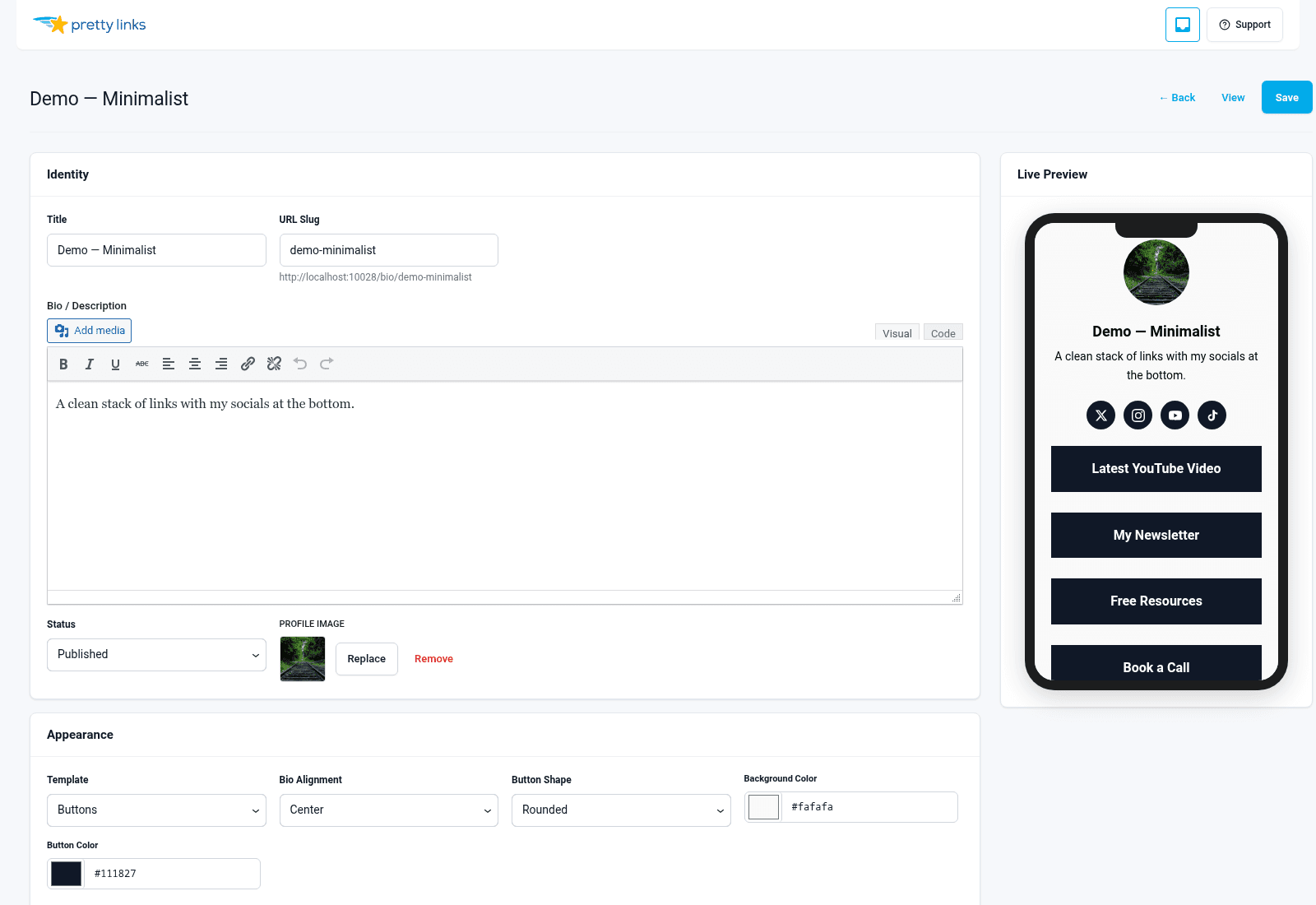
Modelo de botões
O visual clássico do “link na bio”: foto de perfil na parte superior, nome e slogan logo abaixo, seguido por uma pilha vertical de botões que ocupam toda a largura.
Ideal para: Criadores de conteúdo, influenciadores, podcasters — qualquer pessoa cujos visitantes estejam navegando pelo celular e queiram chegar rapidamente a algum lugar.
Estilo visual: Minimalista. Muito espaço em branco, elementos de interação bem definidos, sem distrações. Os botões são a própria página.
Formulário de contato? Não.
Grelha de produtos? Não.
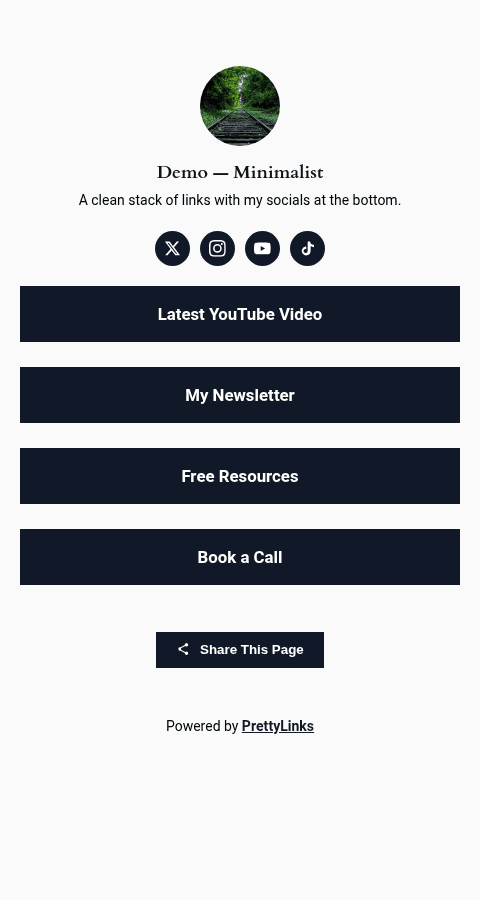
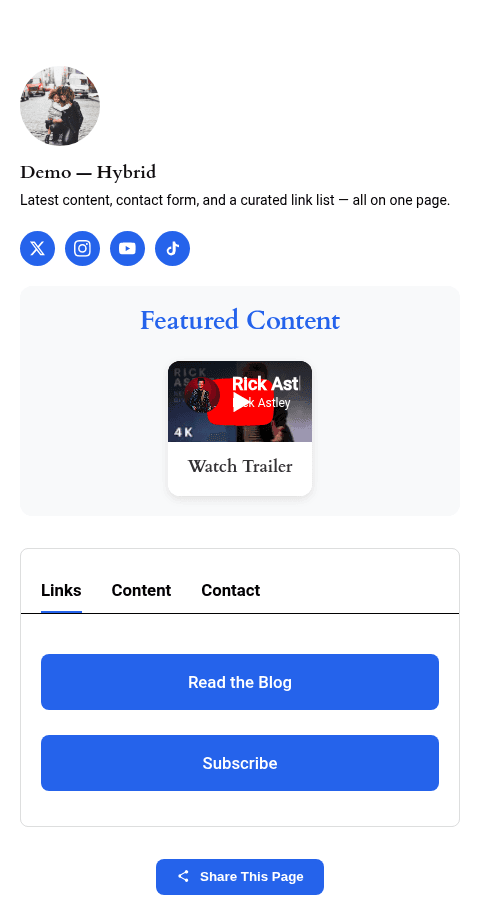
Modelo de conteúdo
Um layout mais completo, com abas na parte superior. Os visitantes acessam a aba principal (seus botões), mas você pode adicionar outras abas para itens como uma seção “Sobre”, um formulário de contato ou conteúdo adicional.
Ideal para: Consultores, coaches, freelancers, palestrantes de conferências, qualquer pessoa que precise de mais do que apenas botões — biografias, agendas, perguntas frequentes, informações de contato.
Estilo visual: No estilo de uma revista. As abas permitem organizar o conteúdo em seções sem deixar a página com aparência desorganizada.
Formulário de contato? Sim — este é o único modelo compatível com o formulário de contato integrado. Veja Formulário de contato.
Grelha de produtos? Não.
Modelo de cartões
Uma grade de cartões em vez de botões empilhados. Cada cartão pode conter uma imagem, um título, uma descrição e um CTA — perfeito para apresentar um portfólio, uma linha de produtos ou uma lista selecionada.
Ideal para: Lançamentos de produtos, resumos de afiliados, portfólios, páginas do tipo “compre meus favoritos”.
Estilo visual: Prioridade ao visual. Muitas imagens, menos texto. A leitura se assemelha a um painel do Pinterest ou a um catálogo de produtos.
Formulário de contato? Não.
Grelha de produtos? Sim — integra-se diretamente ao complemento “Product Displays” (plano Super Affiliate), de modo que você pode inserir um grupo de produtos que já tenha criado e ele aparecerá como uma grade de cartões com estilo.
Comparação lado a lado
| Recurso | Botões | Conteúdo | Cartões |
|---|---|---|---|
| Seção de perfil | Sim | Sim | Sim |
| Pilha de botões | Sim | Sim | Sim |
| Ícones de redes sociais | Sim | Sim | Sim |
| Guias | Não | Sim | Não |
| Formulário de contato | Não | Sim | Não |
| Exibição de produtos em grade | Não | Não | Sim |
| Ideal para | Criadores, toques rápidos | Consultores, páginas com várias seções | Lançamentos de produtos, resumos de afiliados |
| Densidade visual | Baixo | Médio | Alta |
Como trocar de modelo posteriormente
Você pode alterar os modelos a qualquer momento. Abra sua página de biografia, escolha um modelo diferente e clique em “Salvar”. Nenhum dos seus botões, links de redes sociais ou conteúdo do perfil será perdido com a mudança — apenas o layout será alterado.
Isso torna a experimentação mais acessível. Experimente o Buttons por uma semana, mude para o Content se perceber que precisa de mais espaço e volte atrás se o desempenho não for satisfatório.