
Disponible avec la formule « Marketer » et les formules supérieures.
« Link in Bio » est fourni avec trois modèles. Chacun d'entre eux prend en charge les mêmes paramètres de profil, de boutons et de réseaux sociaux ; ils les présentent simplement de manière différente. Choisissez le modèle qui correspond à votre objectif.
Ce guide fait partie de la Pretty Links Link in Bio Add-on, la page d'accueil de l'extension « Link in Bio ».
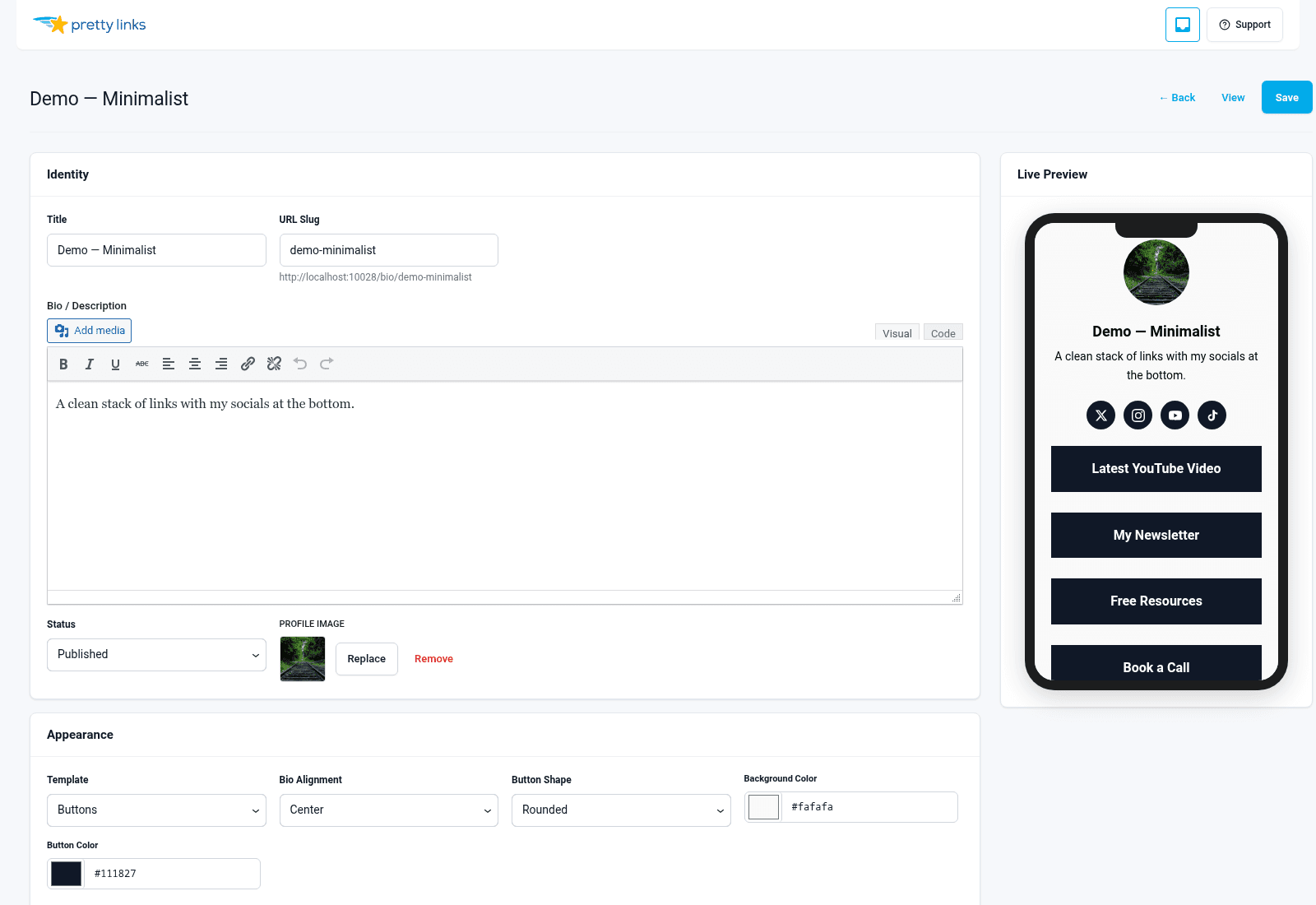
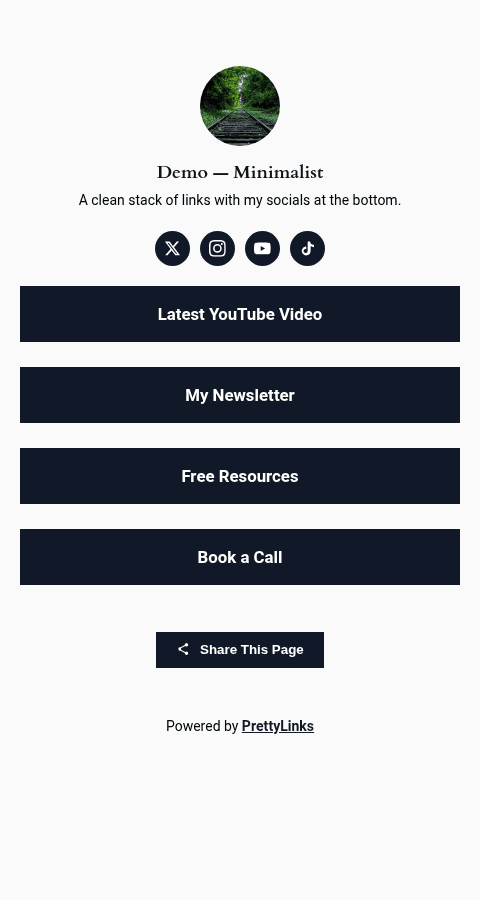
Modèle de boutons
Le style classique “ lien dans la bio ” : photo de profil en haut, nom et slogan en dessous, puis une rangée verticale de boutons occupant toute la largeur.
Idéal pour : Créateurs, influenceurs, podcasteurs… tous ceux dont les visiteurs naviguent sur leur téléphone et souhaitent accéder rapidement à une page.
Style visuel : Minimaliste. Beaucoup d'espaces blancs, des zones de clic bien identifiables, aucune distraction. Les boutons font partie intégrante de la page.
Formulaire de contact ? Non.
Grille de produits ? Non.
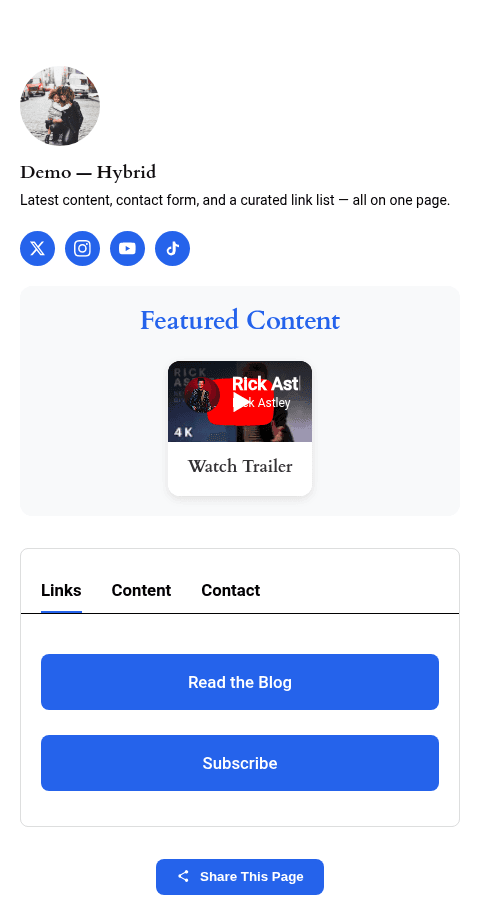
Modèle de contenu
Une mise en page plus riche avec des onglets en haut de la page. Les visiteurs accèdent à l'onglet principal (vos boutons), mais vous pouvez ajouter d'autres onglets pour, par exemple, une rubrique “ À propos ”, un formulaire de contact ou du contenu supplémentaire.
Idéal pour : Consultants, coachs, indépendants, intervenants lors de conférences, bref, tous ceux qui ont besoin de plus que de simples boutons : biographies, calendriers, FAQ, coordonnées.
Style visuel : À la manière d'un magazine. Les onglets vous permettent de structurer le contenu sans que la page ne paraisse surchargée.
Formulaire de contact ? Oui — c'est le seul modèle qui prend en charge le formulaire de contact intégré. Voir Formulaire de contact.
Grille de produits ? Non.
Modèle de cartes
Une grille de fiches plutôt qu'une pile de boutons. Chaque fiche peut contenir une image, un titre, une description et un appel à l'action : l'idéal pour mettre en valeur un portfolio, une gamme de produits ou une sélection soigneusement choisie.
Idéal pour : Lancements de produits, sélections d'affiliation, portfolios, pages “ Découvrez mes coups de cœur ”.
Style visuel : Priorité au visuel. Beaucoup d'images, peu de texte. On dirait un tableau Pinterest ou un catalogue de produits.
Formulaire de contact ? Non.
Grille de produits ? Oui — il s'intègre directement à l'extension « Product Displays » (formule Super Affiliate) ; vous pouvez ainsi y ajouter un groupe de produits que vous avez déjà créé, et celui-ci s'affichera sous la forme d'une grille de cartes stylisées.
Comparaison côte à côte
| Fonctionnalité | Boutons | Contenu | Cartes |
|---|---|---|---|
| Section « Profil » | Oui | Oui | Oui |
| Pile de boutons | Oui | Oui | Oui |
| Icônes de réseaux sociaux | Oui | Oui | Oui |
| Onglets | Non | Oui | Non |
| Formulaire de contact | Non | Oui | Non |
| Affichage des produits sous forme de grille | Non | Non | Oui |
| Idéal pour | Créateurs, tapez vite ! | Consultants, pages à plusieurs sections | Lancements de produits, tour d'horizon des programmes d'affiliation |
| Densité visuelle | Faible | Moyen | Haut |
Changer de modèle ultérieurement
Vous pouvez changer de modèle à tout moment. Ouvrez votre page de présentation, choisissez un autre modèle, puis cliquez sur « Enregistrer ». Aucun de vos boutons, liens vers les réseaux sociaux ou éléments de votre profil ne sera perdu lors du changement : seule la mise en page sera modifiée.
Cela permet d'expérimenter à moindre coût. Testez « Buttons » pendant une semaine, passez à « Content » si vous constatez que vous avez besoin de plus d'espace, et revenez en arrière si les résultats ne sont pas au rendez-vous.