
Suivez chaque clic depuis un seul tableau de bord
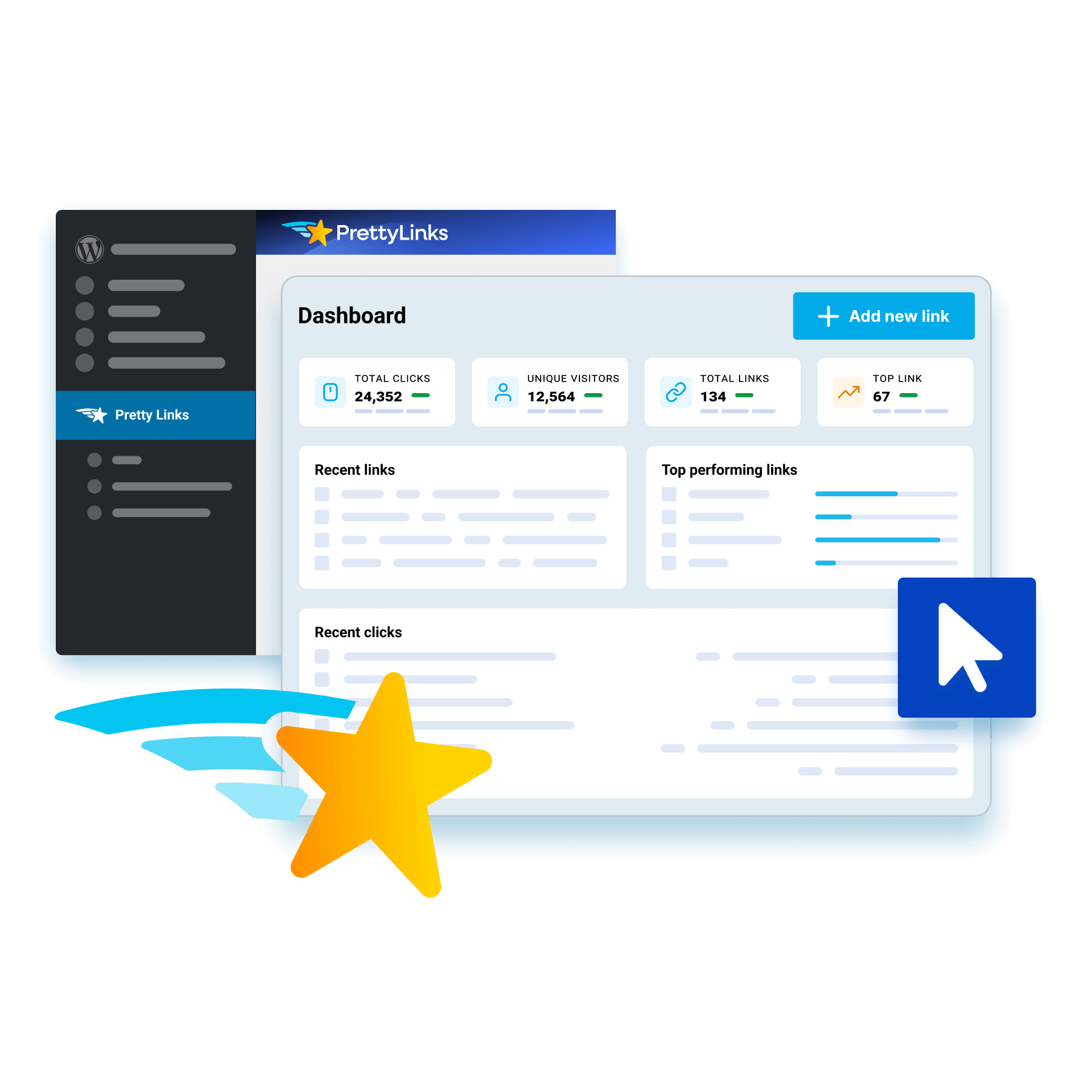
Importez vos liens d'affiliation de tous les programmes que vous promouvez dans PrettyLinks et suivez les performances de chacun d'entre eux, sans avoir à vous connecter à chaque compte pour obtenir une vue d'ensemble.
Votre tableau de bord s'ouvre sur la vue d'ensemble : nombre total de clics, liens les plus performants et graphiques de votre rapport, le tout avant même que vous ne cliquiez sur un lien en particulier pour en examiner les performances de plus près.
Découvrez qui se cache derrière chaque clic
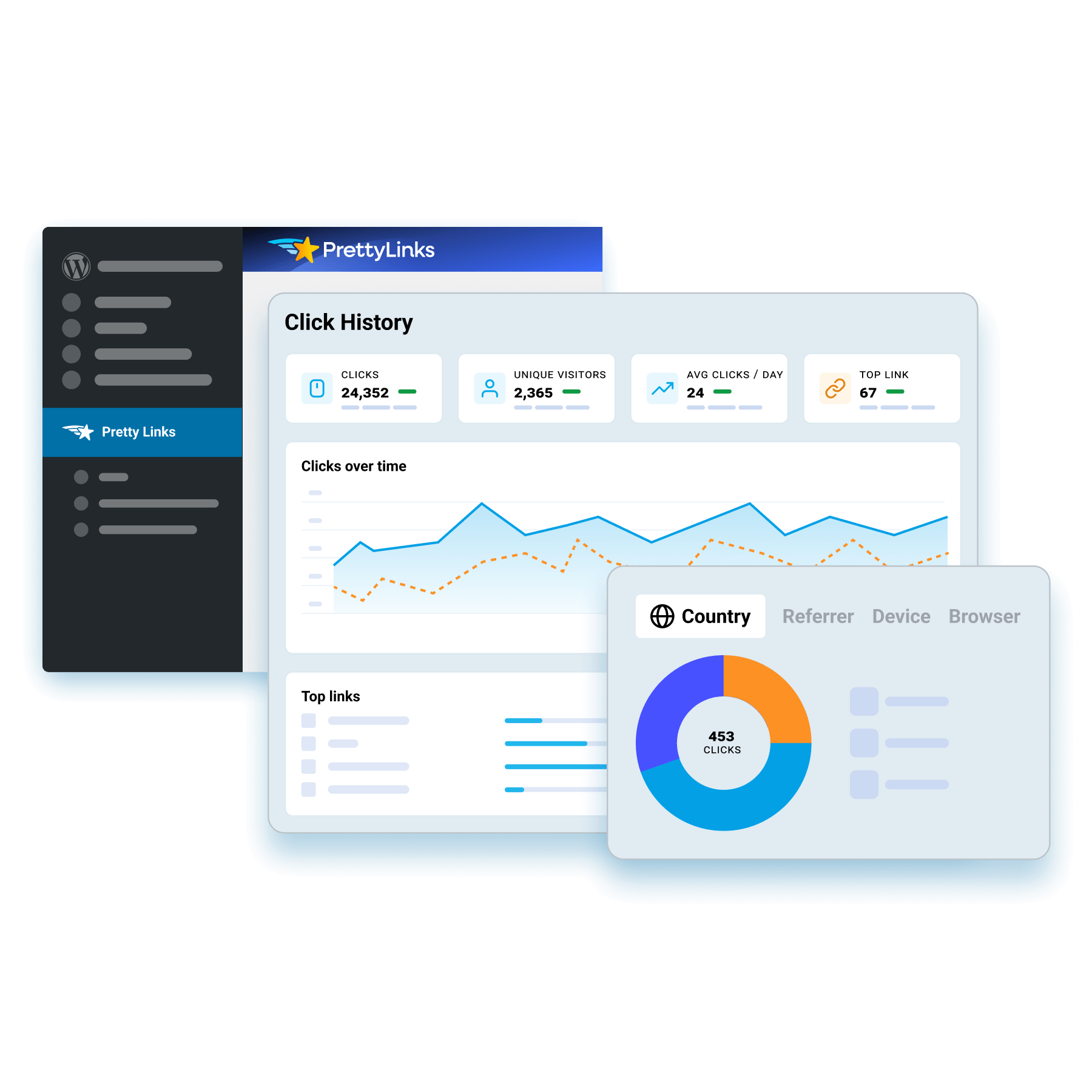
Découvrez d'où proviennent vos clics, ce qui les a générés, ainsi que l'appareil et le navigateur utilisés pour chacun d'entre eux, afin d'avoir une vision claire du trafic généré par vos liens.
PrettyLinks génère automatiquement ces analyses en suivant l'historique de vos clics, vous permettant ainsi de visualiser votre audience avec le même niveau de détail que celui que vous utilisez déjà pour suivre vos liens.
Intégrer le suivi UTM à chaque lien
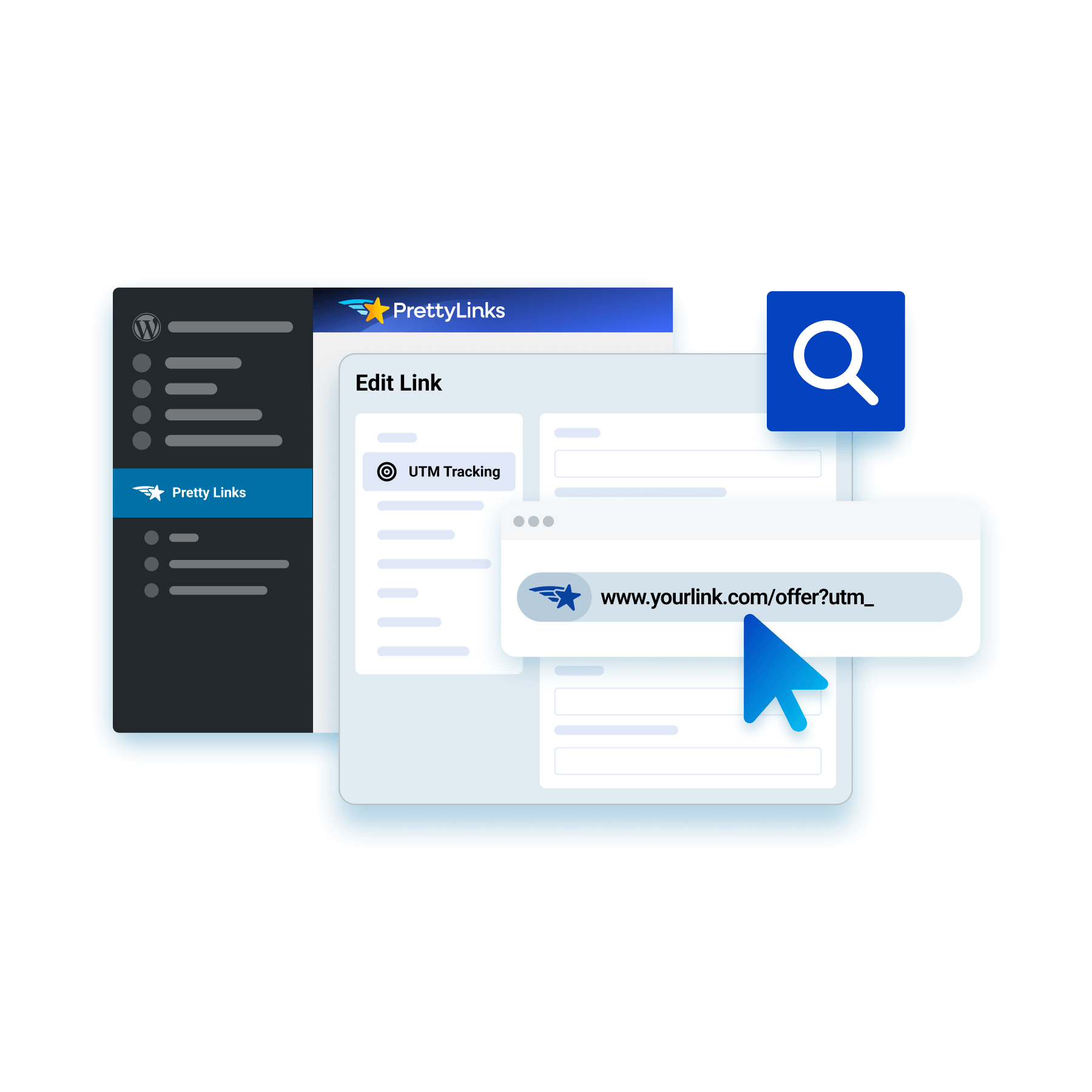
Ajoutez vos balises de source, de support et de campagne directement dans l'éditeur de liens PrettyLinks, ce qui vous évite d'avoir à utiliser des feuilles de calcul, source fréquente d'erreurs, pour configurer le suivi UTM.
PrettyLinks ajoute ces paramètres à votre URL cible, ce qui permet à Google Analytics d'effectuer un suivi par campagne, tandis que le lien personnalisé que vous partagez reste court et clairement identifiable comme étant le vôtre.
Éliminez les bots de vos données de clics
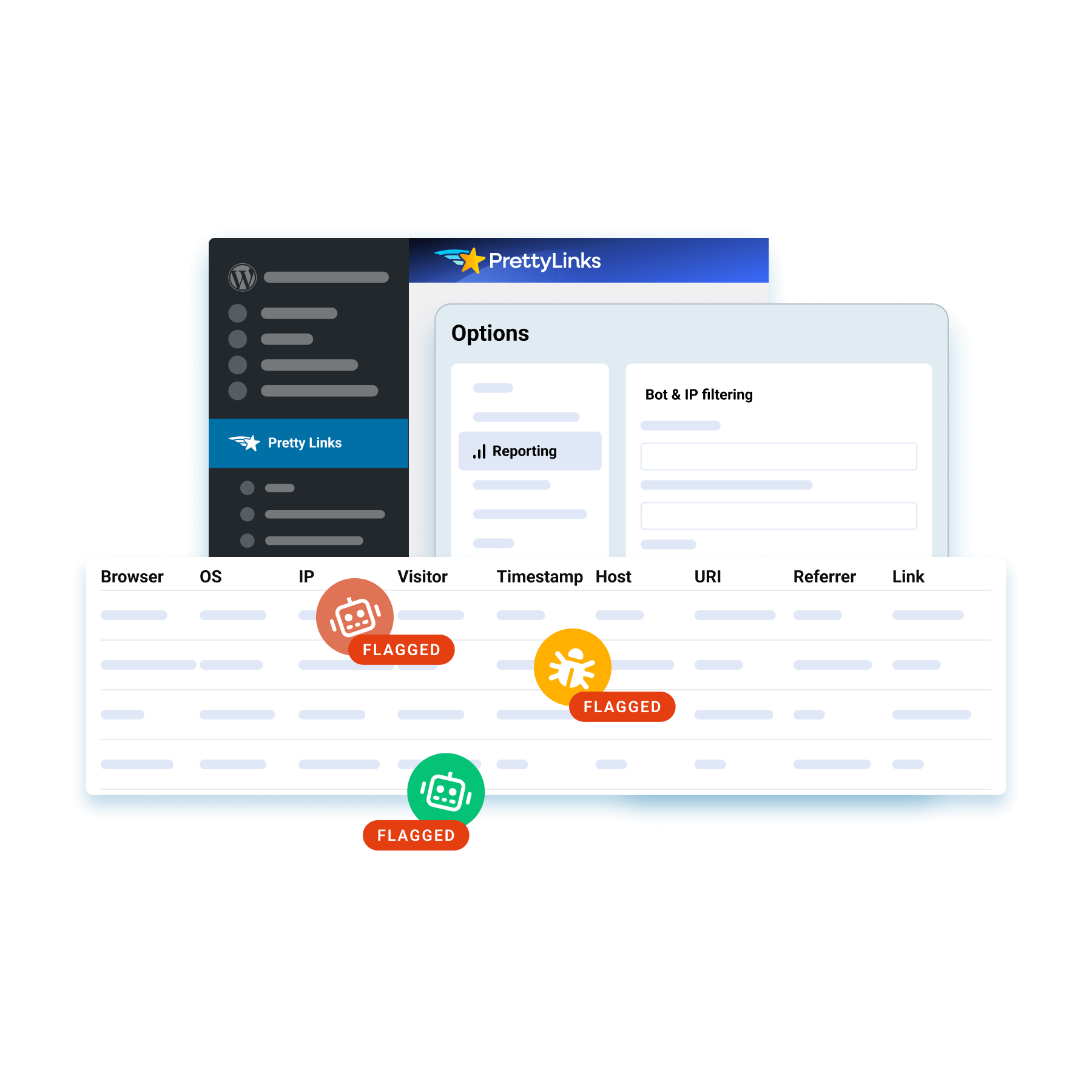
Filtrez les robots d'indexation et les bots alimentés par l'IA qui gonflent vos statistiques de clics, afin que les données affichées proviennent de visiteurs réels et non d'un trafic automatisé qui fausse vos rapports.
PrettyLinks en reconnaît plus de 70 dès son installation et vous permet d'ajouter tous ceux que vous souhaitez marquer, afin de disposer de données de clics suffisamment fiables pour être considérées comme dignes de confiance sans qu'il soit nécessaire de les vérifier.
Respectez la vie privée tout en effectuant un suivi
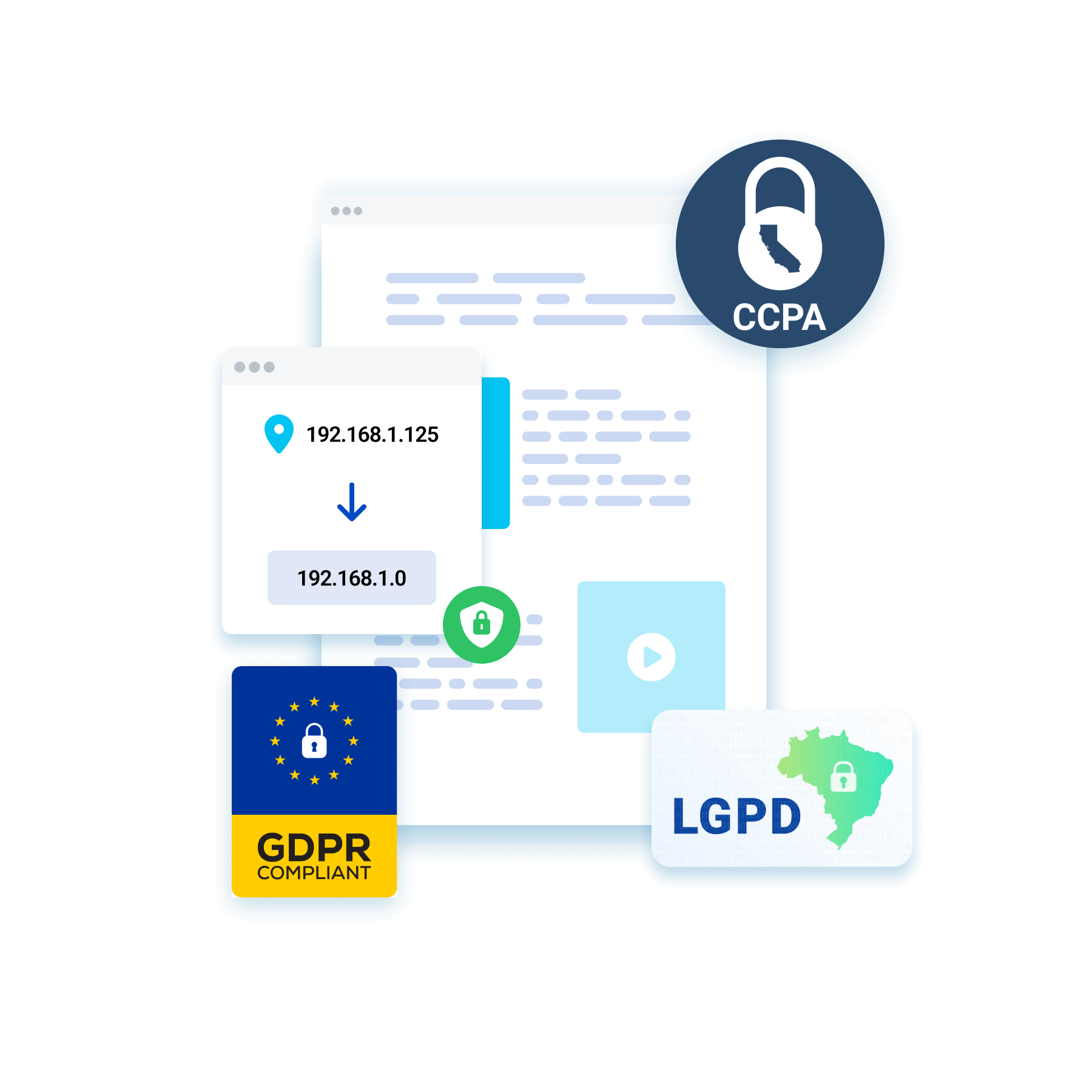
Activez l'anonymisation des adresses IP pour mesurer l'ensemble de votre trafic tout en masquant les données des visiteurs qui permettent de les identifier.
Vous restez en conformité avec les lois sur la protection des données telles que le RGPD, le CCPA et la LGPD, en collectant toutes les informations nécessaires à l'élaboration de vos rapports sans jamais compromettre la vie privée des visiteurs.
Savoir quels clics ont abouti à une action
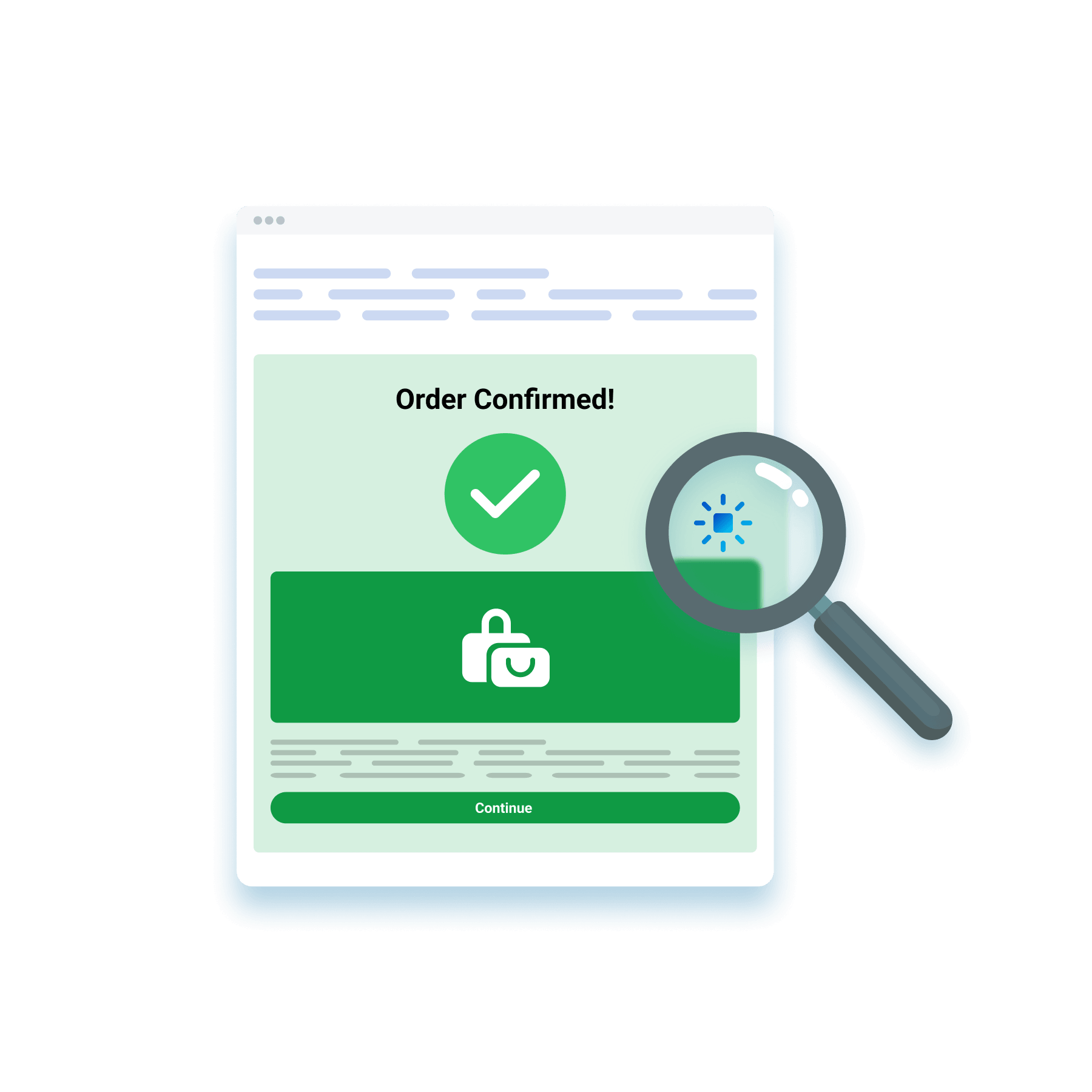
Insérez un pixel de suivi PrettyLinks sur votre page de confirmation afin de suivre ce qui se passe après le clic, qu'il s'agisse d'une nouvelle inscription, d'un formulaire envoyé ou d'une vente finalisée.
Il enregistre toutes les conversions qui ont lieu sans gêner vos visiteurs, confirmant ainsi que le clic ne s'est pas arrêté à la page de destination, mais qu'il a bien donné lieu à une conversion.
Générer un rapport de conversion pour n'importe quel ensemble de liens
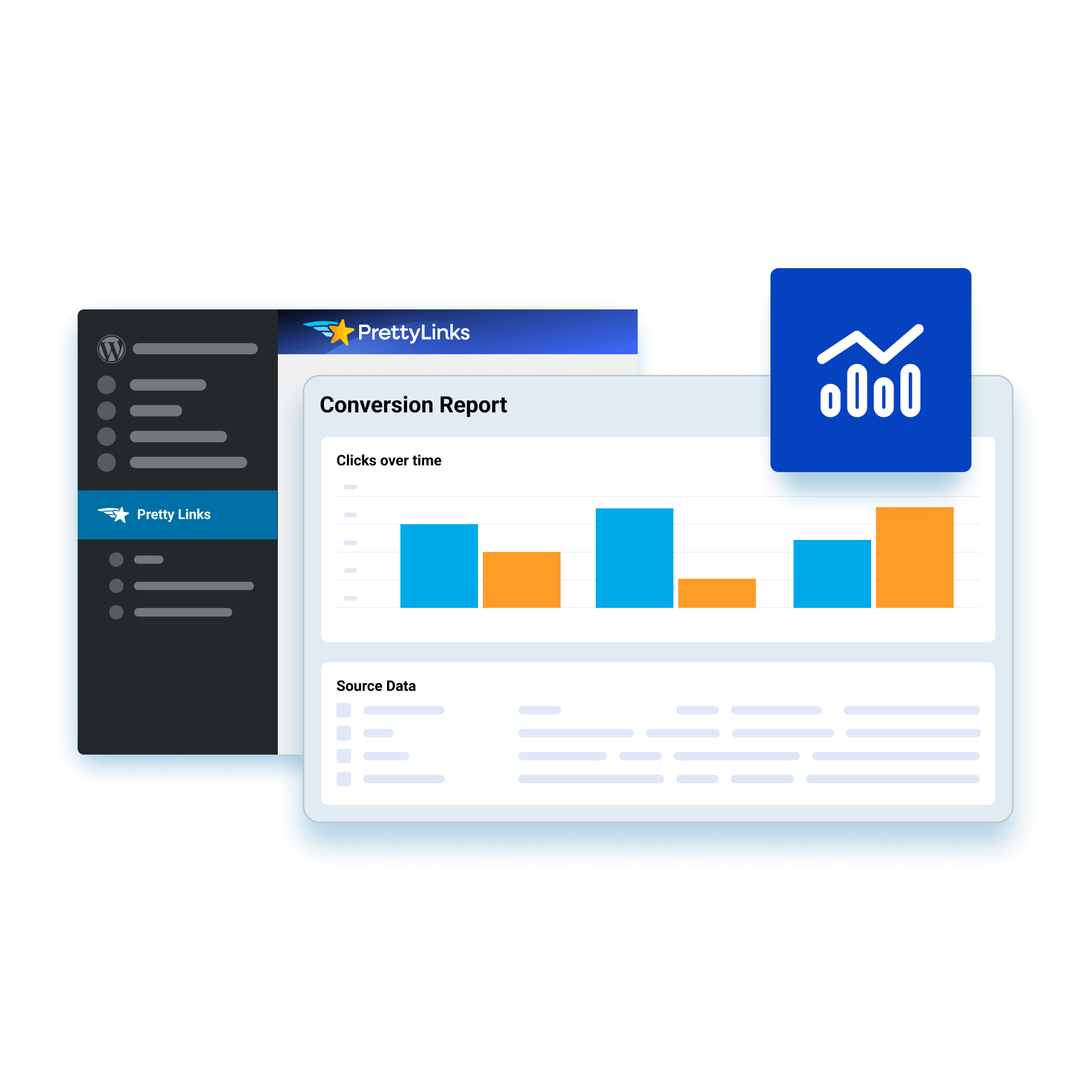
Créez des rapports de conversion personnalisés autour des liens que vous souhaitez tester, en les évaluant par rapport à l'action que vous souhaitez que les visiteurs effectuent.
PrettyLinks suit chaque clic menant à cet objectif et présente les résultats sous la forme d'un rapport sous forme de graphiques à barres facile à lire, ce qui permet de distinguer vos liens générateurs de conversions de ceux qui ne font qu'attirer des clics.
Conservez l'historique de vos clics sur une période pouvant aller jusqu'à deux ans
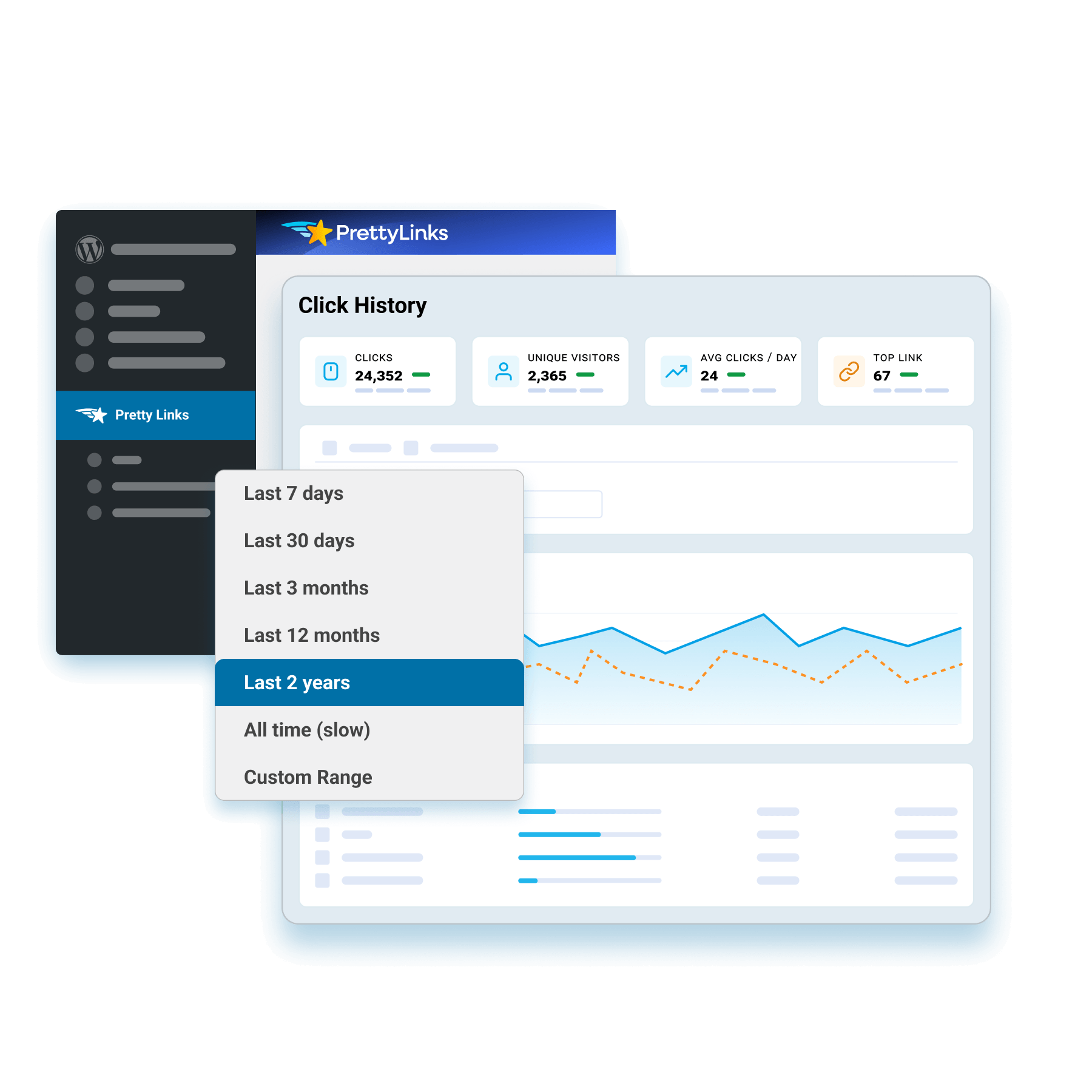
Conservez l'historique de vos clics pendant deux ans maximum, afin de disposer d'un historique complet des performances de chaque lien bien après le passage de la première vague de trafic.
Cette vaste gamme de données vous permet de comparer une tendance d'une saison à l'autre et d'une année à l'autre, mettant ainsi en évidence des tendances que quelques mois de données ne suffisent pas à révéler.
Allez encore plus loin dans le suivi grâce à MonsterInsights
Connectez PrettyLinks à MonsterInsights pour analyser plus en détail les performances de vos liens via Google Analytics, sans jamais quitter votre tableau de bord WordPress.
Comparez vos liens aux chiffres globaux de votre site et triez les résultats par page, campagne ou source de trafic afin d'identifier précisément ce qui génère vos revenus d'affiliation.
Questions fréquemment posées
Obtenez des réponses rapides aux questions les plus fréquemment posées sur le PrettyLinks.
Vous en avez d'autres ? Explorer notre page FAQ pour la liste complète.
PrettyLinks est le plugin de marketing d'affiliation #1 pour WordPress, utilisé par les spécialistes du marketing qui souhaitent nettoyer les URL désordonnées et partager des liens de marque correspondant à leur domaine.
Qu'il s'agisse de lier automatiquement des mots-clés à votre contenu, d'afficher des produits affiliés ou de mettre en place des redirections intelligentes qui envoient les utilisateurs là où ils sont le plus susceptibles de se convertir, PrettyLinks vous offre tout ce dont vous avez besoin pour raccourcir, organiser et suivre vos liens, le tout à partir d'un puissant tableau de bord conçu pour augmenter les clics et protéger vos commissions.
PrettyLinks a la confiance des créateurs de contenu qui veulent plus de contrôle sur les liens qu'ils partagent et plus de revenus à partir des clics qu'ils obtiennent. Cela inclut les spécialistes du marketing d'affiliation, les blogueurs, les influenceurs des médias sociaux, les créateurs de cours, les podcasteurs et les YouTubers. En fait, tous ceux qui cherchent à marquer leurs URL, à suivre les performances et à tout organiser à partir de leur site Web WordPress.
La mise en service de PrettyLinks est simple et rapide. Après avoir acheter et installer le plugin WordPress PrettyLinksIl vous suffit de suivre les 5 étapes de l'assistant de configuration pour :
- Activez votre licence PrettyLinks
- Activer les fonctionnalités souhaitées
- Créez votre premier joli lien
- Classer dans une catégorie
- Finaliser votre installation
Besoin de plus de conseils ? Consultez notre Démarrer avec PrettyLinks Il contient tout ce dont vous avez besoin pour commencer à organiser vos liens et à gagner de l'argent grâce à votre contenu.
- Activez votre licence PrettyLinks
Absolument ! PrettyLinks comprend une fonction d'importation intégrée qui facilite l'importation de vos liens existants à partir d'autres outils de gestion de liens.
Il suffit de suivre les étapes de notre guide de migration afin que vous puissiez organiser, optimiser et commencer à gagner plus d'argent à chaque clic.
Nous sommes ravis de vous compter parmi nous !
Vous recevrez votre clé de licence PrettyLinks par e-mail peu après votre commande. Vous pouvez également la trouver à tout moment en vous connectant à votre tableau de bord à l'adresse suivante prettylinks.com/account/.